












Which video tool is right for you and your business?
Vidyard and Loom both offer video tools for B2B teams for recording, editing, and sharing videos with ease. But which one is right for your business?
Vidyard vs. Loom Summary
Feature
Vidyard
Loom
Primary Focus
AI-powered Video Selling and Revenue Automation
Simple Video Messaging and Team Collaboration
AI Avatars & Automation
Yes (AI Avatars, Video Agent triggers on free plan).
Video Recording Quality
Free Plan Limits
Paid Plan Limits
Up to 1 hour (Starter) / Unlimited (Teams).
Viewer Identification
Identifies all recipients (in-browser technology).
In-Depth Analytics
Yes. Watch time, percentage viewed, team-wide insights, CRM integration (e.g., Salesforce) for ROI tracking.
Branding & Hosting
Key Integrations
Basic Tools
VIDYARD VS WISTIA
Feature Comparison
Vidyard - AI and Automation Capabilities For Sales
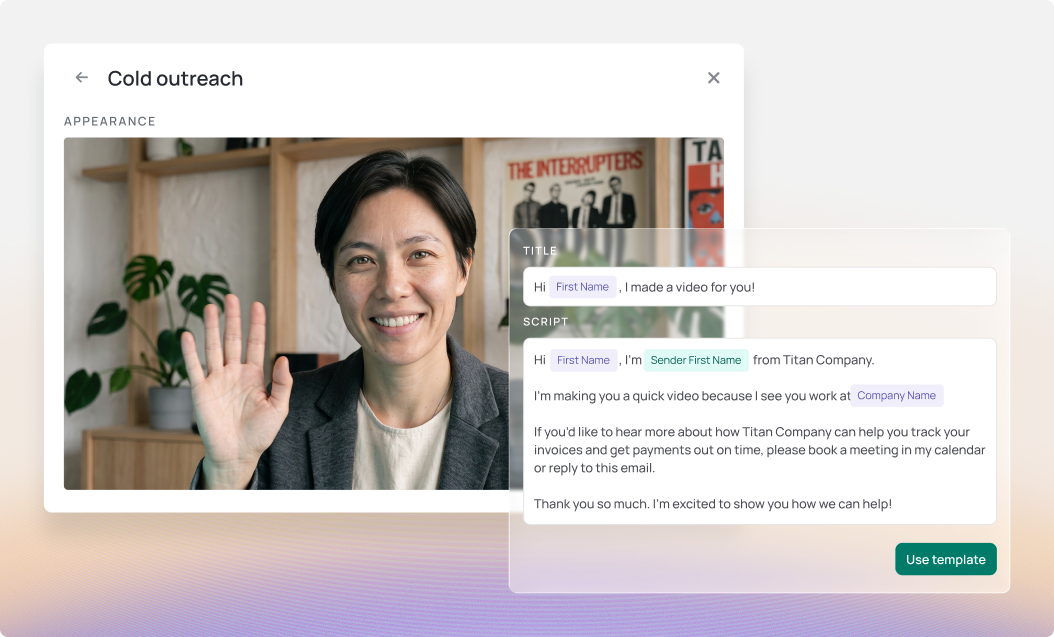
Vidyard is an AI-powered video selling platform, whereas Loom lacks these advanced automation features. Vidyard is designed to scale outreach using unique tools like AI Avatars to generate personalized videos in 25+ languages, and Video Agent to automatically trigger contextual videos based on buyer actions and CRM data. This functionality positions Vidyard as a solution for high-volume sales and marketing personalization that Loom simply does not offer.
Deeper Analytics and Complete Viewer Identification
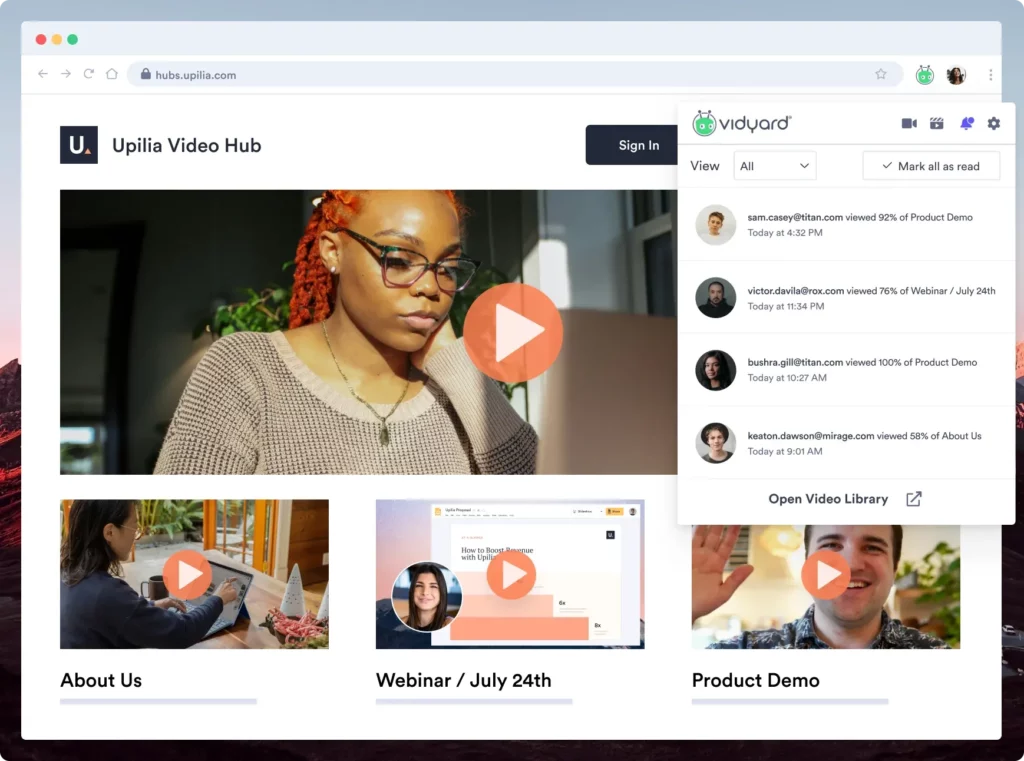
Vidyard offers demonstrably deeper, revenue-focused analytics than Loom's basic insights. While both track views, Vidyard provides granular data on watch time, engagement percentage, and team-wide performance, which is essential for ROI tracking. Critically, Vidyard uses in-browser technology to identify all viewers, ensuring sales and marketing teams avoid the "Anonymous" viewer identification that is common on Loom for non-Loom users.
Better Recording Quality and Flexibility on the Free Plan
Vidyard offers better recording quality and more valuable AI features on its free plan compared to Loom's. Vidyard offers 4K recording on all plans, including free, and includes 15 free AI-generated videos per month. By contrast, Loom's free plan is capped at 720p and limits recordings to a restrictive 5 minutes each, offering no AI functionality.
Advanced Branding, Hosting, and Customization
Vidyard provides a far more robust, enterprise-level hosting and branding solution than Loom. Vidyard offers ad-free hosting, personalized players, and the ability to create fully custom video pages using custom HTML & CSS to align perfectly with a brand's website. Loom's paid customization options are generally limited to basic sharing page branding.
Integration: Revenue Focus vs. Collaboration Focus
Price Comparison
Vidyard Pricing Overview
Loom Pricing Overview
Vidyard Free & Wistia Free
Vidyard’s free plan allows users to record up to 5 videos per month and 15 AI Avatar videos before upgrading. Also includes video editing options, limited Vidyard branding, video view notifications, up to 4K video creation and playback, and workflow integrations.
Loom’s free plan allows users to record up to 25 videos per user with a 5 minute length per video. Known as Loom Starter, the free plan also includes basic video editing and trimming, video view analytics, transcriptions, and allows viewers to react and comment.
Vidyard Starter & Loom Business
$59/user/month billed annually or $89/user/month. Video Agent add-on (unlimited AI videos) for $24/user/month on annual subscriptions. Vidyard Starter users gain unlimited videos, CRM integrations, access to in-depth viewer and team-wide analytics, branded sharing pages, CTA templates, and additional security features including video password protection. Starter users can also create up to 15 AI-generated videos using their own custom AI Avatars—a powerful way to personalize outreach before upgrading to the Video Agent add-on.
$15/user/month billed annually or $18/user/month. Loom’s Business plan gives users access to unlimited videos, basic waveform editing, removal of Loom branding, and ability to upload or download videos. While teams can send videos externally, Loom’s features focus on helping with internal communication.
Vidyard Teams & Loom Business + AI
Custom pricing Video Agent add-on available (unlimited AI videos). The Vidyard Business plan includes everything in Vidyard Starter and captions, advanced team analytics, video management features, customizable CRM/MAP integrations, and further customization including branding and CTAs. The Vidyard Business plan is great for larger teams who need additional permissions and flexibility.
$20/user/month billed annually or $24/user/month. Loom Business + AI offers advanced editing capabilities, automated meeting notes and recap emails, and video chapters and summaries. Their Business + AI plan seems to focus more on helping teams with internal communication.
Enterprise
Custom pricing Video Agent add-on available. Vidyard’s Enterprise plan is focused on enabling every team in your organization use video with ease and at scale. Enhanced privacy and SSO user management, video hosting, unlimited integrations, and custom permissions and security options.
Custom pricing Loom’s Enterprise plan starts to offer the content privacy settings, admin insights, and Salesforce integration offered by Vidyard’s Team plan. Other features include advanced security (SSO, SCIM) and a 99.95% uptime SLA
Which one is better for your business?
Both Vidyard and Loom have their own strengths and weaknesses. Choosing the best option will depend on your specific needs and requirements.
If you’re looking to help your revenue team win more deals with video, Vidyard offers Automated Avatar workflows, integrations, and deeper analytics to take your video strategy to the next level.
Loom, like Vidyard, is great for internal communication and team collaboration. It has the added benefit of affordability for smaller teams who aren’t yet ready to fully commit to a business-wide video strategy.
We hope this Vidyard vs. Loom analysis helps guide you to the best decision for your team. Don’t forget that you can take both tools for a free test drive!
But if you’re looking to understand Vidyard’s full capabilities, reach out to our team today.
Get a demo