











VIDYARD FOR CUSTOMER SUCCESS
Make every customer touchpoint clearer with video
Create personal video messages, reusable walkthroughs, and on-demand training that help customers get answers and move forward, without adding another meeting.
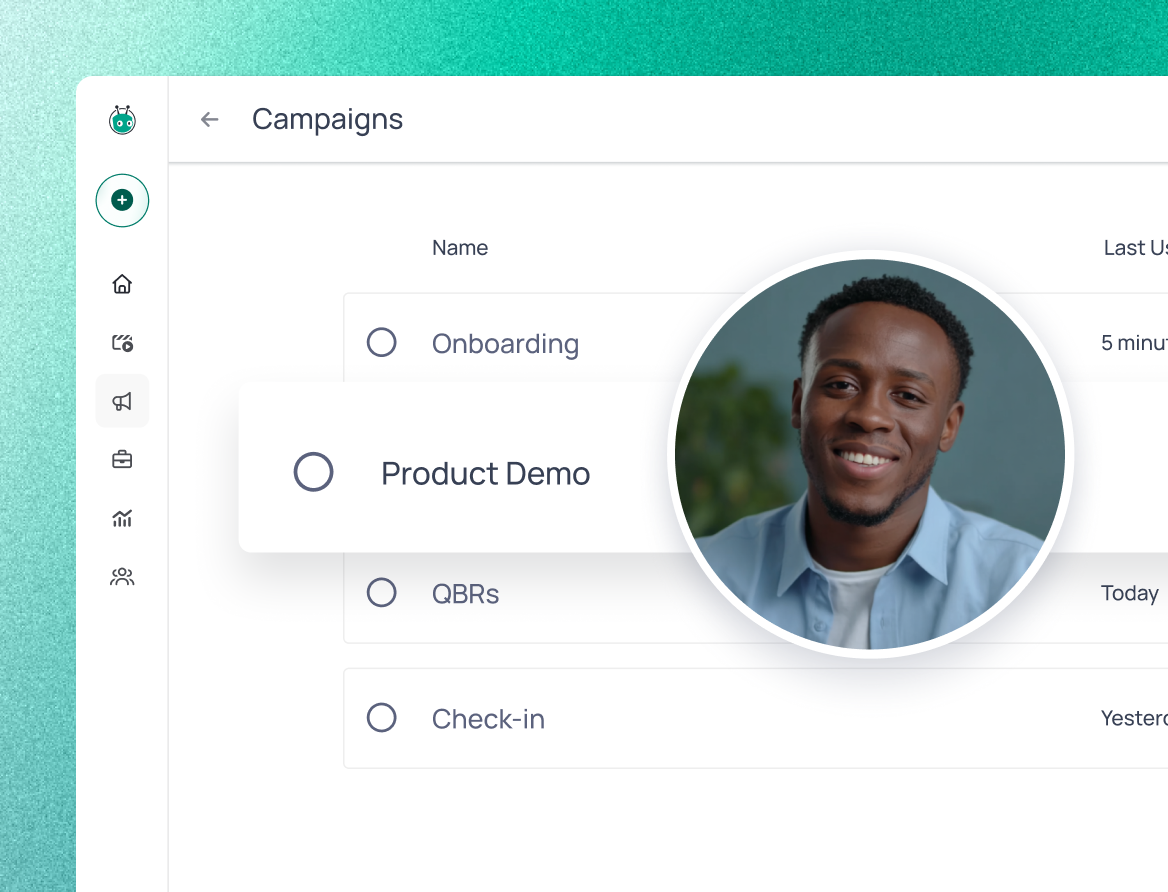
Built for every team customers meet after the sale
Whether you are onboarding a new account, delivering training, solving a technical question, or sharing an important update, Vidyard gives your team a faster way to communicate clearly without booking another call.
Every post-sales team has conversations they repeat. Video turns them into something reusable.
Meet when it matters and reuse everything else.
Instead of...
Answering the same support question for the fourth time this week
Running the same onboarding walkthrough for every new account
Scheduling a live training session every time a new feature launches
Sending an email introduction when an account changes hands
Scheduling a 30-minute check-in call just to see how adoption is going
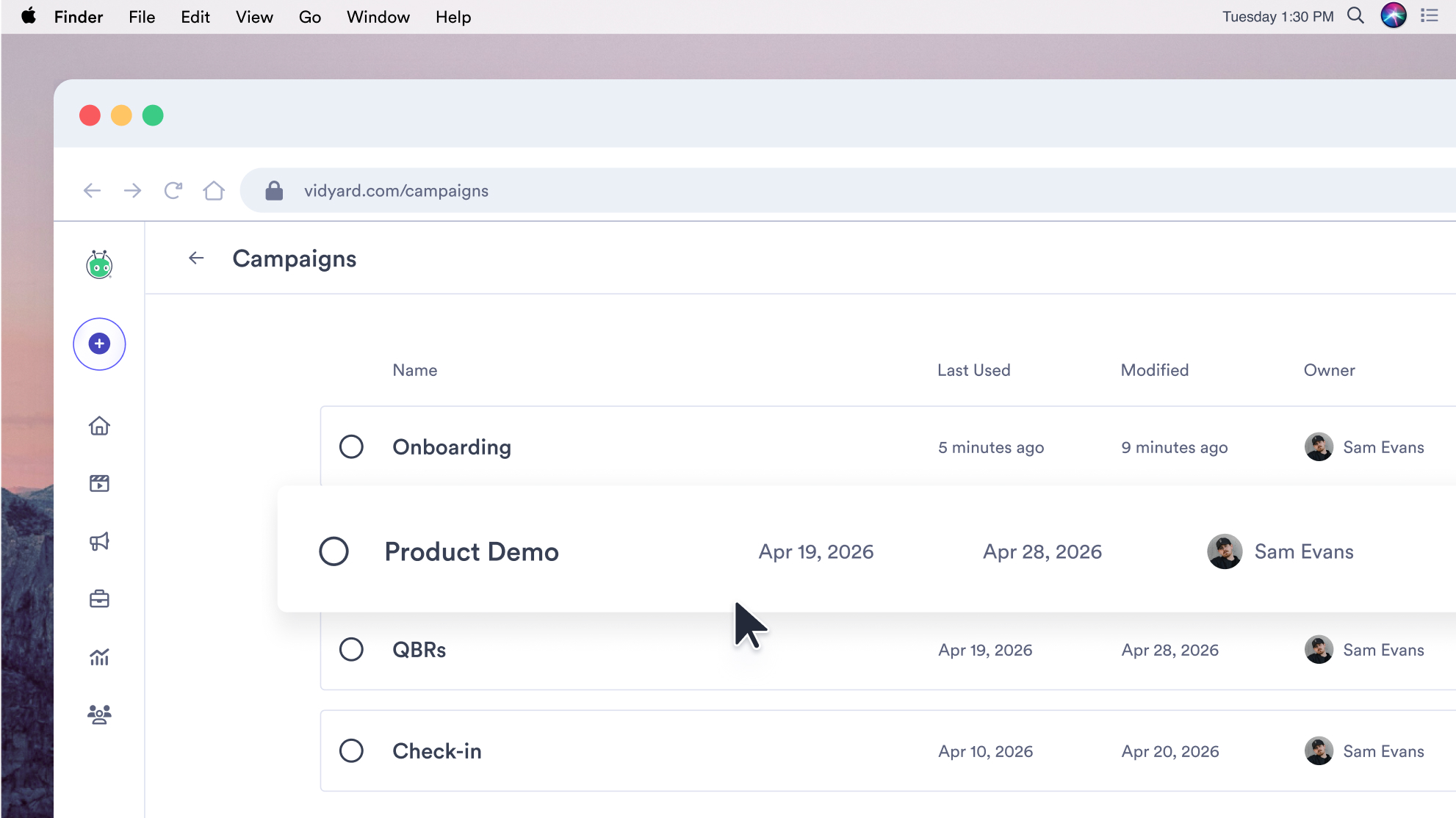
Writing a long email before every QBR
Sending a renewal email with usage stats buried in an attachment
Use video to...
Reuse a screen recording that's already in your library
Create one onboarding walkthrough customers can watch whenever they're ready
Record one product update and share it with every affected customer
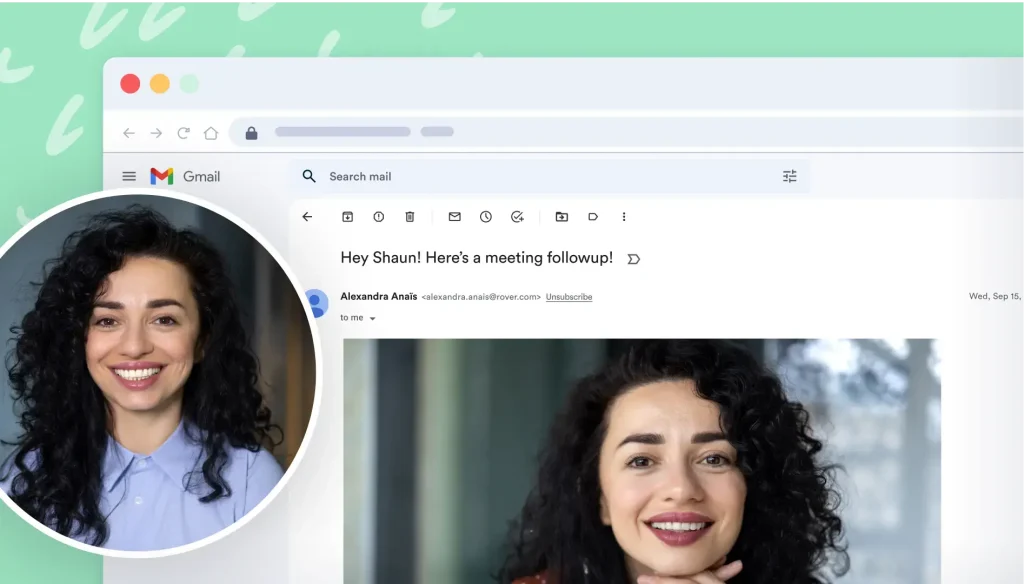
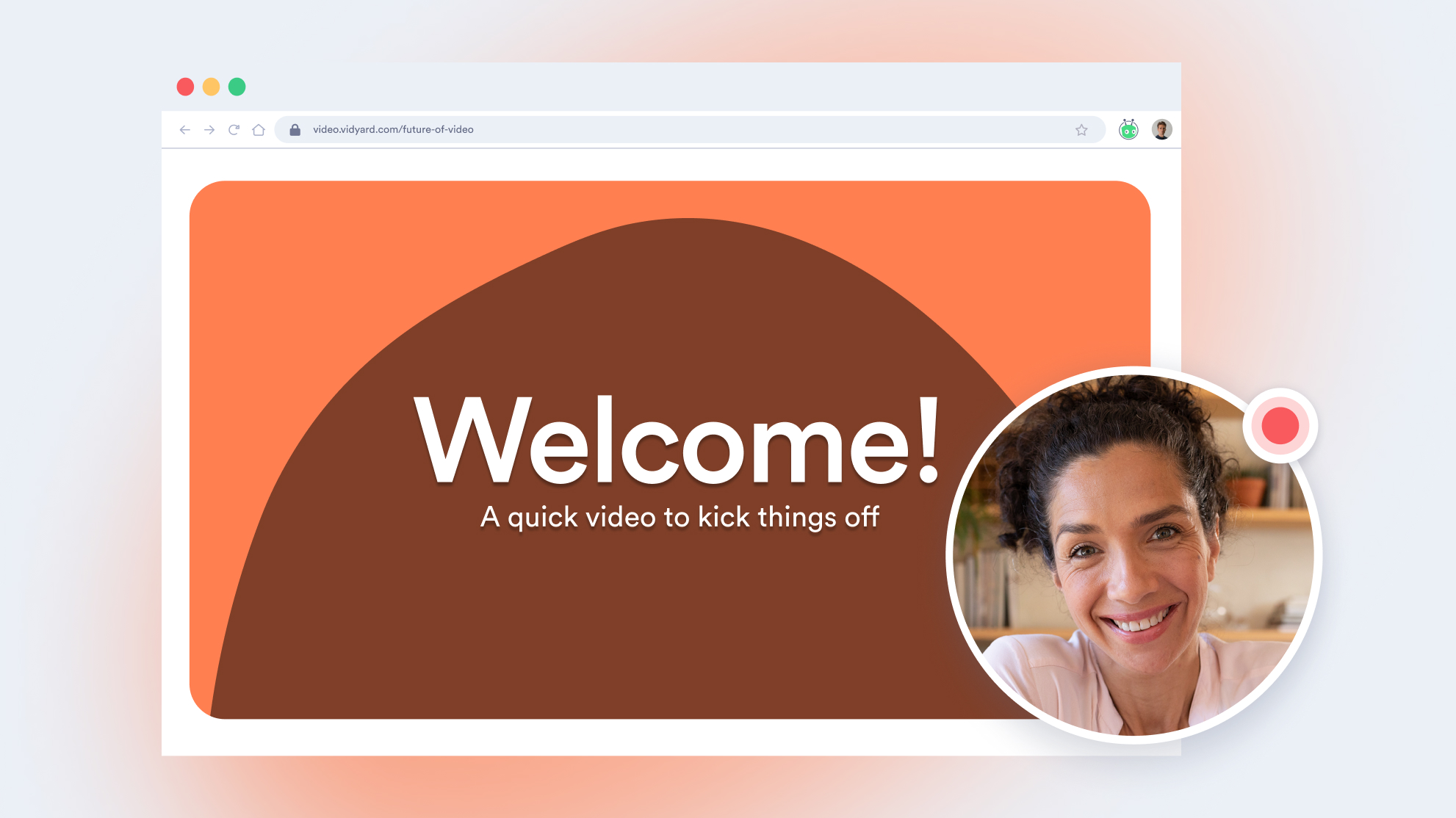
Introduce the new account owner with a personal welcome video
Send a personalized video update customers can watch and share on their own time
Share a personalized video recap customers can watch before the meeting
Walk customers through the value they've achieved before the renewal conversation begins
What video does for your post-sale teams
31%
higher post-sale engagement
42%
more engaged after a CSM video
6%
lift in onboarding activation
Features

ONBOARDING AND IMPLEMENTATION
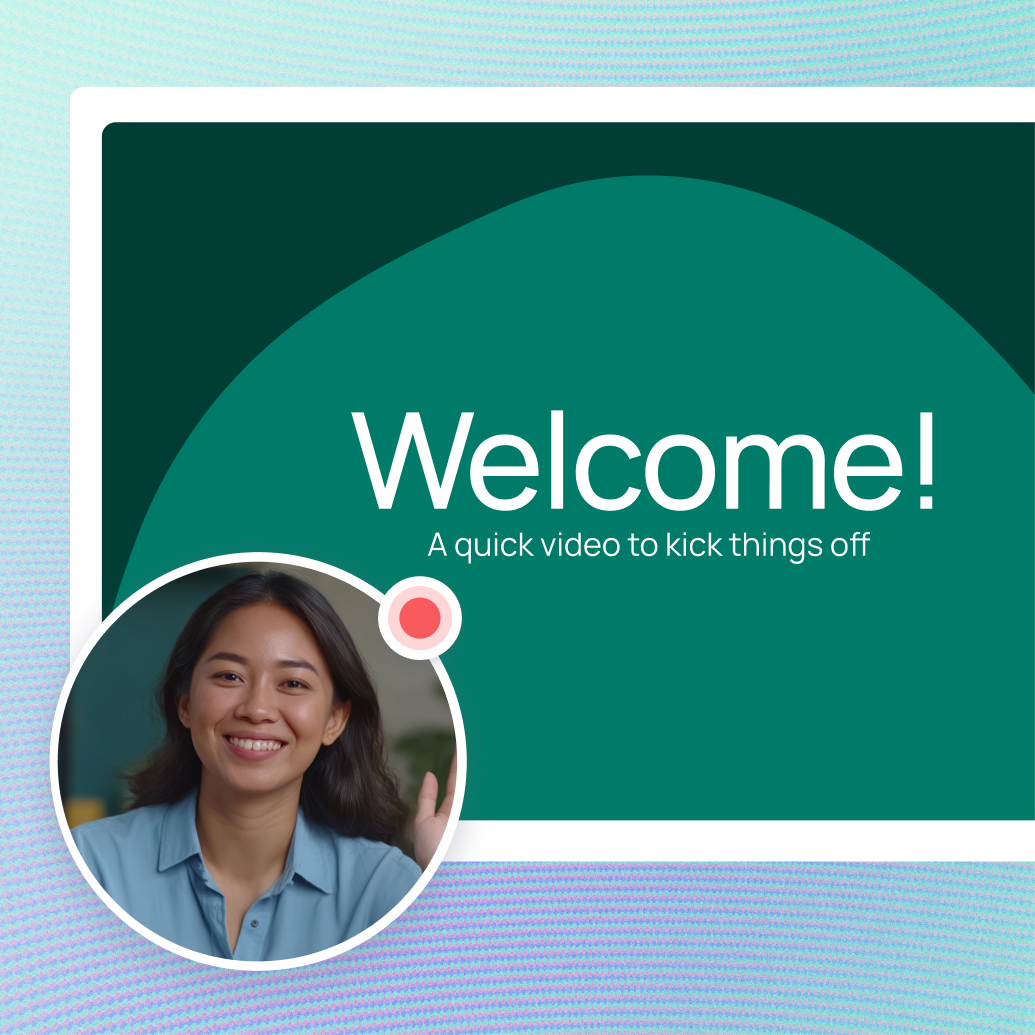
Help customers get started on their schedule
Record welcome messages, setup instructions, and product walkthroughs customers can watch when they need them.
Use short videos to reinforce live onboarding, explain the next step, or give customers something they can revisit without booking another call.

CUSTOMER EDUCATION AND ENABLEMENT
Turn repeatable guidance into an on-demand resource
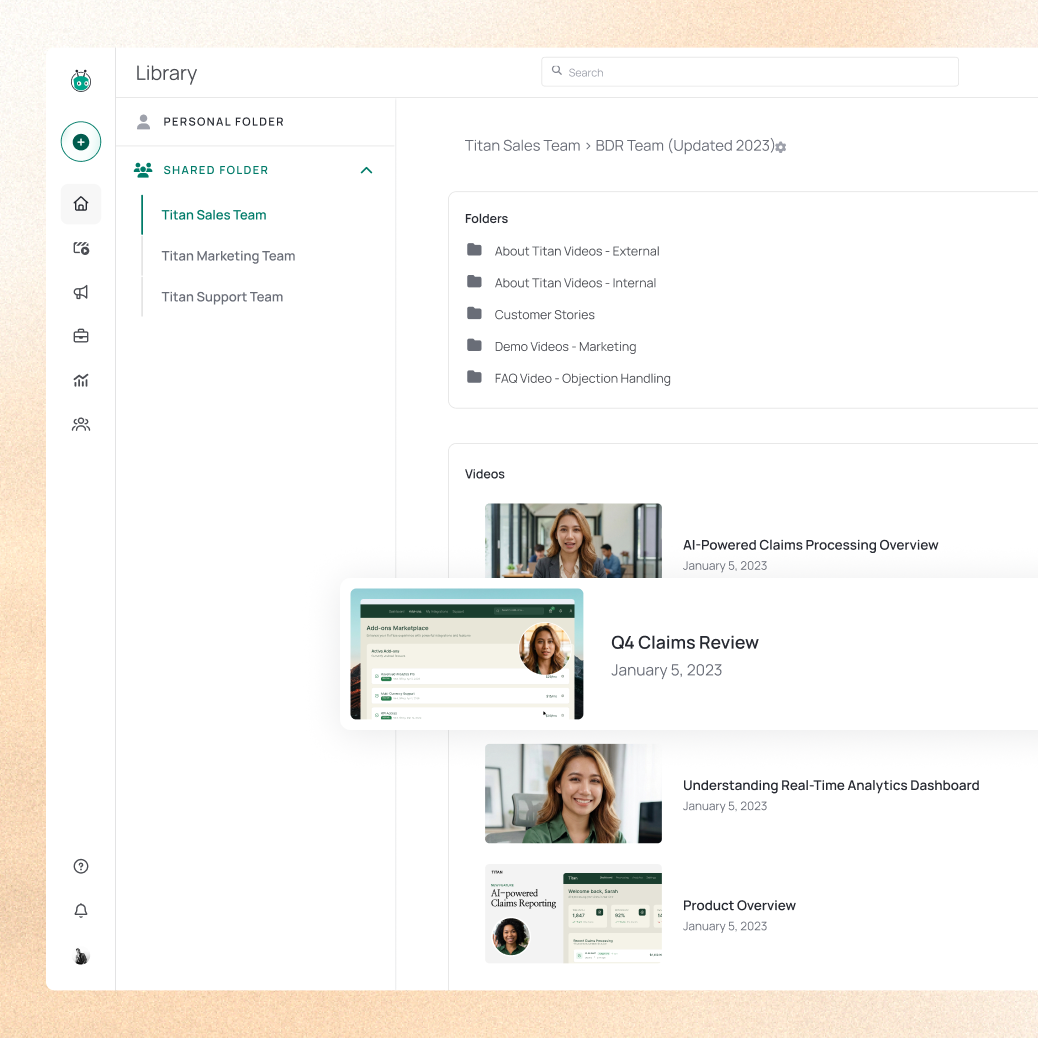
Create a reusable collection of training videos, feature walkthroughs, and best-practice content for customers to access whenever they need help.
Host videos in a branded Video Hub or embed them in your existing help center, customer academy, onboarding flow, email, or community, so customers find answers wherever they're already looking.
CUSTOMER SUPPORT
Show customers the answer instead of writing another long reply
Record your screen to walk customers through a setting, troubleshoot an issue, or explain the next step clearly.
Send the video in a support ticket, email, chat, or help article so customers can see exactly what to do and revisit the answer later.

CUSTOMER UPDATES AND CHECK-INS
Keep important customer updates personal
Use video for account handoffs, product updates, QBR recaps, adoption guidance, and renewal preparation.
A short personal message helps customers understand what matters, what has changed, and what to do next, without requiring every update to become a meeting. See who's watched your update and how engaged they are, so you walk into conversations already knowing where they stand.

AI-POWERED VIDEO
Create consistent customer updates without starting from scratch
Use an AI Avatar to create polished videos from a script while maintaining a consistent face and voice.
Turn approved messaging into repeatable product updates, onboarding guidance, training content, and announcements without recording every version manually.
Video for every customer moment
Win more meetings
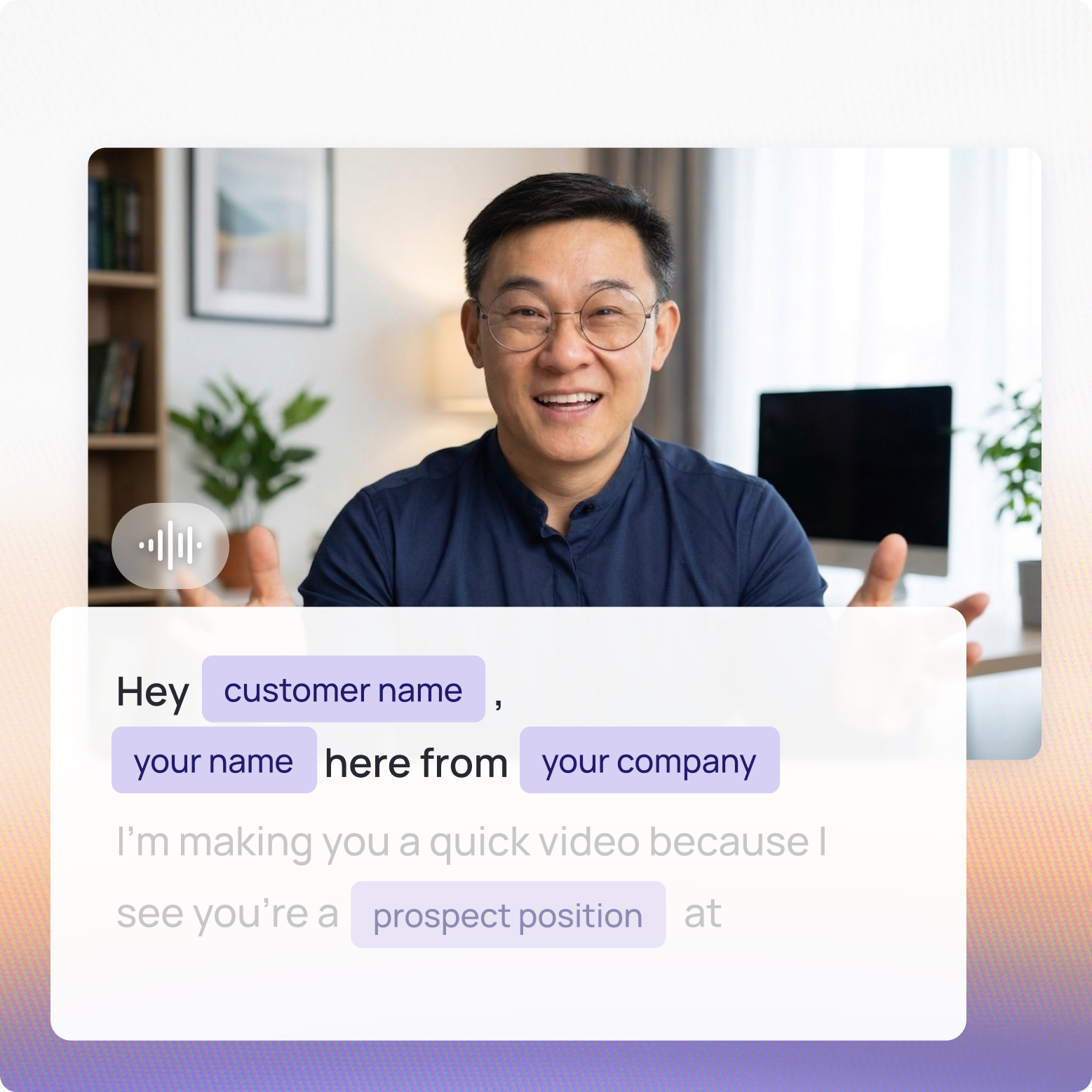
Cut through crowded inboxes with personal video that gets replies and shows you who's watching.
Deliver a controlled experience
Host, brand, and share video across every customer touchpoint: onboarding, QBRs, and renewals with full analytics.
Scale what's working
Turn your best reps into scalable templates. AI avatars, automated sequences, and signal-based triggers at scale.
Support every post-sales conversation, from onboarding to renewal
See how Vidyard helps post-sales teams onboard faster, resolve support questions, and walk into renewals with confidence, all without adding another meeting to the calendar.

Get a demo