











Put Vidyard to work inside your AI stack
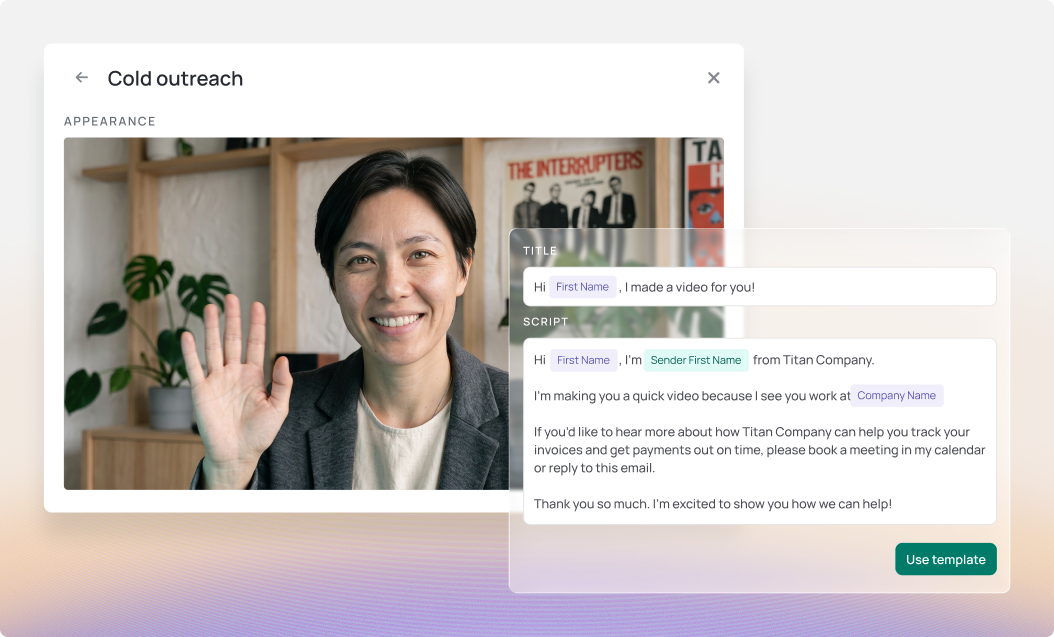
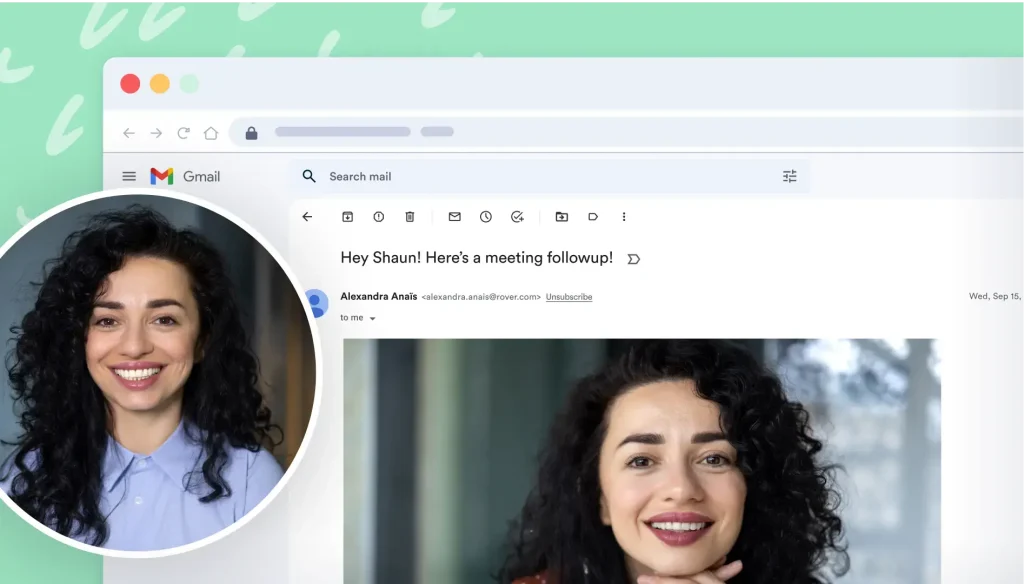
Create personalized videos, find the right content, and act on engagement using the context already in your GTM stack, without jumping between tools.
Works with the AI tools your team already uses




Your Vidyard capabilities, now connected to more of your GTM stack
Bring the power of Vidyard into your connected tools, and use the context available across them to make every video action more relevant.
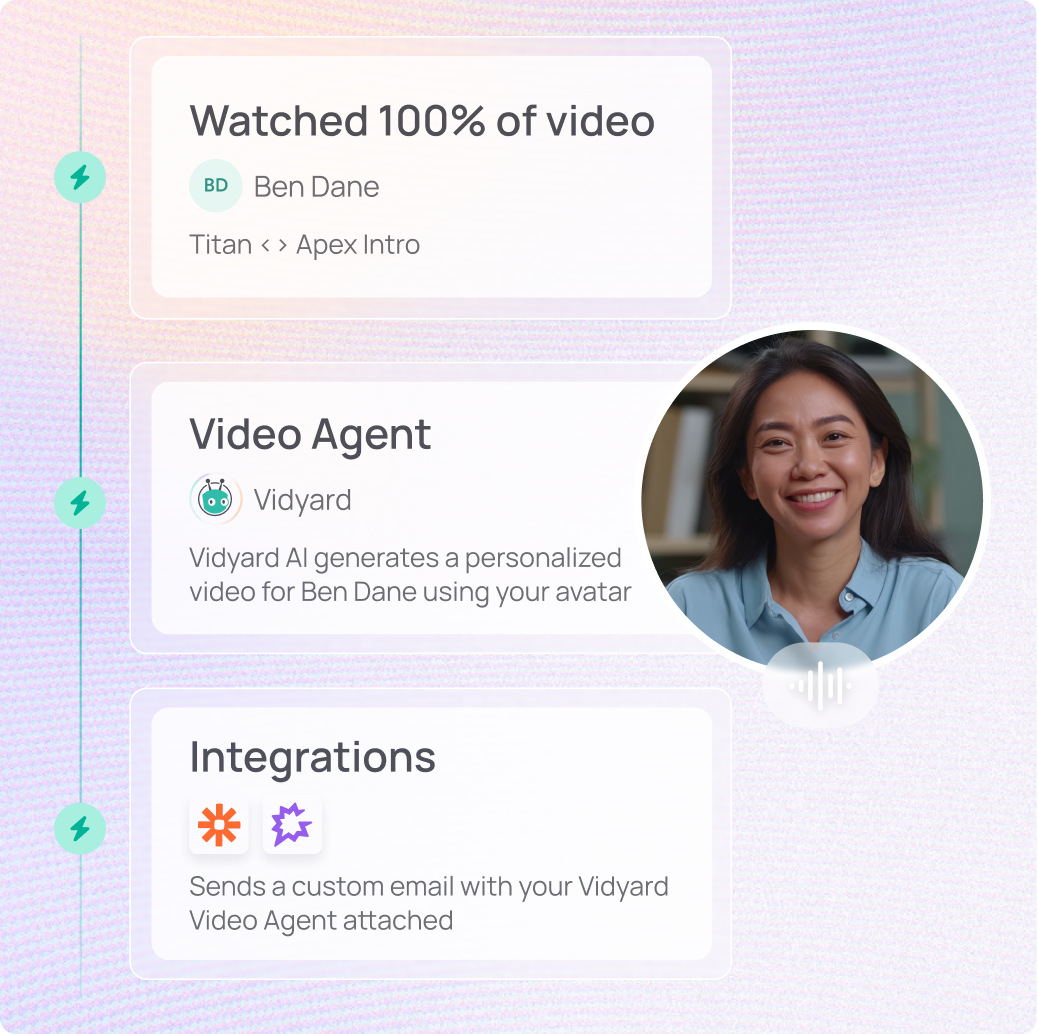
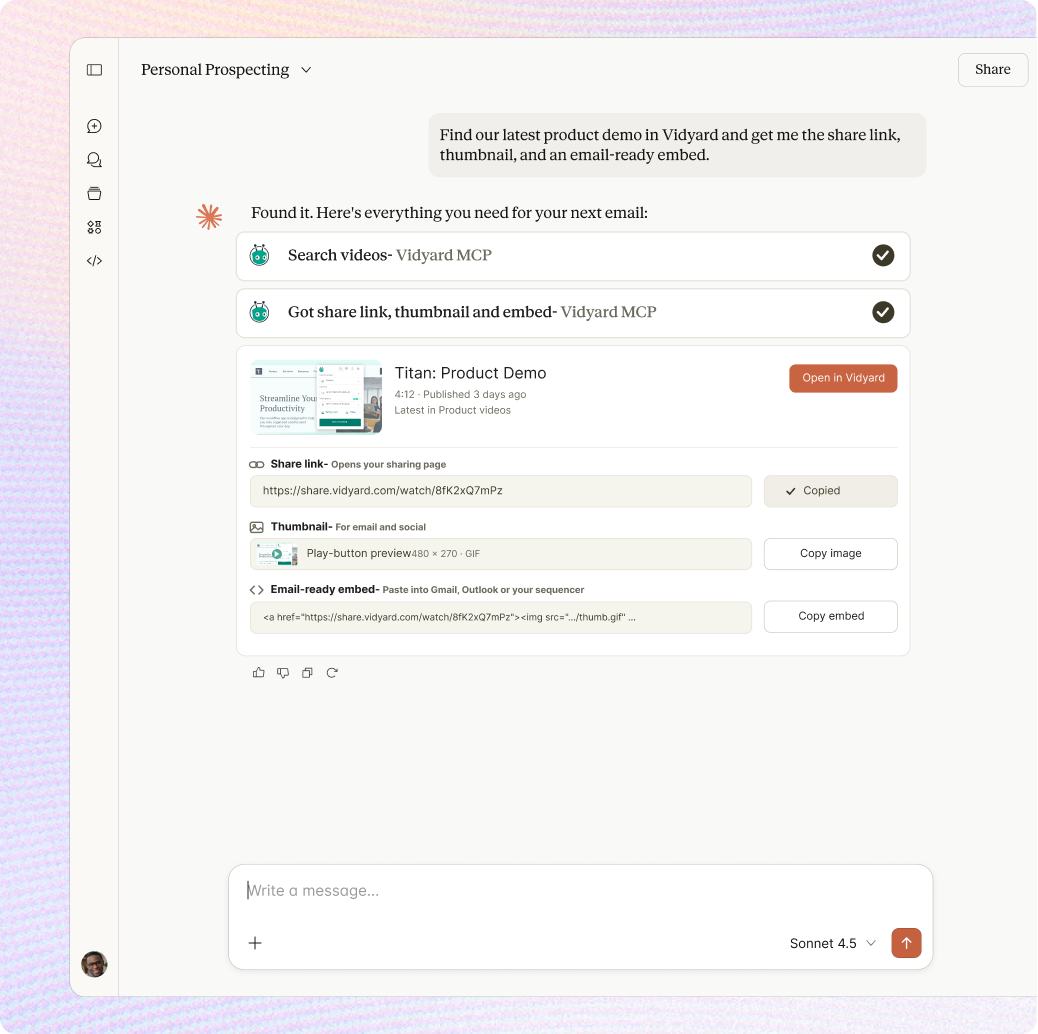
See Vidyard MCP in action
Bring the power of Vidyard into your connected tools, and use the context available across them to make every video action more relevant.
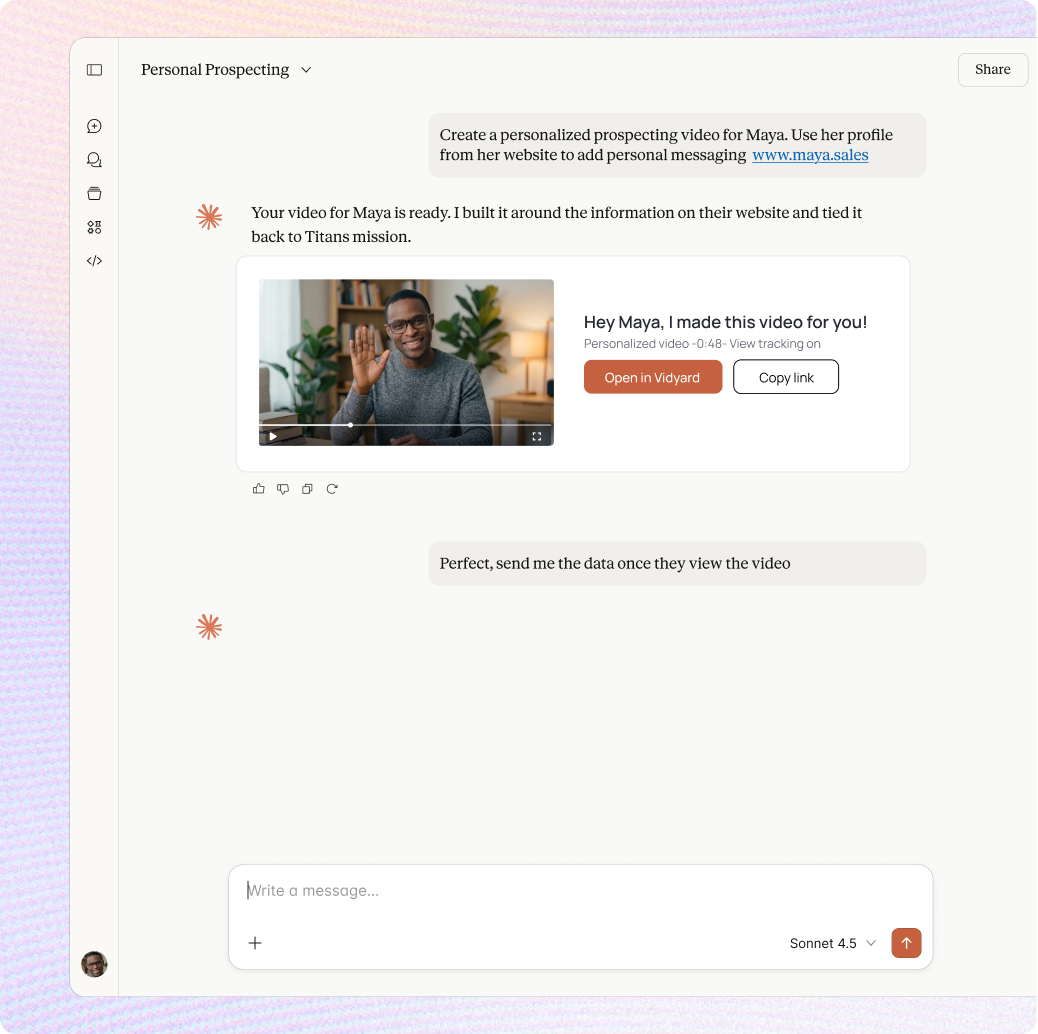
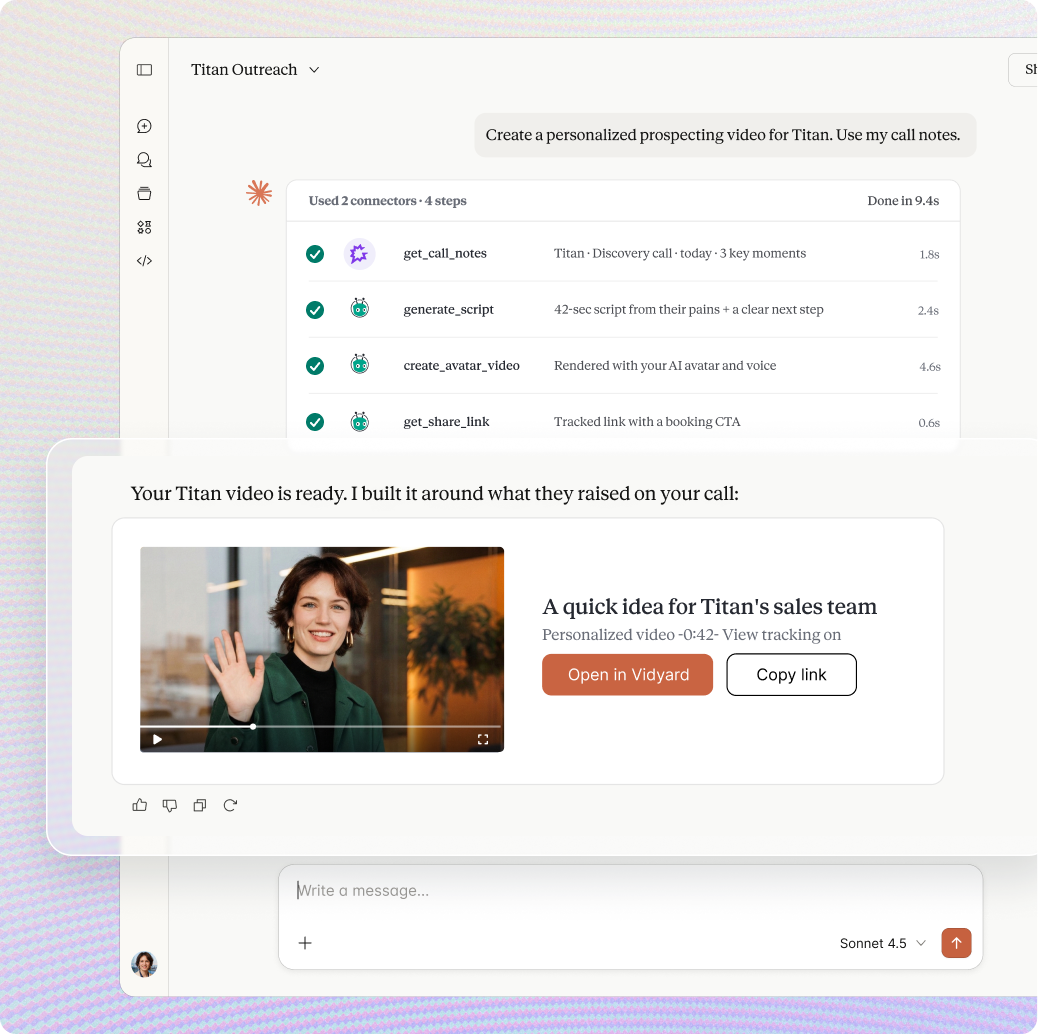
Bring Vidyard into Claude
Create personalized videos, find existing content, understand engagement, or prepare a video to send, with a simple prompt.
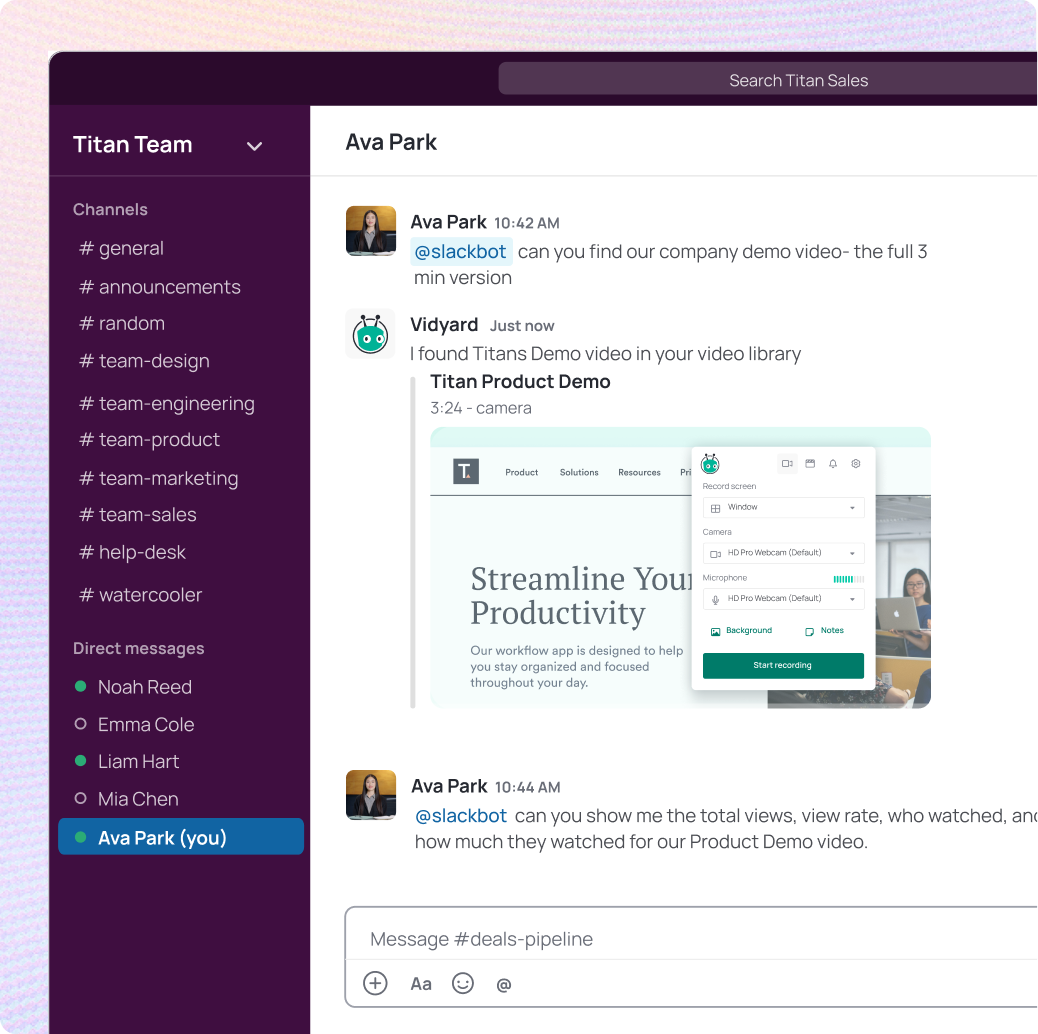
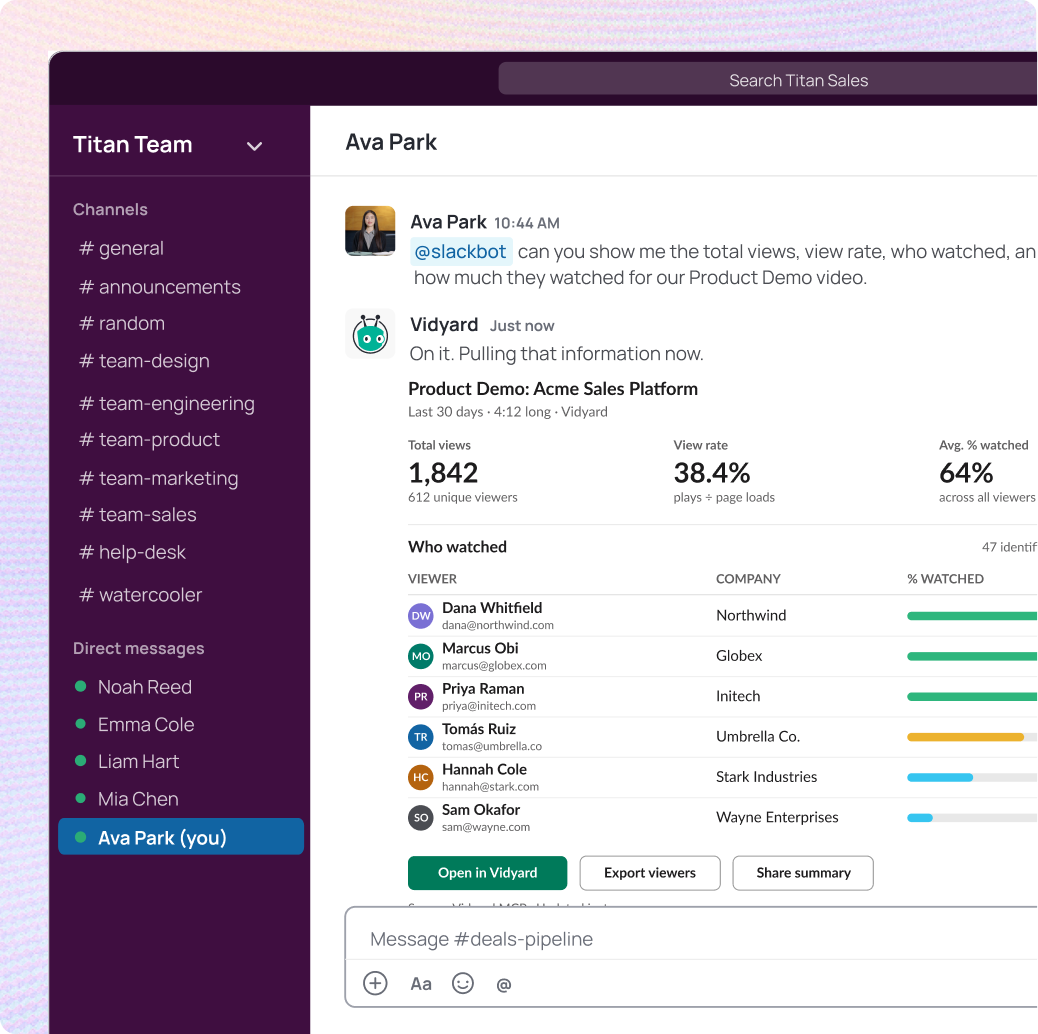
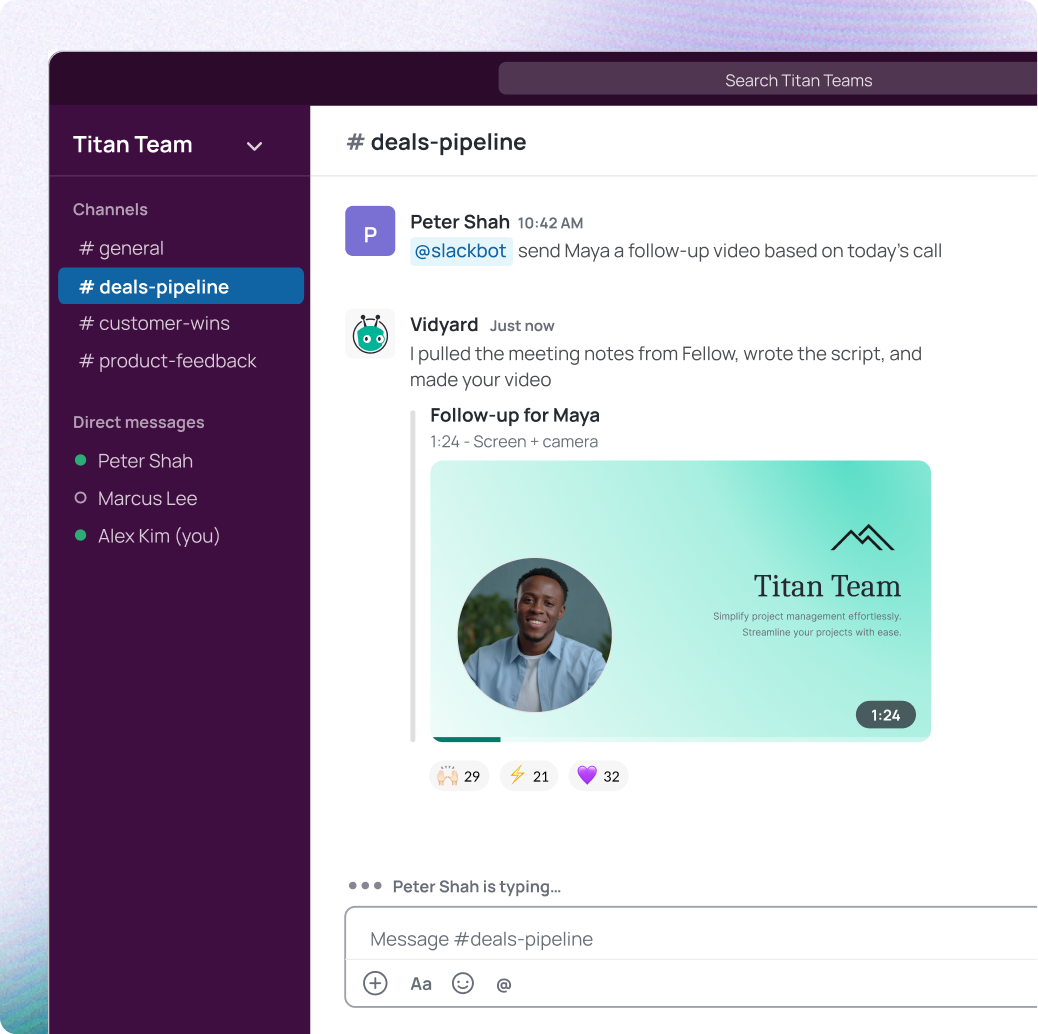
Create, find, share, and understand Vidyard videos from Slack
Every Vidyard MCP tool is available from Slackbot, using the context already in your conversations. If your team has Fellow connected, it can pull meeting notes, write the script, and generate the video in one go
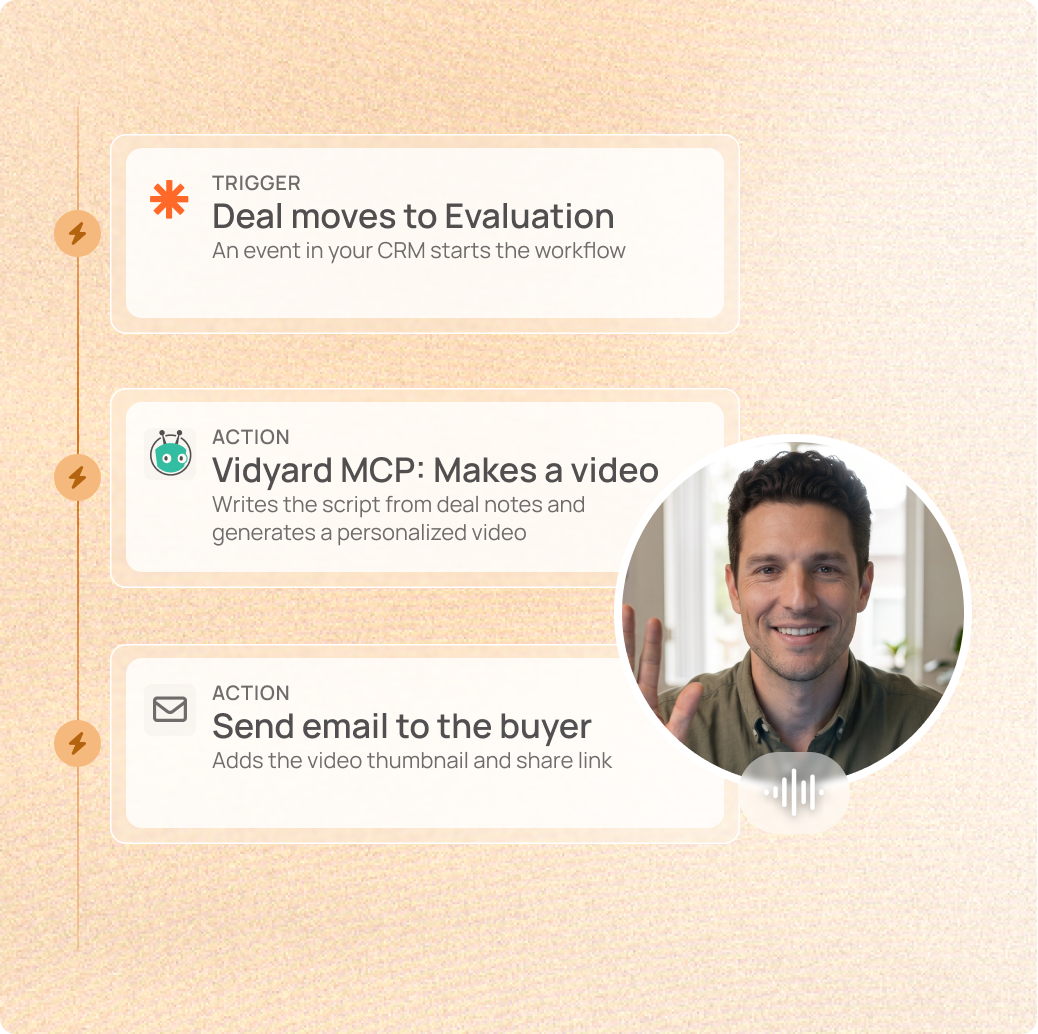
Turn events across your GTM stack into automated video actions
Connect Vidyard MCP to Zapier and trigger personalized video generation from any event in your stack. No code. No manual steps.
How it works

Claude
- Open Claude on web or Desktop → Customize → Connectors
- Add Vidyard MCP as a custom connector using the Vidyard MCP server URL
- Sign in with your Vidyard account and authorize access
- Connect other accounts for the context you want to bring to Claude. Gong, Fellow, Slack etc
Slack
- Find Vidyard in the Slack Marketplace
- Install and authenticate with your Vidyard account
- Ask Slackbot to create, find, or pull analytics on any video
Zapier
- Create a Zap and choose your trigger
- Add an MCP Client step with the Vidyard MCP server URL
- Sign in with your Vidyard account and choose the action to run
- Test and publish your Zap

Gong
- In Gong, open Admin Center → Ecosystem → MCP
- Add a new MCP client connection with the Vidyard MCP server URL
- Sign in with Vidyard, authorize access, and select the tools to enable
Using a different AI tool or LLM?
If your team uses a different tool and wants to connect it, we can help you get set up.