












Which video hosting tool is right for your business?
Vidyard and Wistia both host, embed, and measure business video. Wistia is built for marketing teams. Vidyard gives marketing teams hosting, lead capture, and analytics, Hubs for branded video destinations, and serves sales and customer success on the same platform. Here is how they compare.
VIDYARD VS WISTIA
Feature comparison
What are the differences between Vidyard's and Wistia’s video platforms?
Wistia's marketing features include hosting, a customizable player, channels for video collections, in-video forms, marketing automation integrations, and live webinars through its separate webinar plans.
Vidyard is a video platform for the full GTM motion, including marketing teams. Vidyard Hosting is the central place to upload, organize, embed, and measure business video, with a branded ad-free player, in-video CTAs, folders and permissions, password protection, and engagement synced to CRM and marketing automation tools.
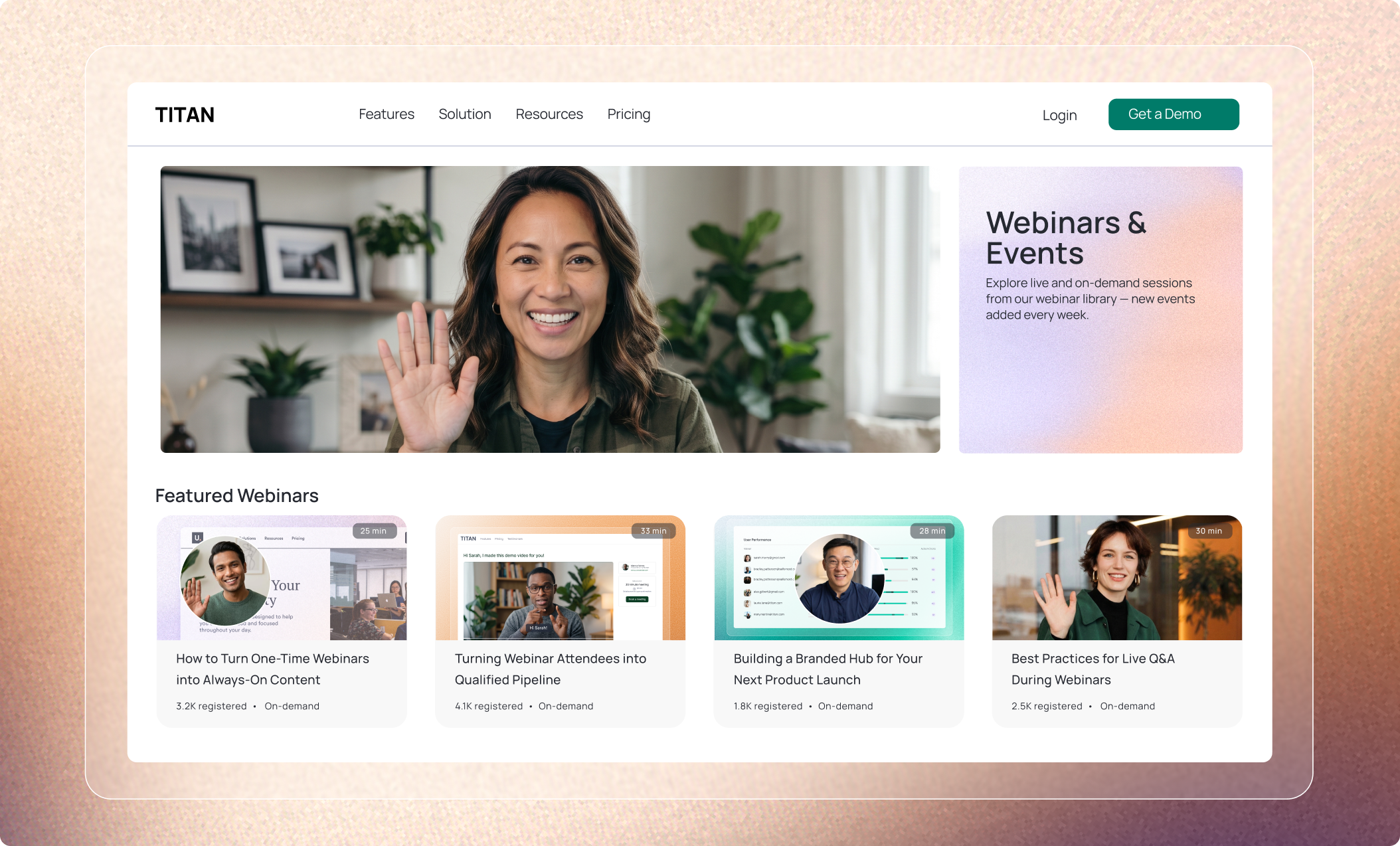
Vidyard Hubs turns selected hosted videos into a branded, searchable destination for webinars, resource centers, campaigns, customer education, or a key account. Read the OctoClean case study to see how they use branded Video Hubs for franchise training while tracking video engagement in HubSpot.
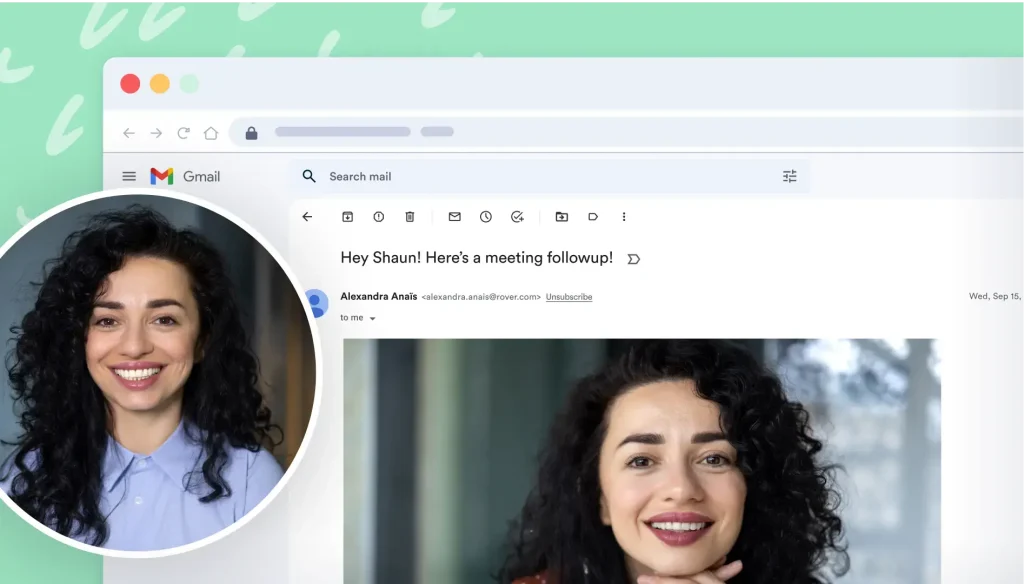
Marketing, sales and customer success teams can also record and send Video Messages. Video Agent can automatically send an approved recording after a prospect or customer takes a specified action.
| Capability | Vidyard | Wistia |
| Hosting and embedding | Ad-free branded player, up to 4K, custom thumbnails, chapters, in-video CTAs; website player embeds and linked video thumbnails for email. | Ad-free branded player; website player embeds and linked video thumbnails for email. |
| Branded video collections: custom branding | Hubs: custom layouts, branding, and custom domain. | Channels: header image or video, fonts, colors, logo. |
| Branded video collections: search and navigation | Search and navigation across the collection. | Search bar, and sectioned layouts. |
| Branded video collections: where it lives | Standalone destination on a custom domain. | Embedded on your site or shared as a standalone page. |
| Branded video collections: lead capture | CTAs within the Hub. | Subscribe button or email gate on the Channel. |
| Branded video collections: viewer access | Public, password-protected, or SSO-based access. | Public, password-protected, or invited users only. |
| Branded video collections: analytics | Viewing activity sent to HubSpot, Marketo, Salesforce, or Google Analytics. | Channel-level plays, hours watched, top episodes, engagement graphs, heatmaps. |
| Lead capture and CTAs on hosted video | In-video custom CTAs; engagement synced to CRM and marketing automation tools. | In-video forms and CTAs (Business plan and up). |
| Analytics and CRM integration | Who watched, when, and for how long; aggregate dashboards; with a supported integration, video activity synced in HubSpot, Salesforce, and other tool integrations. | Viewer analytics, heatmaps, A/B testing; with the HubSpot integration, views and CTA clicks on the contact timeline and lead scoring or workflow triggers from video behavior; marketing integrations on Business + Signals and up. |
| One-to-one video messages | Record and send from the browser, Gmail, Outlook, LinkedIn, or a sales engagement tool, with a notification when a specific person watches. | Screen and webcam recording for creating videos; not built around one-to-one sending and tracking. |
| Automated follow-up | Video Agent sends an approved pre-recorded video when the CRM or marketing automation tool records an action (add-on). | Video engagement can trigger follow-up through connected marketing automation tools. |
| Live webinars | Not offered. Publish on-demand webinar recordings in a Hub. | Available through Wistia’s separate webinar plans; see pricing. |
| Viewer access controls | Password protection on hosted videos; public, password, or SSO access on Hubs. | Password protection on all plans. |
| Team account security | SSO on Enterprise. | SSO on Enterprise. |
| Pricing model | Per user; hosting on paid plans. | Per account with three users included, then per additional user; storage and bandwidth tiers. |
When should you consider Vidyard?
- You want hosting, Hubs, analytics and one-to-one video on one platform. Marketing teams can host and embed video and build branded destinations on Vidyard. Marketing, sales and customer success teams can record and send video messages from the platform. Analytics flow back into your existing tools.
- You want a branded destination for a specific audience. Curate hosted videos into a Hub for a key account, a customer training center, or a campaign, with public, password, or SSO access and viewing data sent to HubSpot, Marketo, Salesforce, or Google Analytics.
- You want Reps and CSMs to send video from the tools they already use. Record and send one-to-one videos from Gmail, Outlook, LinkedIn, or a sales engagement tool, and get notified when a specific person watches. BDRs who use video for first touches see 5x more replies.
- You want automated follow-up with recorded video. When a prospect or customer submits a form, books a meeting, or registers for a webinar, the CRM or marketing automation tool records the action and a rule the team sets up has Video Agent send an approved recorded video.
Do Vidyard and Wistia have limitations on videos within their platform?
Wistia’s plans are sized by storage and bandwidth: 25 GB of storage and 200 GB of bandwidth on Free, 250 GB+ and 1 TB on Business, and more on Enterprise. Pricing is per account, with three users included on Business and $25 for each additional user.
Vidyard’s free plan is built for recording and sharing (5 recordings per month). Video hosting is included on paid plans, starting with Starter, which also adds unlimited recordings, in-video CTAs, and password protection. What you can do on Vidyard then grows by plan. CRM and marketing automation integrations, folder management, and Hubs come with Teams, and Enterprise adds unlimited integrations, SSO, and custom permissions.
See the pricing table below for a plan-by-plan comparison.
Pricing as of October 16, 2026. For the latest details, visit each vendor’s pricing page: Vidyard pricing, Wistia pricing.
| Tier | Vidyard | Wistia |
| Free | Free: 5 recordings per month, up to 30 minutes each, sharing by link or email, view notifications, basic analytics. Video hosting requires a paid plan. | Free: 1 user, 25 GB storage, 200 GB bandwidth, basic editing and analytics, password protection. |
| Entry paid | Starter: $59/user/month billed annually, unlimited recordings; video hosting included; real-time viewer insights, in-video CTAs, sharing-page customization, password protection. | Business: $79/month billed annually, 3 users included ($25 each additional), 250 GB or more of storage, 1 TB bandwidth, Channels, forms, custom branding, A/B testing. |
| Mid-tier | Teams: custom pricing, CRM and marketing automation integrations, customizable CTAs and branding, folder management, Hubs, team analytics. | Business + Signals: $329/month billed annually, marketing automation integrations and engagement-driven automation. |
| Enterprise | Enterprise: custom pricing, unlimited integrations, SSO, custom permissions and security options. | Enterprise: custom pricing, 1 TB+ storage, 2 TB bandwidth, SSO. |
Which one is better for your business?
Consider Vidyard for marketing hosting, embedding, branded Hubs, and engagement connected to your CRM. It is also able to support teams that want sales messaging and customer follow-up on the same platform.
Consider Wistia for marketing video hosting with Channels, A/B testing, and live webinars through its webinar plans.
Over 100,000 GTM teams trust Vidyard to grow their revenue




Get a demo