




















Skip to Main Content

Grow your business with video

Increase responses and accelerate deals with video messaging for your entire revenue team.

Free

Stand out with video messages.

$0

No credit card required

All Free plans include:

  • 15 AI videosNew
  • Stock avatars
  • 3 custom AI avatarsNew
  • Limited automated video creation and delivery
  • Limited videos per month
  • Video editing tools
  • Video sharing options
  • Limited integrations

Starter

Close more deals, faster.

$59

USD
/seat/month billed annually

Buy Now

or Start a 14-Day Trial

Video Agent add-on

  • Unlimited AI videos
  • 3 custom AI avatars
  • Unlimited automated video creation and delivery

$24 USD/seat/month billed annually

Everything in Free, and

  • Unlimited video recording
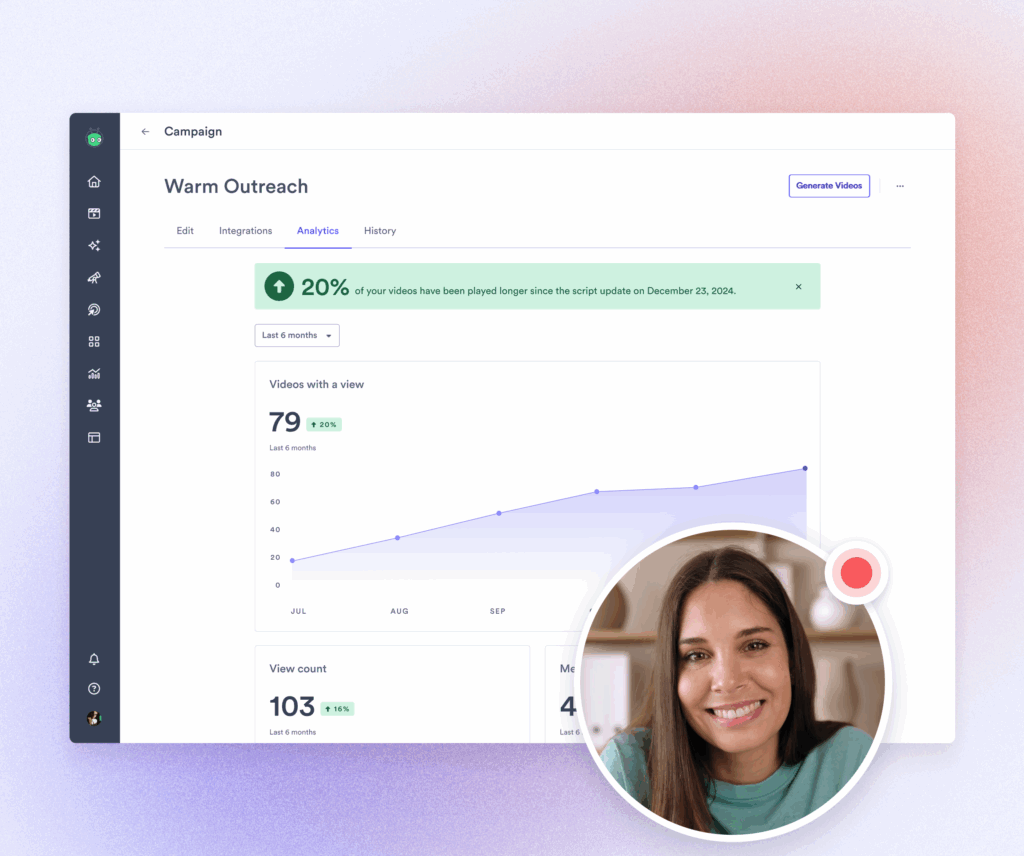
  • Full video analytics
  • Team performance analytics
  • Branded Sharing Page for videos
  • CTA templates
  • Password-protected videos
  • Folder management
  • Custom backgrounds

Enterprise

Make scaled video a seamless part of your revenue workflows.

Custom pricing

Talk to Sales

Video Agent add-on

  • Unlimited AI videos
  • 3 custom AI avatars
  • Unlimited automated video creation and delivery

Custom pricing

Everything in Teams, and

  • Unlimited integrations
  • SSO user management and secure playback
  • Custom permissions and security options
Video Agent Add-On

Unlock unlimited AI-powered video workflows with Video Agent

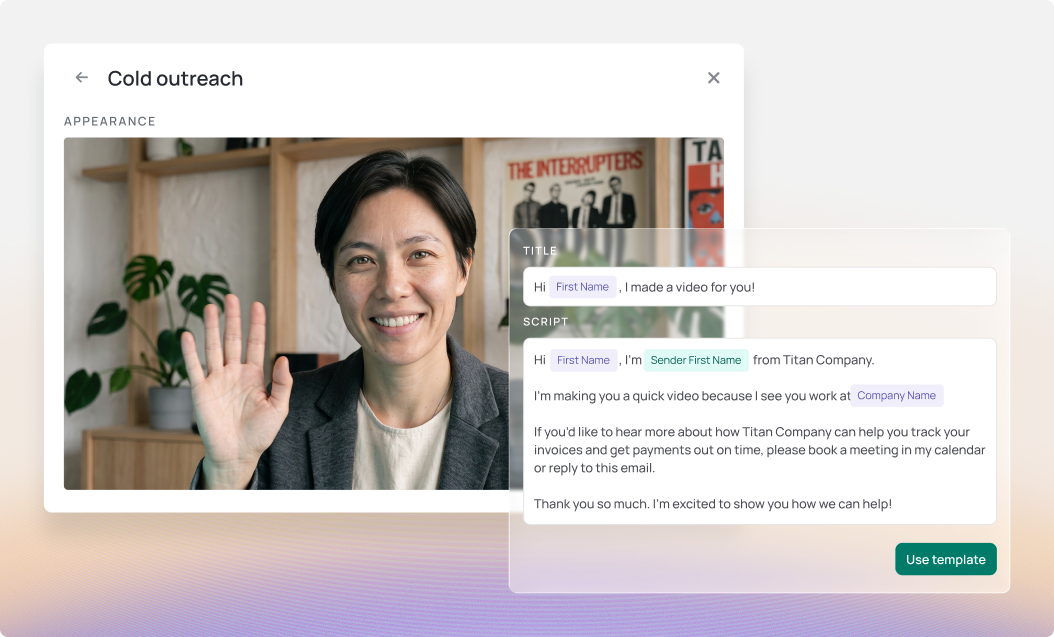
Accelerate deals and increase wins across the funnel with unlimited personalized AI-generated video messages that hit buyer inboxes at the right time, every time.

  • Automatically creates and delivers personalized video messages based on buyer actions
  • Integrates with Salesloft, Salesforce, HubSpot, Marketo and Zapier
  • Unlimited AI videos
Get a DemoLearn More
Vidyard video thumbnail - click to play

Drive Revenue with Personalized Video

92%

increase in reply rates

1,103%

increase in demo conversion rate

4x

meetings booked by sales

5x

response rates with video

Vidyard is rated 4.5 based on 700+ reviews on G2

G2 badge indicating Vidyard is an enterprise leader for easiest setup for Spring 2025
G2 badge indicating Vidyard is an enterprise grid leader for Spring 2025
G2 badge indicating Vidyard is an enterprise leader for easiest to do business with for Spring 2025
G2 badge indicating Vidyard is a mid-market grid leader for Spring 2025
G2 badge indicating Vidyard is a regional leader for Spring 2025 EMEA
G2 badge indicating Vidyard is a small business grid leader for Spring 2025

Free

Starter

Buy Now

Teams

Get a Demo

Enterprise

Get a Demo

Video Creation & Hosting

Video Recording Limit15 videos
per-month
UnlimitedUnlimitedUnlimited
Video HostingNot Included
Video Recording LengthUp to
30 minutes
UnlimitedUnlimitedUnlimited
Custom Thumbnails
Custom BackgroundsNot Included

AI-Powered Video

Video AgentNot IncludedAdd-OnAdd-OnAdd-On
Custom AI Avatars
Stock AI Avatars
AI Video Limit15*Upgrade for
unlimited videos
*Upgrade for
unlimited videos
*Upgrade for
unlimited videos
AI Script GeneratorNot Included

Video Editing

Automated CaptionsNot Included
Call-To-Actions: Basic & QuickNot Included
Call-to-Actions: CustomNot IncludedNot Included

Video Branding

Branded Sharing Page (Standard)Not Included
Branded Sharing Page (Advanced)Not IncludedNot Included
Video HubsNot IncludedNot Included

Workflows

Uploader WidgetsNot IncludedNot Included
Video Scheduling and ExpiryNot IncludedNot Included

Video Analytics

Basic AnalyticsNot Included
Insights DashboardNot Included
ReportingNot Included
Team PerformanceNot Included

Integrations

Video Agent Workflow Integration
Partner App
Data IntegrationsNot IncludedNot Included2Unlimited
API & Ingestion-Based IntegrationsNot IncludedNot IncludedNot Included
Custom Metadata AttributesNot IncludedNot IncludedNot Included
Application Programming Interface (API)Not IncludedNot IncludedNot Included

Security & Compliance

Password ProtectionNot Included
Standard PermissionsNot Included
Custom Team PermissionsNot IncludedNot Included
Domain Playback RestrictionsNot IncludedNot Included
Account HistoryNot IncludedNot Included
IP Access ControlNot IncludedNot Included
Request AccessNot IncludedNot Included
Single-Sign On (SSO)Not IncludedNot IncludedNot Included

Add-Ons

Caption TranslationsNot IncludedNot IncludedAdd-On(Billed on Usage)Add-On(Billed on Usage)
Theta Lake IntegrationNot IncludedNot IncludedNot IncludedAdd-On

Services

Launch ServicesNot IncludedNot IncludedGuided
Onboarding*
Dedicated
Success*
Standard Support
*Actual onboarding and success support may vary based on your plan and product usage. For full details on what's included, contact our team or speak with your account representative.

Frequently Asked Questions

Can I get started for free?

All free users can also create custom AI Avatars and generate up to 15 AI videos to experience the power of personalized, scalable video before upgrading.

How will you bill me?

Our Starter plan is billed by credit card, and other tiers by invoicing. We offer annual and multi-year billing options by invoice. Your subscription will renew at the end of your term.

Can I add more users to my Teams & Enterprise package?

Yes. Contact our sales team to add more users to your account.

How long does it take to generate a sales script?

The AI Sales Script Generator can create a script in seconds. However, the exact time may vary depending on the complexity of your inputs and the desired length of the sales script.

Does Vidyard integrate with 3rd party applications?

Yes, Vidyard integrates with a range of marketing automation platforms, CRM systems, and sales engagement tools, including Salesloft, Apollo, and HubSpot. These integrations streamline workflows by enabling your team to create and deliver videos directly within the tools they already use, ensuring video’s role in sales efforts is properly attributed and its value fully realized. For a full list of integrations, visit our Integrations Page.

How do I contact Support?

We have loads of resources in our Knowledge Base to help you with the ins and outs of Vidyard. If you need to contact our Support Team, head to the Knowledge Base to submit a ticket or start a chat.