







Free screen recording. See who watched, and know what to do next.
Loom gets you a quick recording. Vidyard gets you 4K free storage on every plan, AI-generated videos, and analytics that show who actually watched. Loom can only tell you if the viewer was already a Loom user.
Record in up to 4K on every plan, including free. Loom's free plan caps out at 720p.
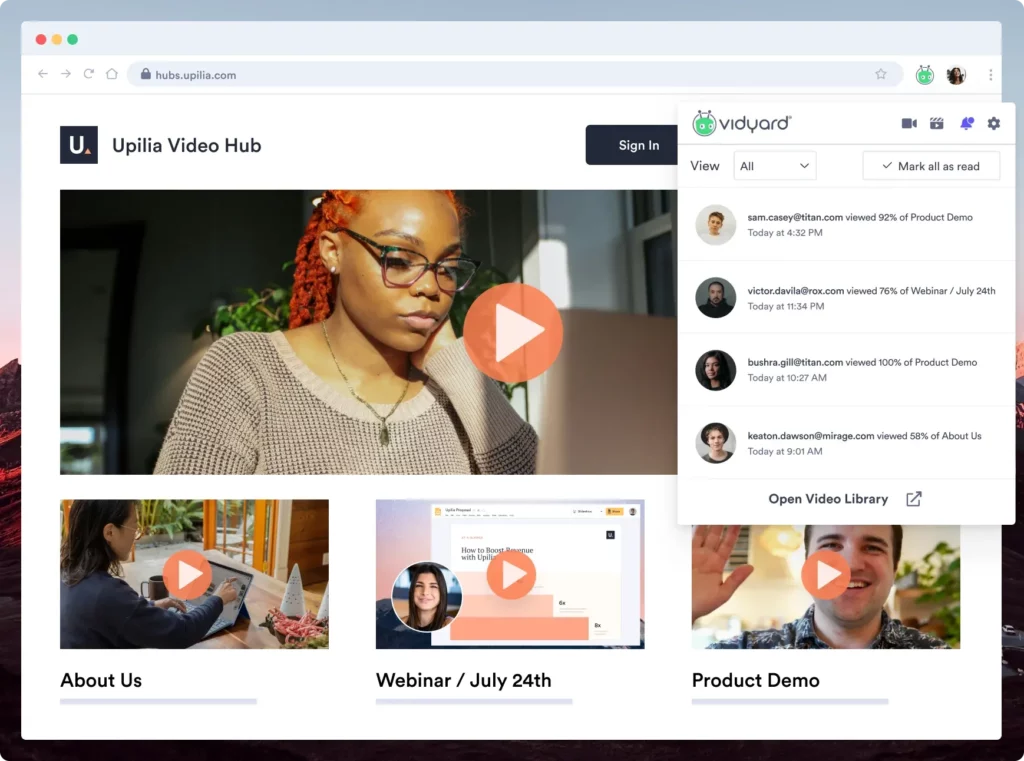
Know who watched. Vidyard identifies every viewer. Loom only recognizes people who also use Loom.
Get 15 free AI-generated videos a month, on top of your recordings. Loom's free plan has no AI video creation.
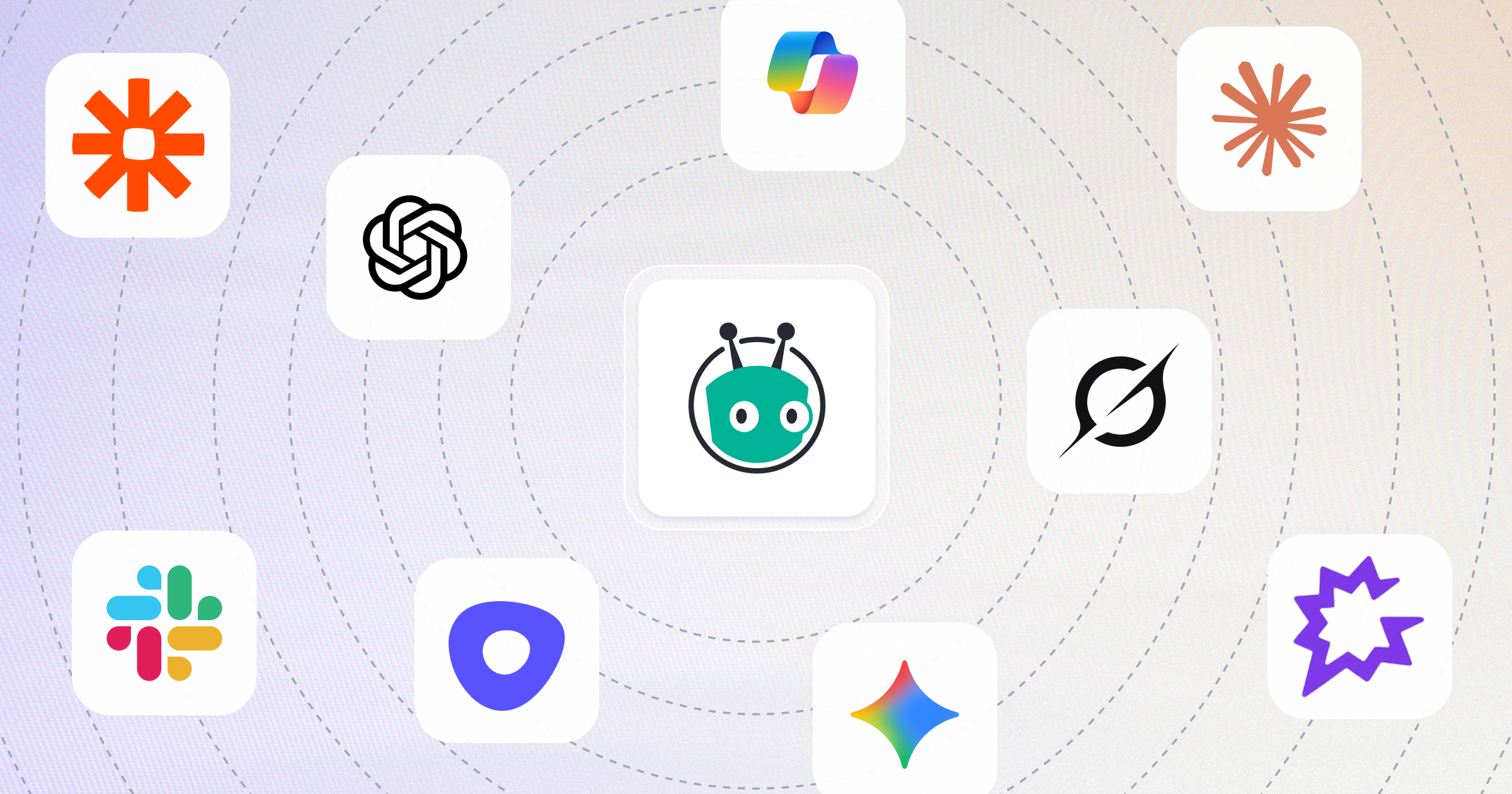
Works inside your stack


BY THE NUMBERS
What you get with Vidyard
Feature
Vidyard
Loom
Video recording quality
Up to 4K (4K free storage available on all plans)
Up to 4K (720p maximum on free plan).
Free plan limits
5 traditional videos + 15 AI videos/month.
AI Avatars and automation
Viewer identification
Analytics
Yes. Watch time, percentage viewed, team-wide insights, CRM integration (e.g., Salesforce) for ROI tracking.
Branding and hosting
Enterprise-grade hosting, personalized players, custom branding/HTML & CSS, no advertising.
BY THE NUMBERS
What you get with Vidyard
4K
video recording on every plan (including free)
15
free AI-generated videos included every month
4.5/5
on G2 from 1,200+ reviews
WHY PEOPLE SWITCH FROM LOOM
More than a screen recorder
Recording is just the start, here's where Vidyard picks up.
One place for all your video metadata
Apply a default across a folder or customize individual videos as your content evolves.
Publish without changing your workflow
No additional setup or technical implementation. Just embed or share your videos as you normally would.
Give AI the context it needs
Vidyard automatically exposes your video's title, description, transcript, and tags as structured metadata.