

 Prospecting and Intros
Stand out and improve response rates.
 Sales
SalesGenerate more pipeline and close more deals.
 Sales Support
Set your sales team up for success.
 Marketing
Host video content and convert viewers into leads.
 Converting and Closing
Connect with buyers and close more deals.
 Corporate Comms
Create and deliver an internal communications strategy.
See Vidyard in Action →
“Personalized Vidyard video messages drove an 8x improvement in click-through rates and a 4x improvement in reply rates.” Read More
 Blog
BlogThe secrets to virtual selling and video best practices.
 Video Agent Hub
Case studies and how-to videos for every revenue use case.
 Help Center
How-to and help articles for all things Vidyard.
 Fast Forward
Expert advice on all things virtual selling.
 Templates
Free sales templates for every stage of the deal cycle.
 FAQ
FAQGet the answers to your top Vidyard questions.
 AI Resource Hub
Guides and ideas for using AI in your workflow.
 Case Studies
Learn how our customers win more with Vidyard.
 Live Workshop Series
Showing you exactly how to put video to work.









Remove your video background for free
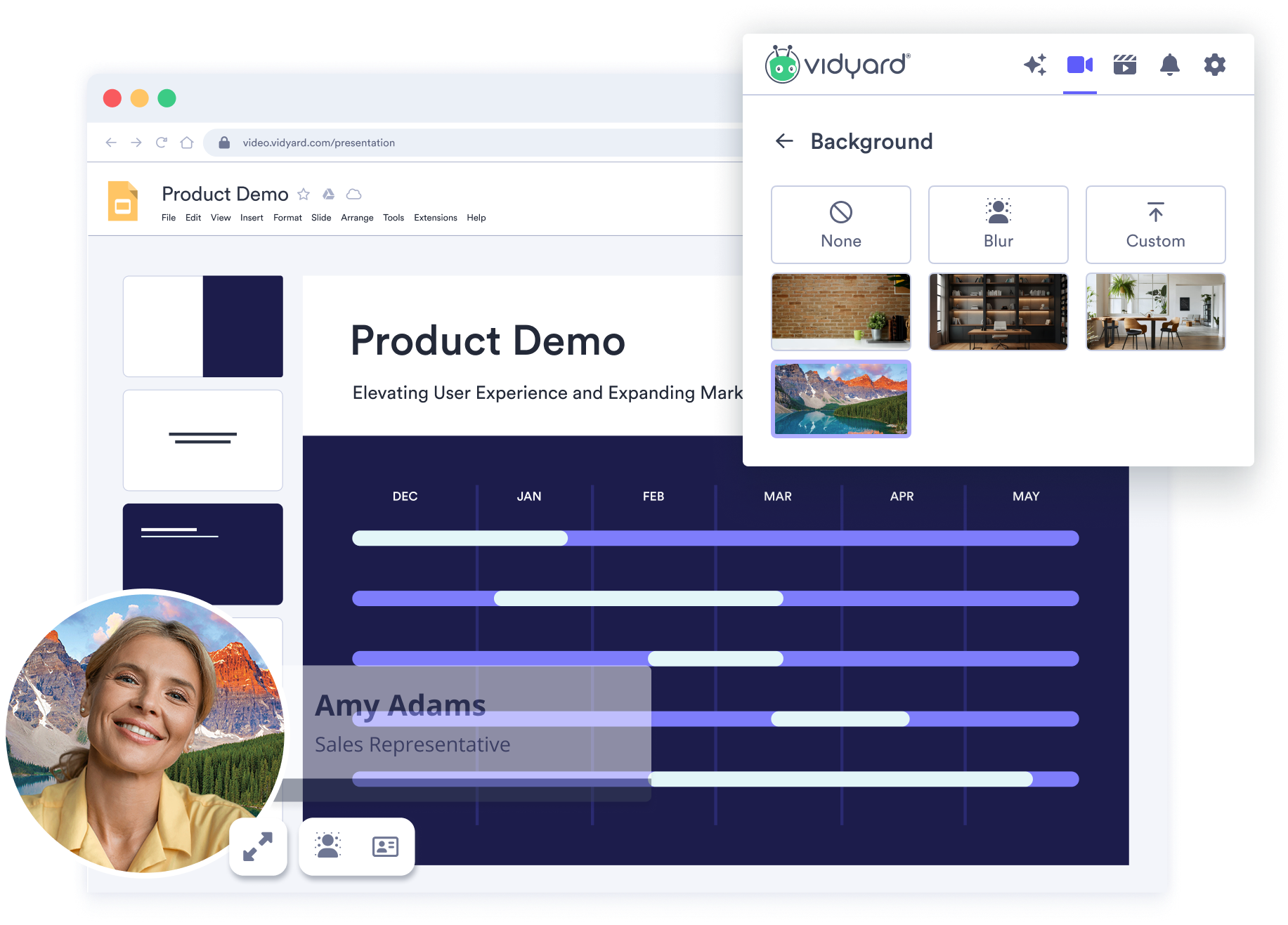
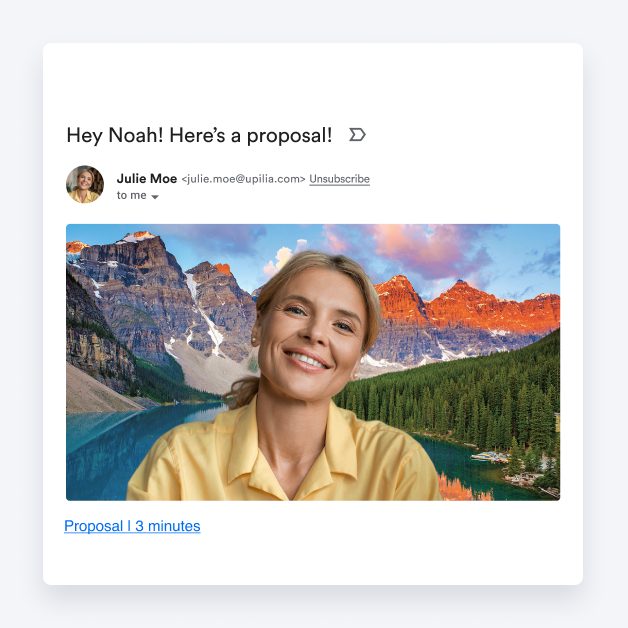
Stay professional and distraction-free in every video. Use AI to blur, replace, or remove your background directly in the Vidyard browser extension.
Over 100,000 GTM teams trust Vidyard to grow their revenue






BUILT FOR GLOBAL TEAMS
Look professional from anywhere
The AI Video Background Remover helps you record from anywhere, without showing where you are. Blur out clutter, replace your setting, or upload a custom background to keep your focus and message front and center.
A productivity boost for every creator
1. Set up your recording
Get started in minutes
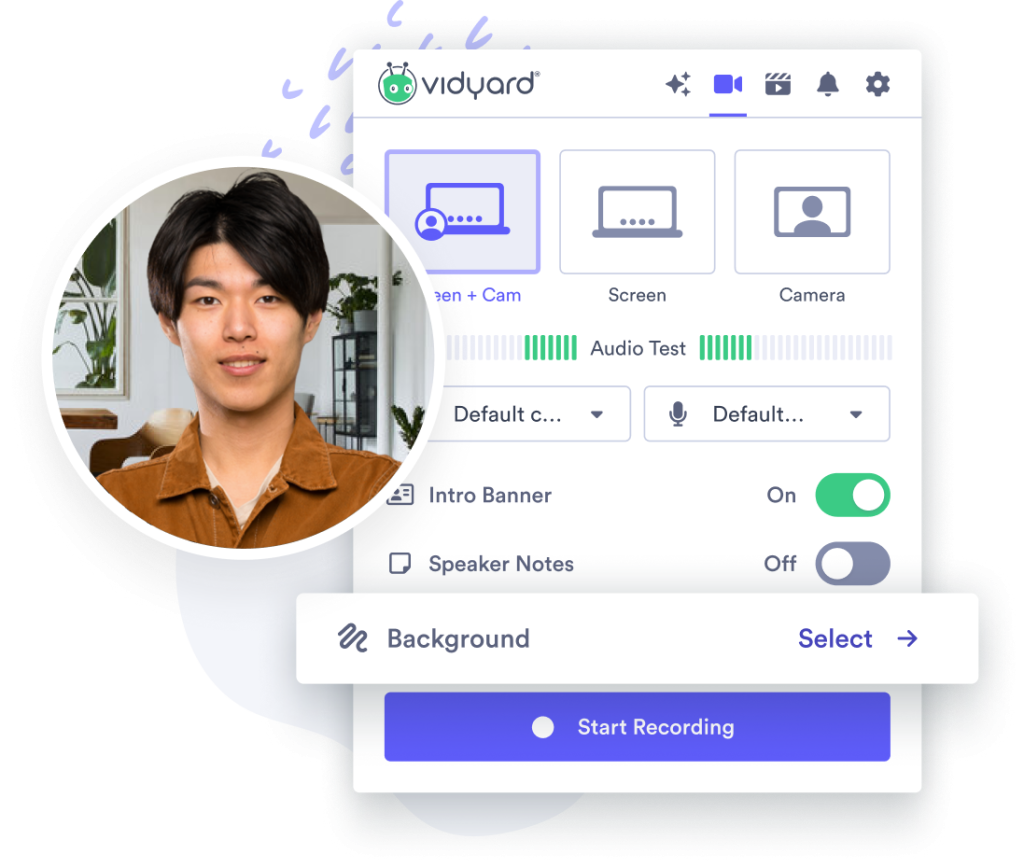
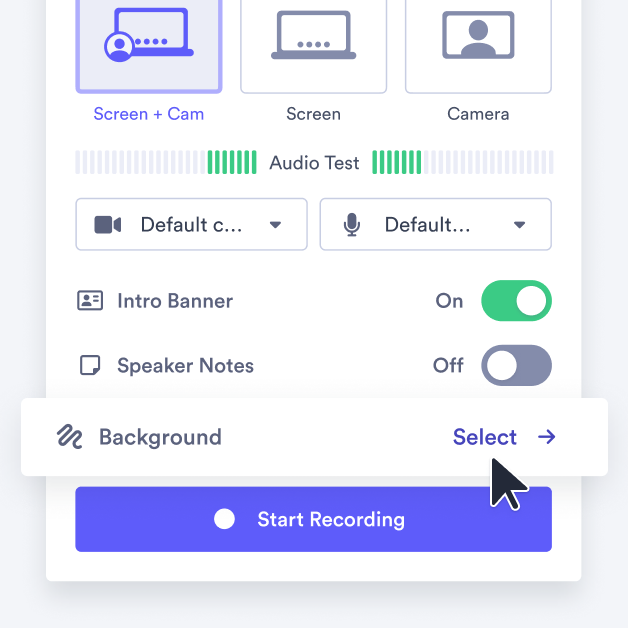
Open the Vidyard Chrome or Edge extension and choose Screen + Cam as your recording mode. Then click Background to get started.
2. CHOOSE YOUR BACKGROUND
Pick your perfect backdrop
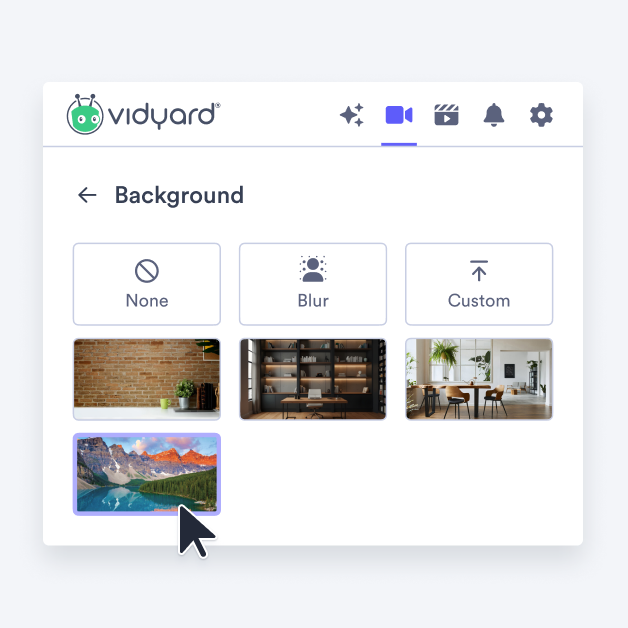
Choose from a variety of background styles to match your setting. Blur your surroundings, select a professional preset, upload your own image, or record naturally without any effects.
3. RECORD AND SHARE ANYWHERE
Integrate directly into your workflow
Start recording instantly. Your background is replaced in real time, no editing required. Share your videos through CRMs, email, or social channels right from your browser.
Speak in over 25 languages
With AI Avatars, you can generate videos in over 25 languages. Share your AI Videos across the entire globe.
 Arabic
 Bulgarian
 Chinese
 Croatian
 Czech
Czech
 Danish
 Dutch
Dutch
 English
 Filipino
 Finnish
 French
 German
 Greek
Greek
 Hindi
Hindi
 Indonesian
 Italian
 Japanese
 Korean
 Malay
Malay
 Polish
 Portuguese
 Romanian
 Slovak
 Spanish
 Swedish
 Turkish
 Ukrainian