Prospecting and Intros
Stand out and improve response rates.
 Sales
SalesGenerate more pipeline and close more deals.
 Sales Support
Set your sales team up for success.
 Marketing
Host video content and convert viewers into leads.
 Converting and Closing
Connect with buyers and close more deals.
 Corporate Comms
Create and deliver an internal communications strategy.
See Vidyard in Action →
“Personalized Vidyard video messages drove an 8x improvement in click-through rates and a 4x improvement in reply rates.” Read More
 Blog
BlogThe secrets to virtual selling and video best practices.
 Video Agent Hub
Case studies and how-to videos for every revenue use case.
 Knowledge Base
How-to and help articles for all things Vidyard.
 Fast Forward
Expert advice on all things virtual selling.
 Templates
Free sales templates for every stage of the deal cycle.
 FAQ
FAQGet the answers to your top Vidyard questions.
 AI Resource Hub
Guides and ideas for using AI in your workflow.
 Case Studies
Learn how our customers win more with Vidyard.








Tired of Long Video Calls and Emails? Try Asynchronous Video Messages
Dec 28, 2022
·
11 min read

Kendall Walters

We're all spending more time than ever before in meetings (often video calls) and wading through full inboxes. Learn how you can save time with asynchronous video messages.
There’s a saying in carpentry that I feel applies to the shifting work situation. It goes something like this…
There are three rules in carpentry:
- Always use the right tool for the job
- The right tool is always a hammer
- If it’s not working, get a bigger hammer
Right now, it feels a bit like we’re applying the same methodology to pretty much any business. Just swap out “hammer” for “video call.”
Feel familiar?
For many of us, video conferencing is one of the key tools that’s allowing us to keep moving forward. But that doesn’t mean it’s easy to spend so much of our time on video calls.
Remote and hybrid workers live video conferencing fatigue every day. But luckily, there are ways to reduce or even limit some of those live meetings. The answer is asynchronous video messages. Read on to learn how they can help.


Table of Contents
What is Asynchronous Video?
Asynchronous video, also known as recorded video, video messages, screen shares, or video voicemail, combines the biggest benefits of video calls with the best parts of email and chat. They’re human, friendly, and engaging while also timely, efficient, and easy to consume on your own schedule. It’s the best of both worlds.
Video calls and synchronous video aren’t enemies. They’re a huge part of how many of us are able to continue doing our jobs and keep our businesses running.
The trouble is the volume. Because it’s not just too many meetings. We’re also being overloaded with overly-long emails and spending ages in back-and-forth discussions on chat and messaging platforms. It’s communication overload on pretty much every channel. All of it takes so much time.
It’s the time it takes us to organize those meetings, the time we sit on those calls, the time we sit typing an in-depth email, and the time we spend on chat platforms hashing things out. In addition to the obvious drain on productivity, there’s a mental and emotional cost to this level of always-on connectivity as well.
But asynchronous video messages give us another way to keep in touch. They can save time and give us back control over how we spend it.
Why Use Asynchronous Video Messages?
If any of these common scenarios feel familiar to you, then asynchronous video might be just the solution you’re looking for:
- Feeling drained from a day (or week) of back-to-back video calls?
- Sick of writing out long emails to explain an idea or concept?
- Struggling to find a meeting time that works in everyone’s calendars?
- Dealing with a complicated or overstuffed schedule due to family duties or other responsibilities?
- Finding your day constantly disrupted by chat messages, emails, meetings, and more, making it difficult to get your work done?
- Having a tough time discerning tone from coworkers’ emails or chat messages?
- Not sure how to replicate the “tap on the shoulder” interaction you have with colleagues in office to quickly share thoughts?
- Battling wifi connectivity issues that are wreaking havoc on your ability to participate in video calls?
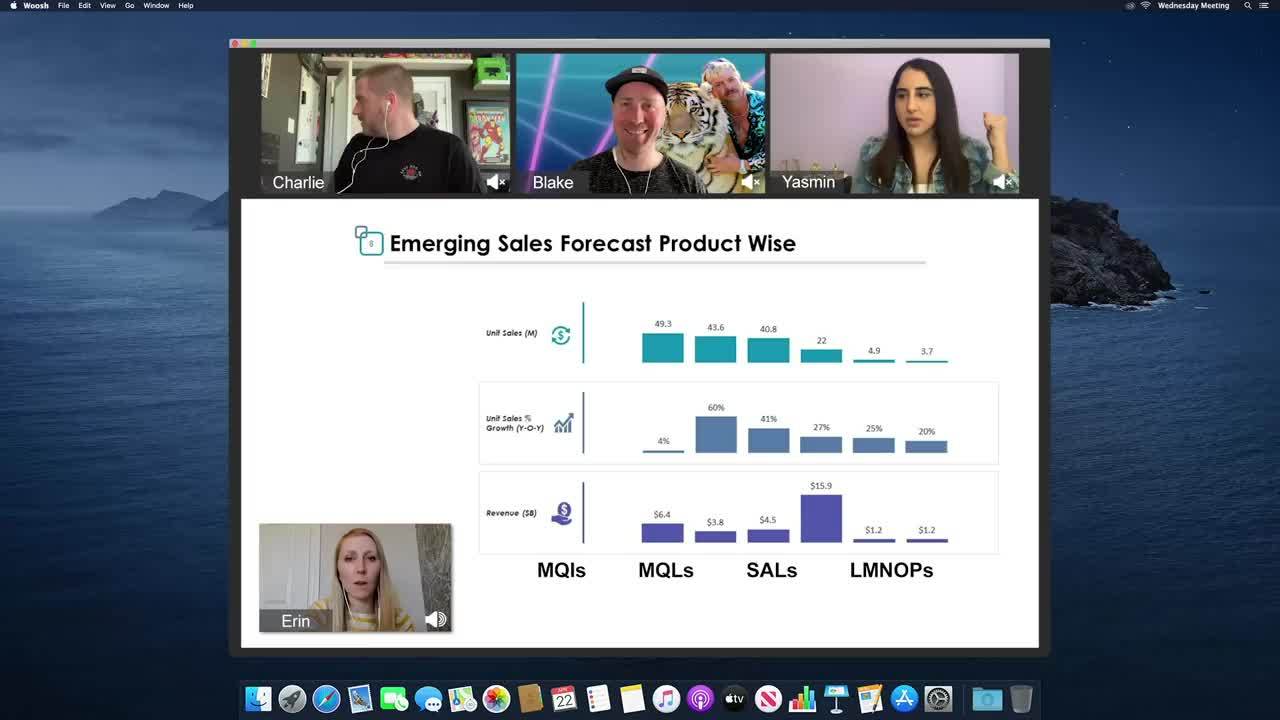
Video calls are great… until they aren’t. At this point, we’ve all seen (or had) our fair share of video conferencing fails. Learn more about how asynchronous video can help solve some of your biggest video call frustrations in this one-minute video. Then join the #OneLessMeeting Challenge and take back your schedule! Use the hashtag to share the results on social media and let us know how it went. (Fun fact: Our talented team recorded this entire video series while working remotely!)

Find out when you should introduce asynchronous video into your work day with our handy dandy checklist.
Asynchronous Video Checklist
Not sure when you should be using asynchronous video to shorten (or reduce) meetings, email, and instant messages? Get the checklist!
What’s the Difference Between Synchronous and Asynchronous Communications?
Synchronous? Asynchronous? They’re not the most common of terms, but what they actually mean isn’t all that complicated.
Synchronous communication is communication between two or more people that takes place in real-time. One person says something, and the other receives that information instantly and has the ability to respond straight away. Common examples include face-to-face conversations, phone calls, and video conferencing. In some contexts, synchronous communication may also include chat and messaging platforms.
Asynchronous communication is communication between two or more people that happens time-shifted. One person shares something, and the other responds later when they receive that message or when they’ve had time to process the information in it. Email is one of the most common examples. Recorded, asynchronous videos (unsurprisingly) fall into this camp.
So, when it comes to meetings, you might be wondering: Why trade one kind of video for another, what does that really solve?
I’m so glad you asked.
What Are the Advantages of Asynchronous Video Messages?
Asynchronous video is a powerful communication and collaboration tool. Among its biggest benefits are its ability to shorten or reduce meetings, email, and instant messaging, saving you time without sacrificing clarity and connection.
Too Many Meetings? The Struggle with Video Call Fatigue
Working remotely can be tough, and we’re all feeling the pain. But working from home and video conferencing isn’t the whole problem. Meetings themselves are often the culprit, regardless of their format.
Consider these facts about meetings:
- The average meeting lasts 1 hour in the U.S.
- 65% of senior managers in a range of industries said that meetings keep them from completing their own work
- 68% of professionals report losing time due to poorly organized meetings
- 71% of senior managers said meetings are unproductive and inefficient
- Research estimates that poorly organized meetings cost the economy $399.01 billion in the U.S. every year
And the number of meetings (including unnecessary ones) hasn’t gone down as workplaces have moved to remote or hybrid—if anything, it’s gone up. This is especially true when you consider how many people are turning to video calls to replace many of the interactions they’re used to having in person.
Too Many Emails and Chat Messages? The Trouble with All Those Threads
Video conferencing isn’t the only tech that’s leading to burnout, though. Email and instant messaging are major contributors to information overload, especially when people are working remotely.
Consider these facts about text-based communications:
- Email is the most used digital communication and collaboration tool used by remote workers (88%), followed by instant messaging (47%), and video conferencing (36%)
- The average office worker receives 121 emails every day
- Collaboration and communication are one of the biggest struggles for remote workers, following only difficulty unplugging after work and loneliness
- The average office worker spends 2.5 hours every day reading and responding to emails; approximately 28% of their time
- Around 124.5 billion business emails are sent and received each day
It’s clear that we send and receive a massive amount of emails every day (and that’s not even getting into all of the instant messages sent on platforms like Slack and Teams). It can be a huge time suck to write and respond to all of those messages. It’s a problem that’s exacerbated by the vacuum created by the sudden shift to remote work. In the absence of in-person conversations, people are trying to use email or chat to explain things.
Whether you’re sharing an idea, walking a colleague through something, delivering feedback, or explaining a complex concept, simply saying it is much faster than writing it out (and including screenshots, as the case may be).
How Asynchronous Video Messages Can Help You Work Better
Asynchronous video can give you a lot more control and make your communications much more efficient.
- It’s timely: Video makes it easy to respect everyone’s time while still communicating in a timely format. You don’t have to wait for a schedule opening when everyone is available to meet (something that’s becoming especially difficult as more and more people change their hours to accommodate family, caregivers, and other personal responsibilities). Just record a video when you have time and send it over.
- It’s efficient: You can record and share videos—and watch the videos your colleagues share—when it works for you. Plus, you can even watch videos at faster speeds (like 1.5x) to maximize your time. It’s quick and easy, giving you much-needed time back in your day.
- It’s clear: With video, you can deliver your message clearly without interruptions and even include supporting visuals to help make your point or get your thoughts across. Plus, video provides the opportunity to include tone, expressions, and body language to ensure you’re understood.
- It’s personal: Video lets you deliver your message with personality, making it easier to connect with colleagues, prospects, and customers, even when you can’t be there face-to-face.
- It’s secure: Video platforms designed for businesses make it easy to use video for internal communications by offering video security options like password protection or IP whitelisting.
Imagine the results if you replaced even a few of the unnecessary meetings in your calendar with asynchronous video…
But where do you actually start? Read on for video messaging ideas.
4 Ways to Use Asynchronous Video Messages
We’ve taken the guesswork out of getting started with asynchronous video by compiling a list of four ways you can use it to reduce meetings, send fewer emails (and receive fewer emails, too), and waste less time on chat platforms.
1. The Meeting Shortener Video Message
Are you ready? I’m about to drop some knowledge. Not every meeting needs to be an hour long. (Sound obvious? Glad we’re on the same page.)
But how do you actually shorten your meetings?
Try recording and sharing key updates for meeting attendees to review prior to the actual call. Think of it as the video version of a meeting agenda. In some cases, these video messages may even be able to replace the meeting entirely.
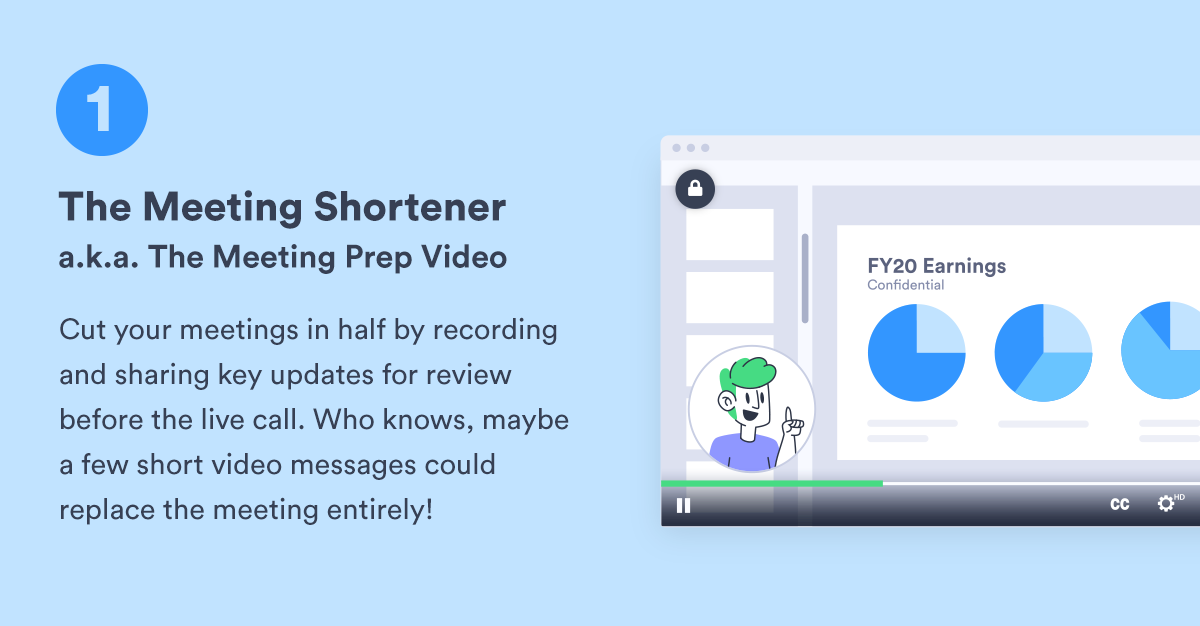
Setting up a project kickoff? Do a screen recording walking people through your slide deck so that the meeting can focus on questions or dive into details instead of spending a ton of time doing overview.
Delivering a project update? You may not need a meeting at all. Either do a webcam recording of yourself running through things or screen share your slide deck of updates and give your coworkers a few minutes back in their days.
Running a brainstorm? Send out a quick video that briefs your team on the topic at hand so you can get to the good stuff—fresh, creative ideas—right off the bat when you hop on that call.
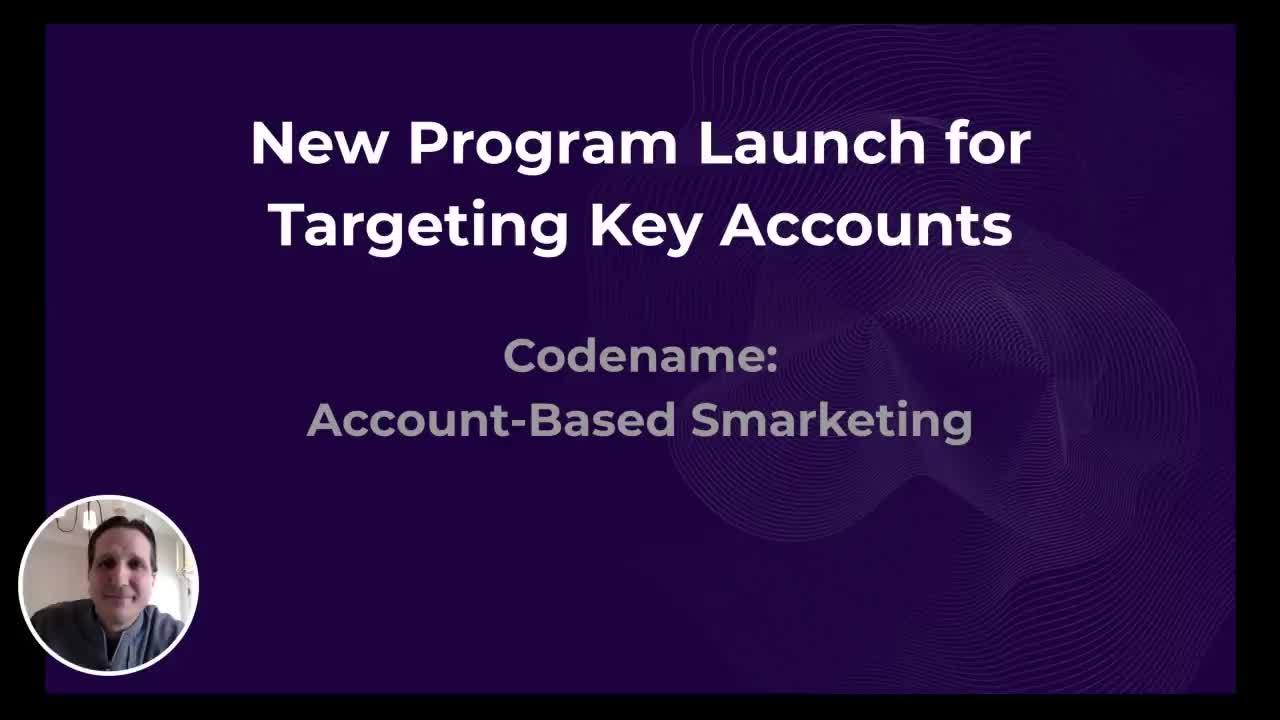
In this five-minute video, VP of Marketing Tyler Lessard runs the team through a new program ahead of the meeting. Near the beginning, he calls out the fact that viewers can increase the video playback speed to review it even quicker. He also notes that the meeting itself will be reserved for questions and discussion.
2. The Digital Drop-By Video
You know how when you’re in the office, sometimes the easiest way to have a conversation with someone is to simply stop by their desk and hash it out?
Whether you’re sharing a timely idea or delivering some feedback, these quick interactions can be tough to replicate in a digital space.
They don’t exactly necessitate a meeting, but there’s often too much there to be a manageably short email or chat conversation.
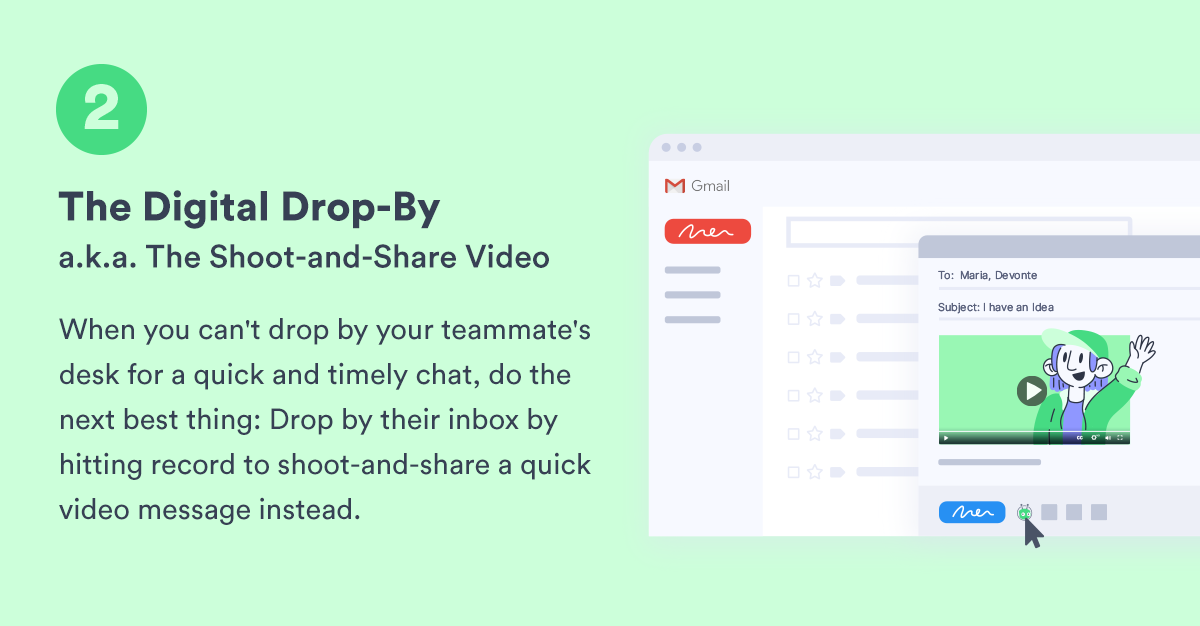
Simplify things by sharing your message as a webcam recording instead. Your colleague will get a lot of the same context they’d get if you were having the conversation in person—tone, expressions, and body language—in addition to the actual content of your message.
And, if a response is needed, they can easily shoot back an asynchronous video of their own, on their own time, to share their thoughts with you.
Regardless of whether you’re in the office or working remotely, this is a great way to communicate and collaborate with your coworkers while being respectful of everyone’s time and minimizing disruptions to their day.
Look for video integrations that work with the communication tools you use every day, like Slack. These make it a snap to record and share videos like these without having to juggle platforms.
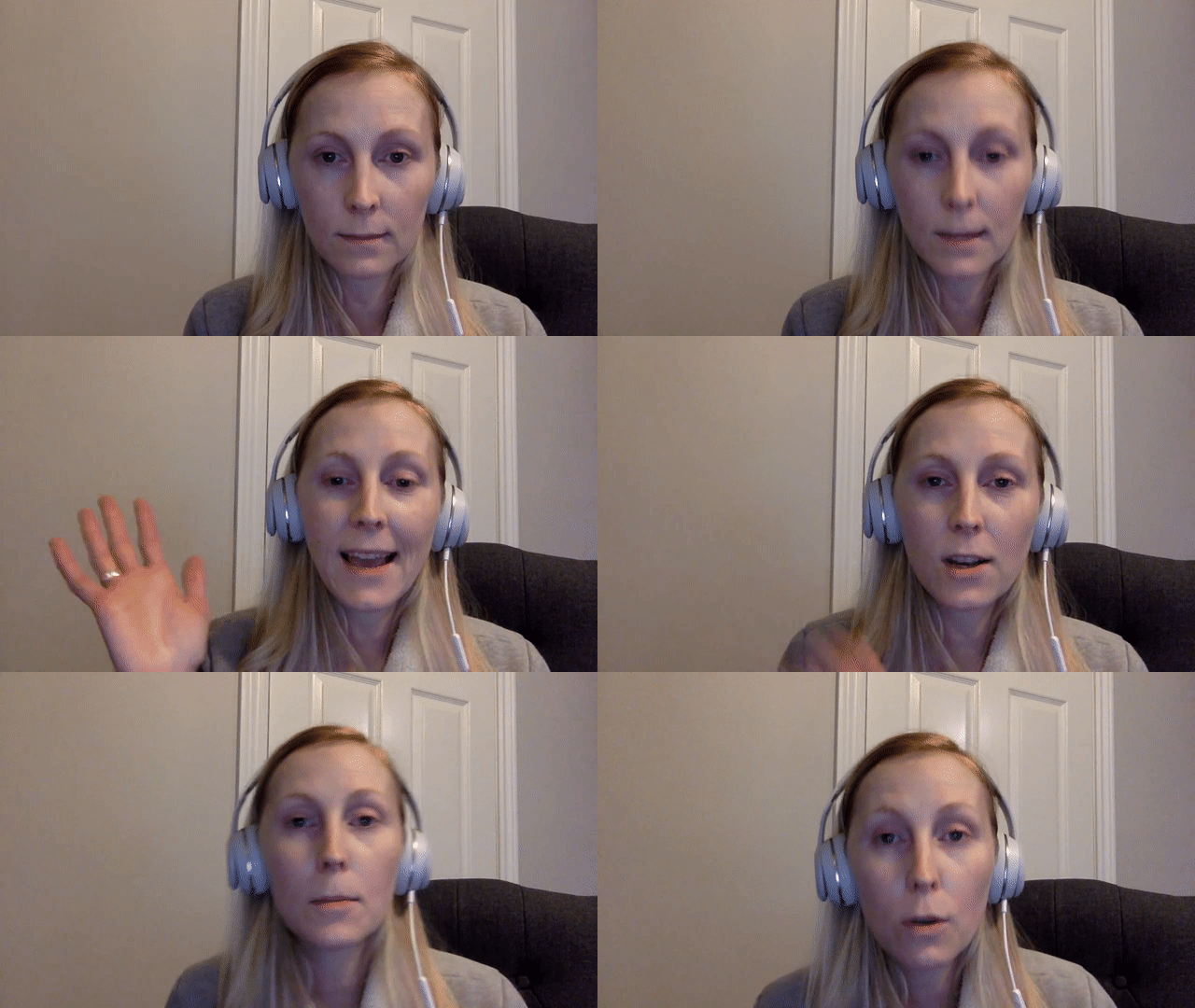
In this 42-second video, Vidyard Manager of Content Marketing Erin Ellis provides feedback on a blog draft at a time that’s convenient for her as she balances work with family responsibilities. She gives a brief explanation of an idea she had, something that would have taken her a lot longer than a minute to write out in an email.
3. The Show-and-Tell Video Message
Whether you’re answering a question, sharing an idea, delivering feedback, or communicating another important message to share, it can take ages to write it out in an email (and carefully include screenshots) to explain what’s on your mind.
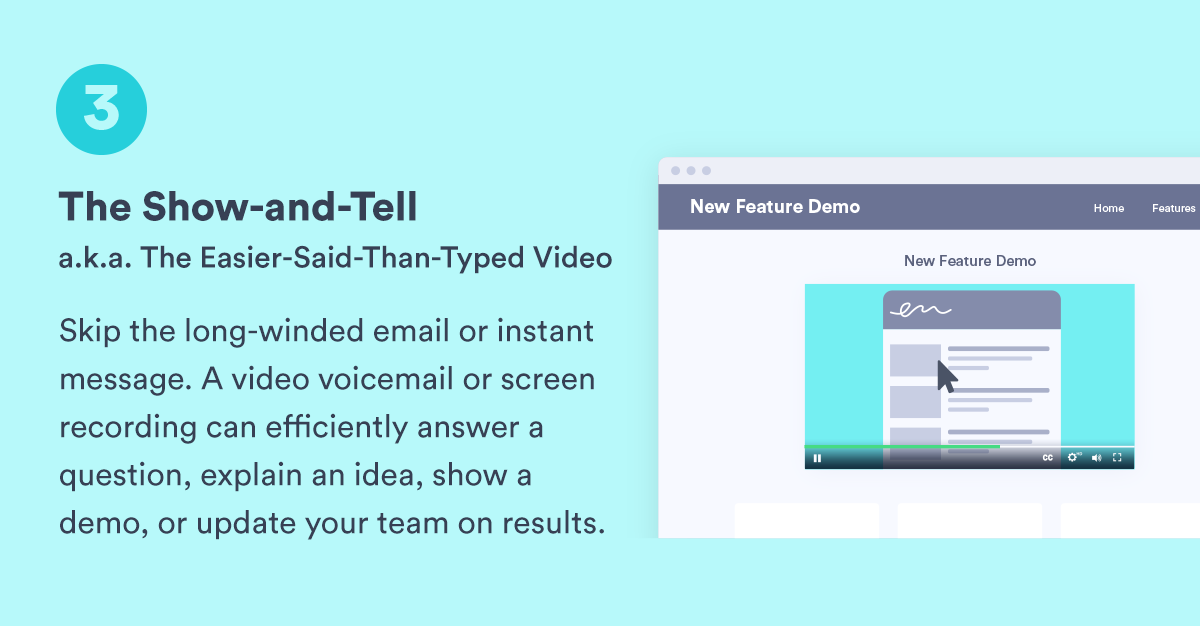
Instead, fire up a quick screen recording video so you can easily deliver your message with visuals in only a couple of minutes.
Bonus, make your screen share video even more personal by adding a bubble to the corner that captures you via your webcam. That way, coworkers or customers will get your expressions and hand gestures as well as your tone and visuals.
Some things are just easier said than typed.
In this two-minute video, I brief the design team on my idea about creating a checklist template. In it, I include some examples of the kind of thing I’m thinking and some notes on things I’d want to see in a finished design. This makes it easier for the team to understand and visualize my request so they can decide how best to proceed.

4. The Connector Video Message
When people aren’t face-to-face, there’s a key element of human connection that can get lost in the shuffle.
That’s why—whether you’re sharing praise with a coworker or offering support to a customer—it’s so important to do so in a human way.
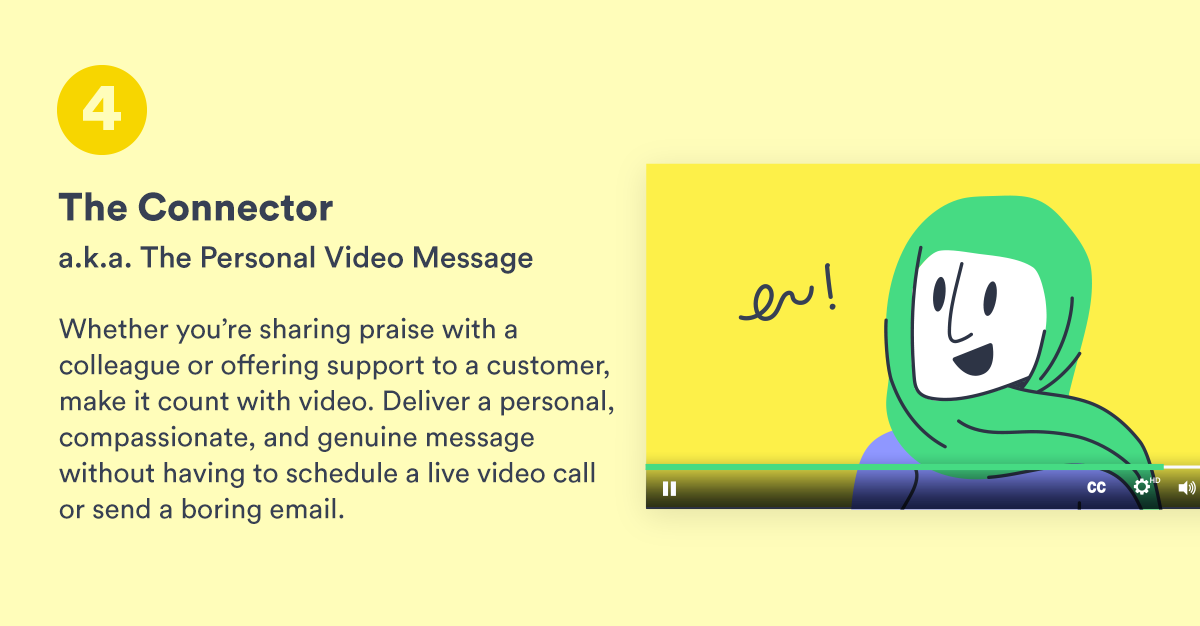
Skip the text-heavy email or the unnecessary video call and record a personal message to say what you need to say instead.
In addition to being quick and easy for you, it tends to feel more meaningful to the recipient as well.
The Vidyard sales team has a number of ways they celebrate wins, but one of the most notable is big bells. When a Vidyard sales rep closes a deal over a certain monetary threshold, they get to blast a favorite song, which signals to everyone that it’s time for a big bell. Vidyardians gather, and the successful rep rings a giant bell that’s connected to smaller bells on each of Vidyard’s three floors. It’s a big moment. But, with the team fully remote, big bells had become a thing of the past. Enter Jimmy. He wanted to make sure that his team still got to celebrate their big wins. So, he pulled out his guitar and started recording videos of improvised songs for big bell deals. To say the team loves this approach would be an understatement.

How Do I Get My Team to Start Using Asynchronous Video Messages?
First off, the best way to get started is to simply start! With a tool like Vidyard, you can easily record yourself, your screen, or both. Bonus: you can get started for free.
As with any new technology adoption, you may find some hesitation from your team about getting started with asynchronous video. We suggest rolling it out to your wider team in three phases.
- Show your coworkers and employees the value of asynchronous video by sharing the benefits of this communication method. Demonstrate how it can save time by using it yourself and leading the movement.
- Then, provide prescriptive suggestions on times when they can try it out. Share tips that help with common concerns, like getting comfortable on camera. Don’t just say, “try video,” tell your coworkers what situations asynchronous video is well-suited to helping with. Hint: Use the four ways listed in this article as a starting point.
- Finally, provide your team with examples from your own organization and share wins as they come up. The more your employees see how others are using video successfully to save themselves time, the more they’ll want to try it too.
So, now’s the time to ditch unnecessary meetings (or super long emails, as the case may be) into asynchronous videos instead. You won’t regret it.
Find out when you should introduce asynchronous video into your work day with our handy dandy checklist.
Asynchronous Video Checklist
Not sure when you should be using asynchronous video to shorten (or reduce) meetings, email, and instant messages? Get the checklist!
This post was originally published on April 20, 2020. It was updated on December 28, 2022.