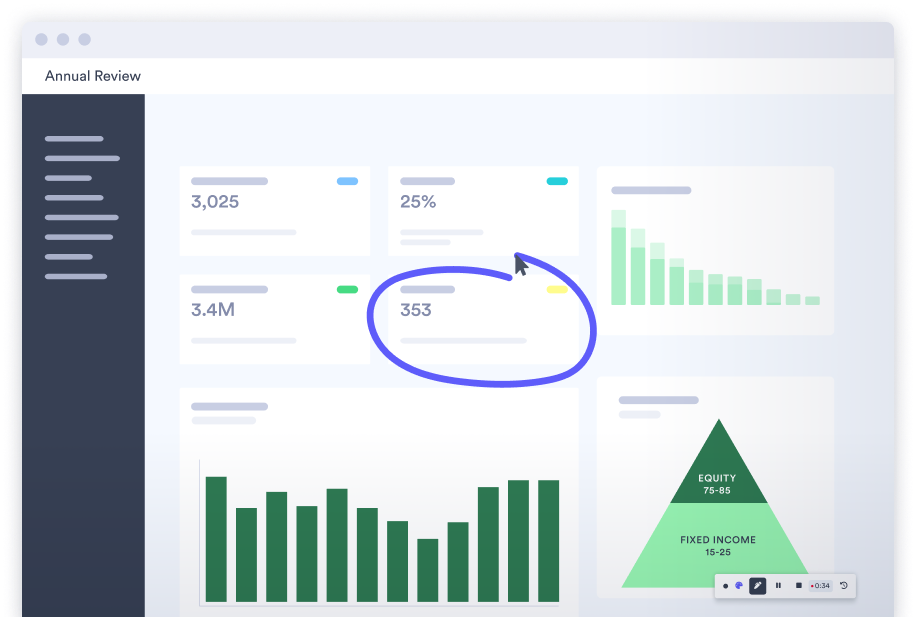














1000's of professionals at companies like these use Vidyard GoVideo.

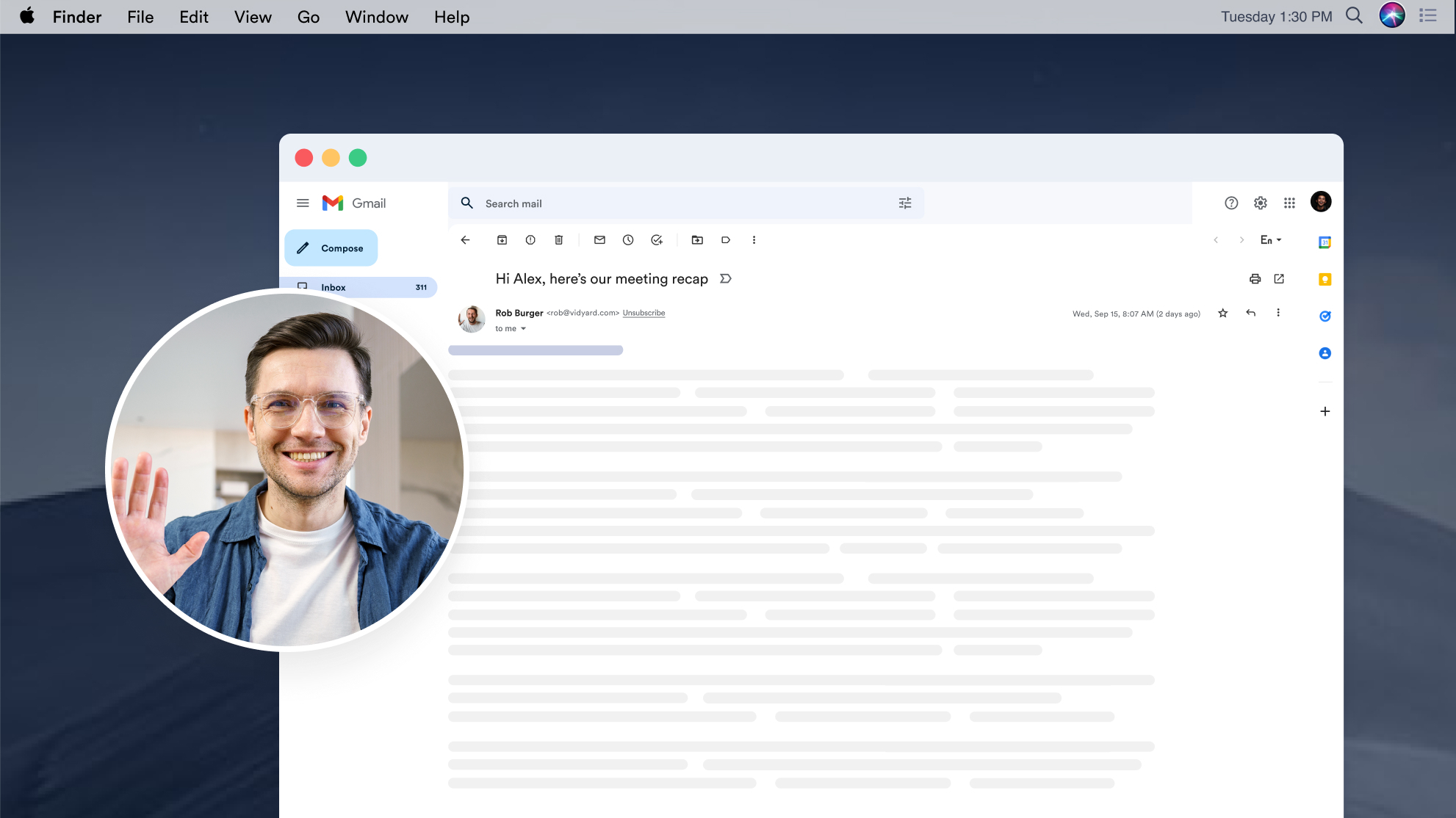
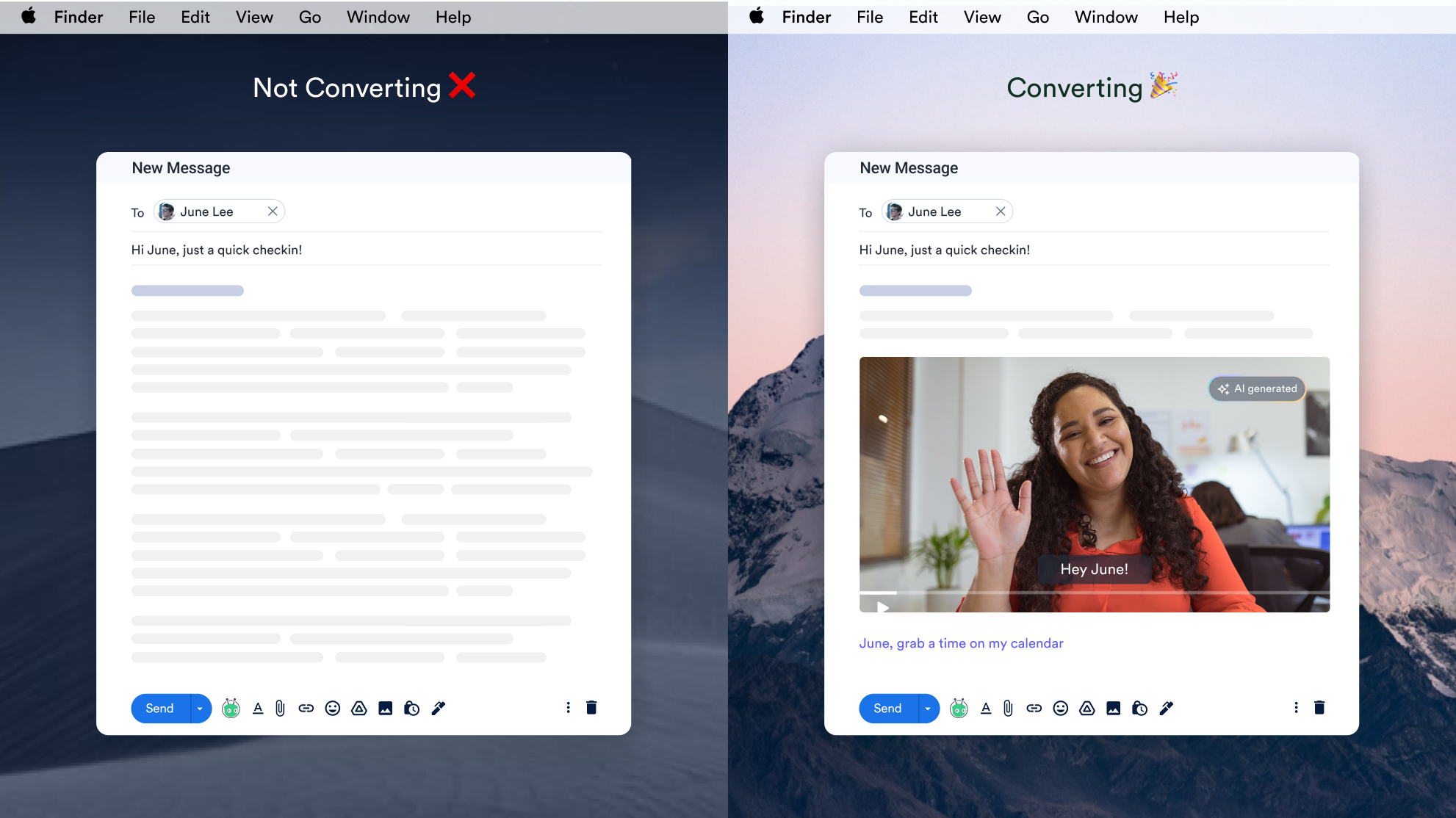
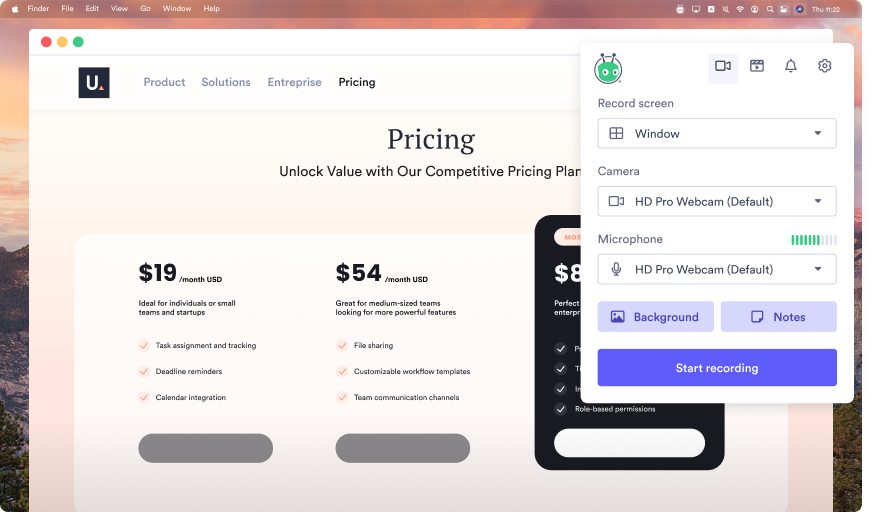
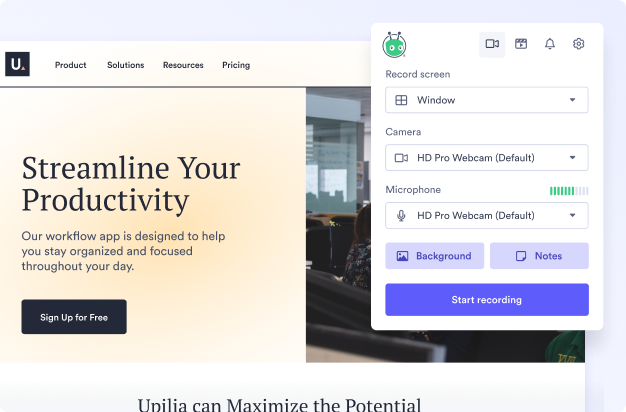
Cut through the noise in your prospect’s crowded inbox. GoVideo makes it easy to record yourself, your screen, or both to deliver personalized and captivating video messages that convert.
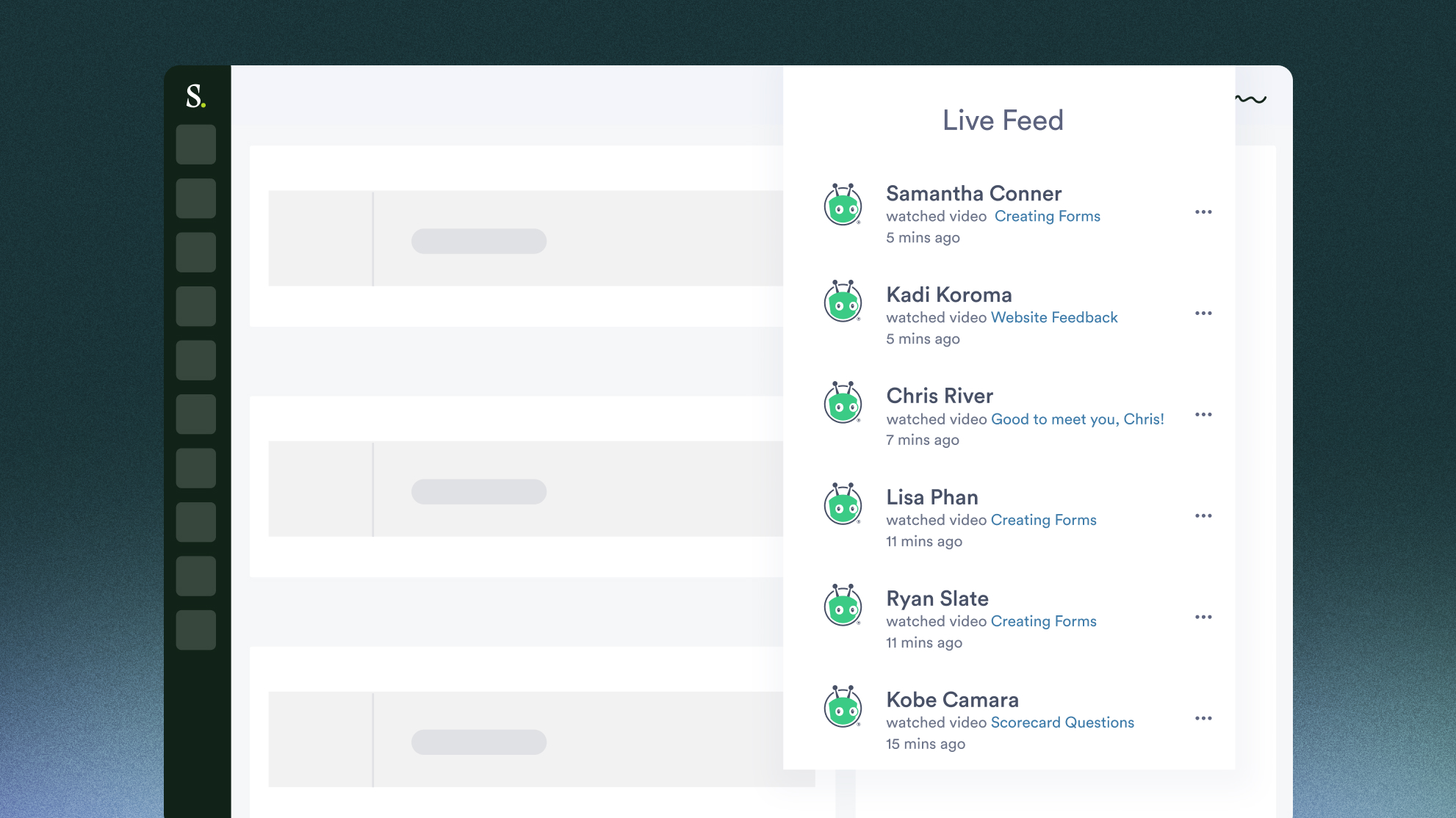
You’ll get notified when your videos are watched so that you can follow-up in a timely manner.

Tradeshift, Head of Enterprise Marketing
There’s a lot of noise out there. Video allows us to punch through that.

Terminus, VP Sales
Our Account executives are finding that GoVideo makes it quick and easy to create videos and send them to customers on the fly.

League, VP Sales
We got success immediately. Somebody that you couldn’t get a meeting with is all of a sudden saying “Hey, really appreciate you taking the time to send me something so personal.”
Vidyard GoVideo is for anyone who wants to communicate better, clearer and faster with video.
Here’s what thousands of users around the world are doing with Vidyard GoVideo:
Sales: to enhance pitches and wow prospects by quickly showing off the features and benefits that matter to them
Support: to easily capture and share step-by-step how-to and support videos that help close cases faster
Developers and Designers: to effectively share their work with their team and customers
Product Managers: to effectively communicate with all stakeholders
Marketing: to create recorded presentations and killer product demos for sales
Enablement: to deliver and track internal and external content like sales training, product training and certifications
PR: to show reporters how something works as opposed to explaining it via lengthy text
Teachers: to create video lectures, assignments and tests their students can access anytime
Who else?… anyone with something to share or a story to tell can use Vidyard GoVideo to get their message across!
How will YOU use Vidyard GoVideo? Drop us a note (feedback@vidyard.com) or tweet: @Vidyard, we’d love to hear and help!
You’ll see your videos next to the Feed when you open the app. You can watch them again, copy link to share with anyone, or delete the videos you don’t like.
Users can upload their videos to YouTube! For a video walkthrough check out: How to upload your GoVideo video to YouTube.
Your video will never be deleted, so as long as you have your link it will be available to you and people you shared the video with.
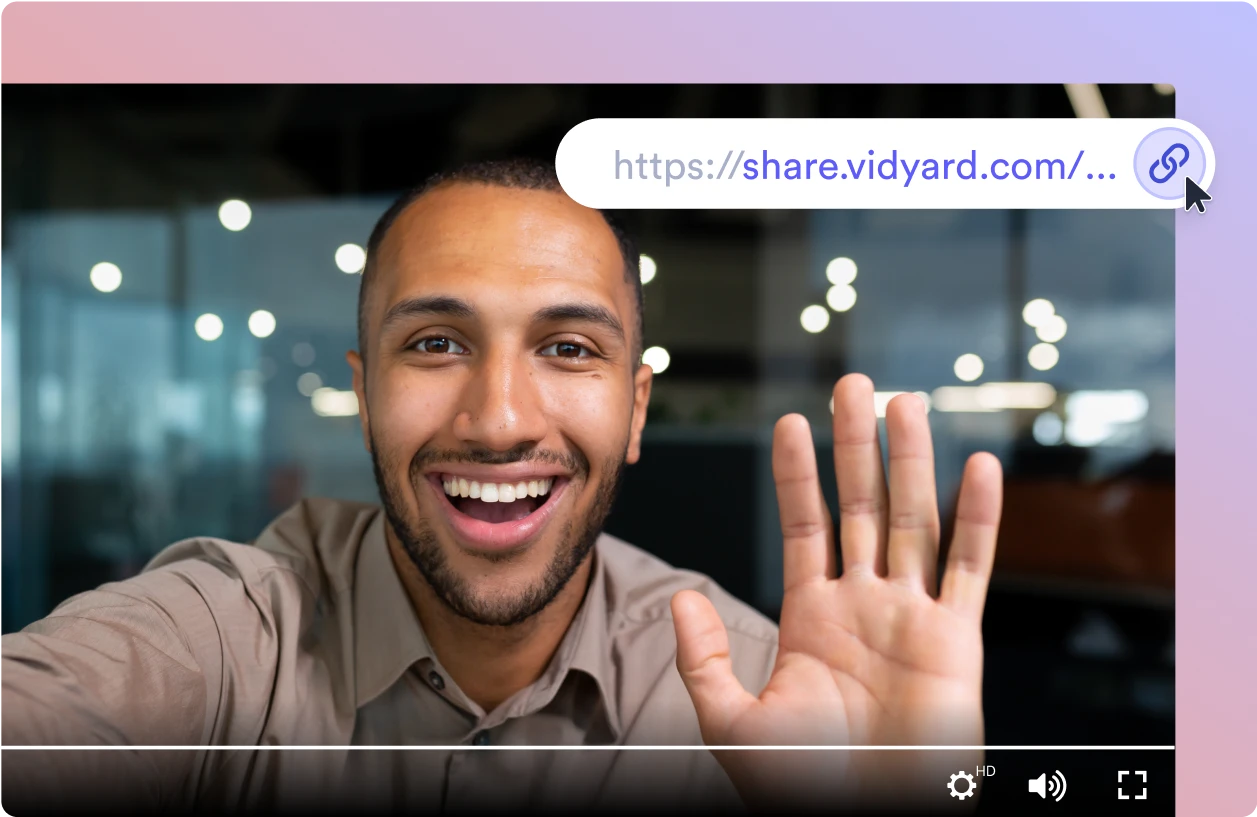
You can share your videos using Gmail, Facebook, Twitter, LinkedIn or by simply copying the video link. You can also upload your videos directly to YouTube. We don’t support video downloads at this time.
Our recording limit is 1 hour per video. You can record as many videos as you’d like. Enjoy!
Get instant access to our library of support videos!