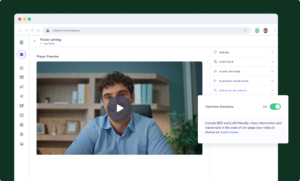

 Video Messages
Record personal videos to reach more customers.
 Video Agent New
Automatically send personalized videos with agentic AI.
 Vidyard Hosting
Manage all your business videos in one central spot.
 Vidyard AI Avatars
Generate personalized AI videos at scale.
 Vidyard HubsSee All Features →
Curate and share your best videos in one branded page
 Prospecting and Intros
Stand out and improve response rates.
 Sales
SalesGenerate more pipeline and close more deals.
 Post-Sales
Keep customers engaged after the deal closes.
MarketingHost video content and convert viewers into leads.
 Converting and Closing
Connect with buyers and close more deals.
 Corporate Comms
Create and deliver an internal communications strategy.
See Vidyard in Action →
“Personalized Vidyard video messages drove an 8x improvement in click-through rates and a 4x improvement in reply rates.” Read More
 Blog
BlogThe secrets to virtual selling and video best practices.
Video Agent HubCase studies and how-to videos for every revenue use case.
 Help Center
How-to and help articles for all things Vidyard.
 Fast Forward
Expert advice on all things virtual selling.
 Use Cases
Explore real ways to use video across your business.
AI Resource HubGuides and ideas for using AI in your workflow.
 Case Studies
Learn how our customers win more with Vidyard.
 Live Workshop Series
Showing you exactly how to put video to work.





The Best Post-Call Follow-Up Format: Email vs. Call Recording vs. Video
Jul 10, 2026
·
7 min read

Zoe Janssens
Stop sending your buyers homework.
You just left a great call. The buyer is engaged, the next step is clear in your head, and you sit down to send the follow-up. Then you default to whatever’s fastest to produce, whether that’s a wall of recap text, the full unedited recording, a deck with no context, or three links dropped into an email with “see attached.”
It feels efficient, but it isn’t.
Every one of those formats hands your buyer a job. They have to read it, scrub through it, figure out what matters, then explain it to the people who weren’t in the room. Buyers don’t ignore homework because they’re lazy. They ignore it because sorting through your follow-up isn’t their job to do.
Video, structured the right way, puts the clarity back where it belongs, with you.
The follow-up arrived, now your buyer has to do the work
We’ve all sent the homework formats. A recap email that takes five minutes to skim and still leaves out tone and context. A 45-minute call recording with no markers, so finding the pricing conversation means scrubbing through the whole thing. A deck that made sense with your narration and now sits alone in an inbox.
None of this happens because sellers are careless. It happens because these formats are fast to produce, and sellers are expected to do this at scale. Recording a raw call and hitting send takes seconds. Building something clear and structured takes more thought, and under quota pressure, thought is the first thing to go.
Here’s the part that matters. Whoever carries the cognitive lift determines what happens next. If your buyer has to do the work of extracting meaning from what you sent, a few will make the effort, but most won’t, and the ones who do won’t do it as well as you would.
There’s a better default, and it doesn’t take more effort to build than what you’re already doing.
What buyers actually need after a meeting
Step out of your inbox and into theirs for a second. After a meeting ends, a buyer needs three things. A clear summary of what was discussed, a specific next step, and something they can forward to a colleague who wasn’t there. Most follow-up formats fail at least one of these.
A written recap covers the summary, but it rarely survives forwarding. Strip out your voice and tone, and a wall of text reads like a legal document. The person who receives it secondhand has no sense of how the conversation actually went.
A raw call recording fails all three by default. It takes real effort to navigate, the next step is buried somewhere in the middle, and no one is forwarding a 45-minute Zoom call to their CFO.
The format of your follow-up isn’t a small detail. It’s a strategic decision that determines whether your buyer can act on what you sent, and whether they can bring anyone else along with them. Teams that build video into their follow-up motion see deals progress 33% faster.
The follow-up video that actually moves the deal
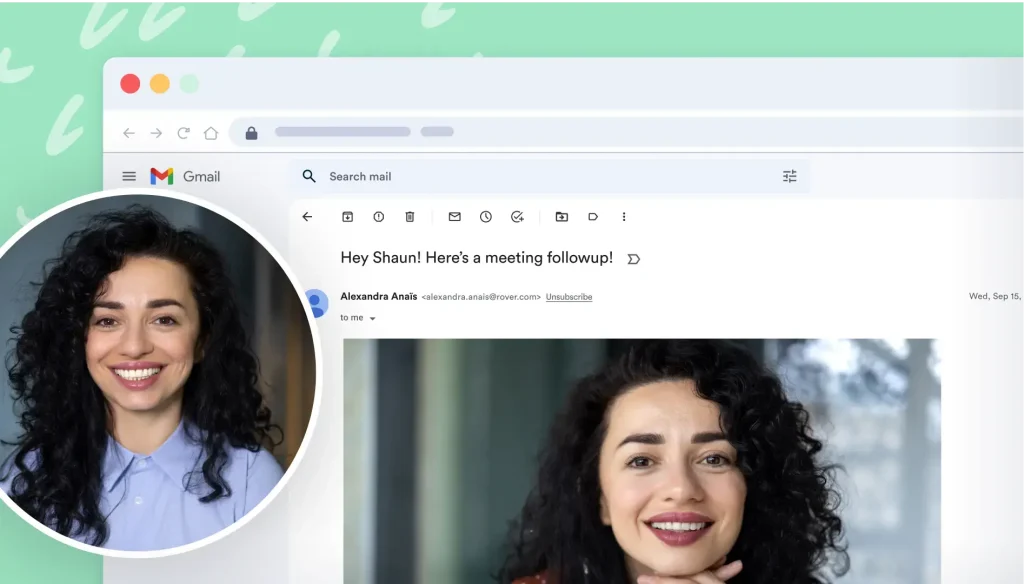
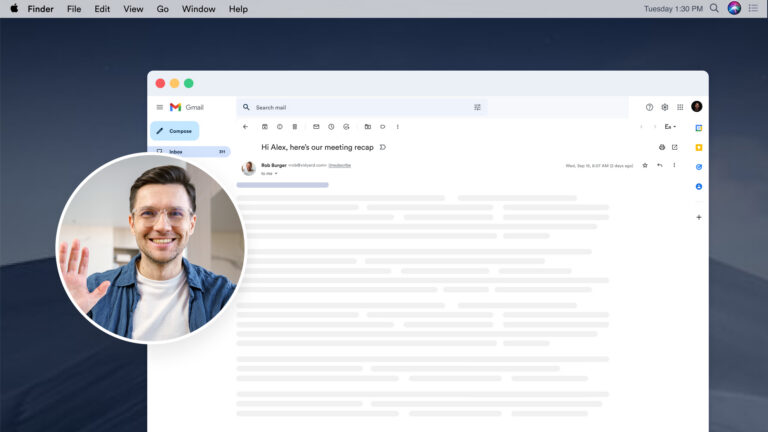
Here’s what a good post-meeting video actually looks like. A two to three minute recap with a clear statement of the agreed next step, and a pointer to any supporting resources the buyer needs.
Putting a face on the message, even just a profile photo, changes how it lands compared to a screen recording alone. If the usual objection is “I don’t like being on camera,” profile photo recording removes that barrier without removing the human part of the message. And the bar for production quality is lower than most reps think. Buyers respond to sincerity, not polish.
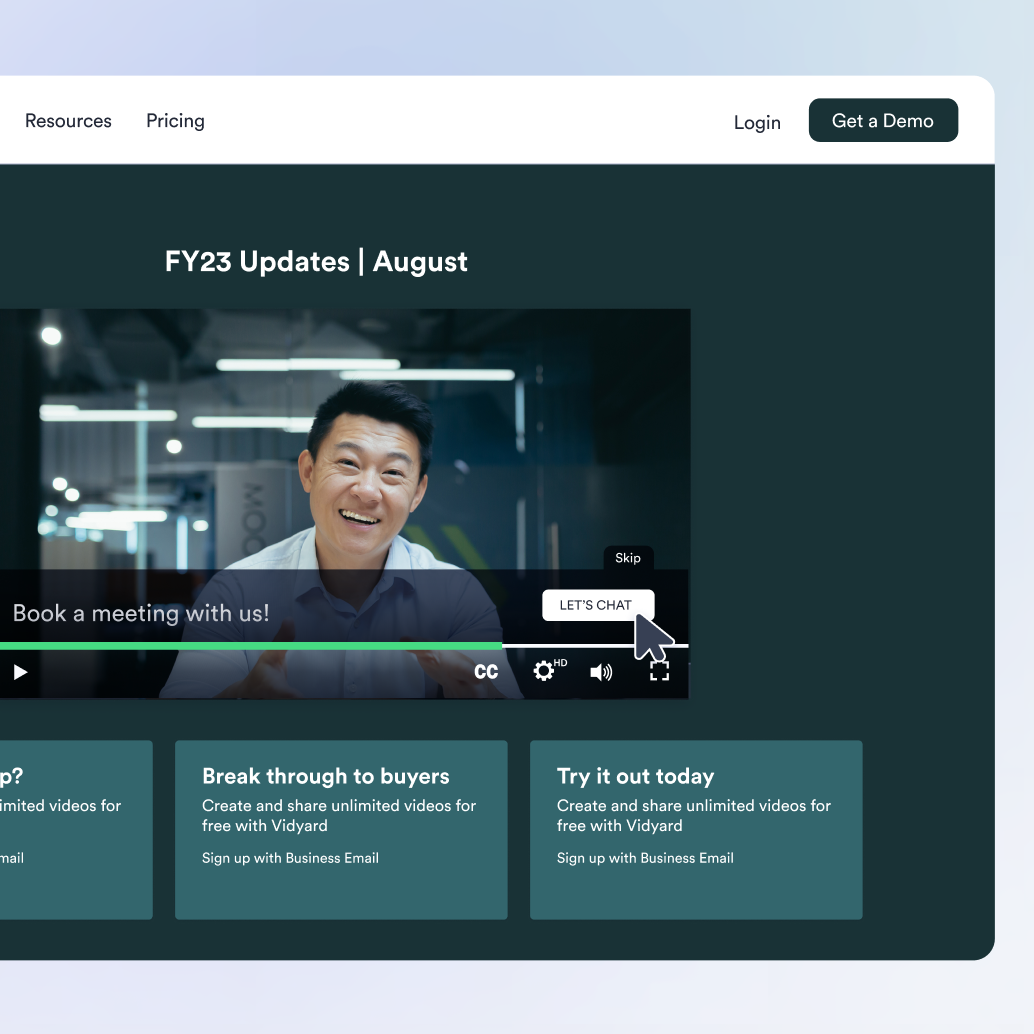
Your buyer is most engaged in the moment right after they finish watching, so that’s exactly when the next step should show up. A CTA inside the video puts it right there, instead of buried in the email underneath it. Links embedded in the player keep the buyer moving forward instead of forcing them back to the email to dig up a resource. Done this way, your follow-up video becomes a conversion moment.
The easier it is for you to record, the more likely this becomes a habit instead of a one-off. When recording lives inside the tools you use, you can send a follow-up the moment a call ends instead of adding it to tomorrow’s to-do list. That’s what Vidyard’s Chrome Extension is built for, recording without leaving the tool you’re already in.
Why video removes the friction instead of adding it
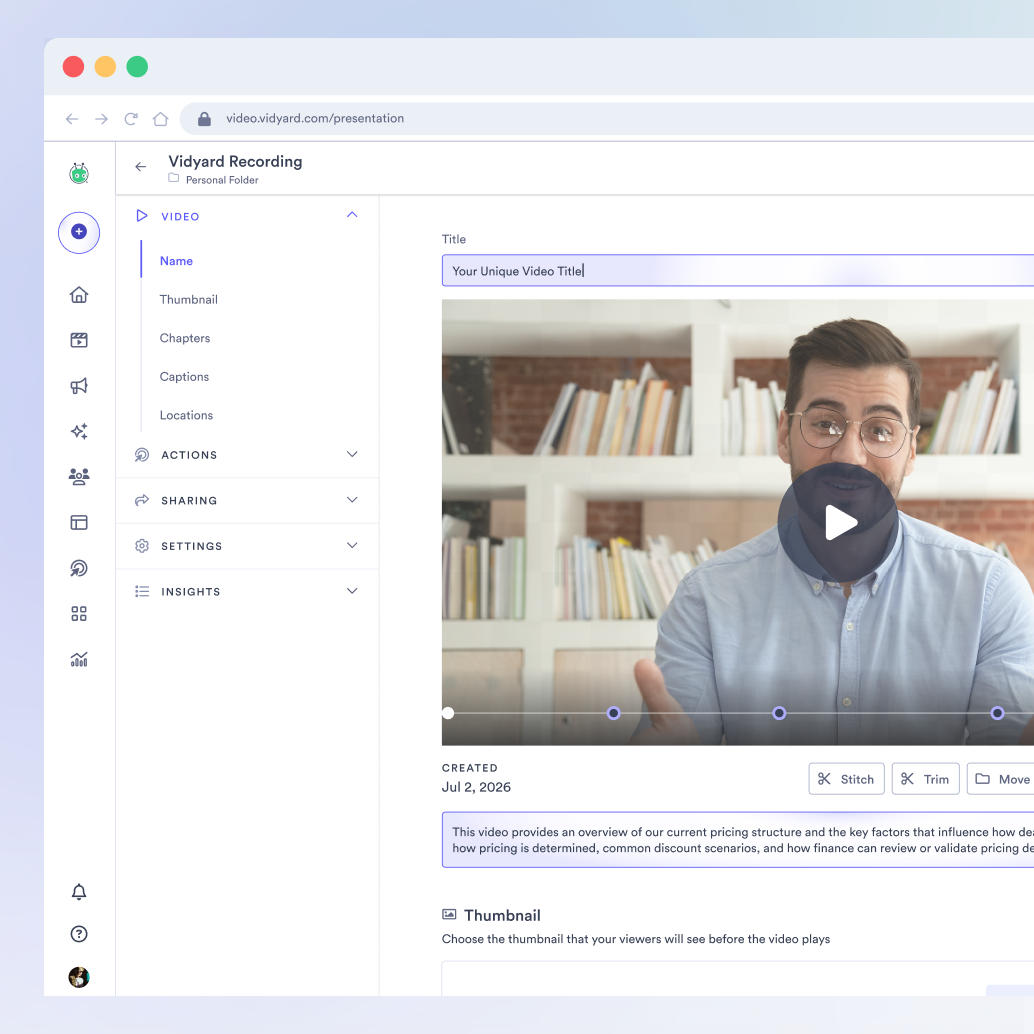
An unstructured video, a raw screen recording with no editing, creates work for the recipient. A structured video, with a title and chapters, does the opposite. What matters is whether the video is built to be skimmed.
Navigability is the whole game here. A buyer who can jump straight to the pricing discussion or the integration walkthrough in 30 seconds is a buyer who actually watches. One who has to scrub through 15 minutes to find it probably won’t. Vidyard’s automatically applied titles, descriptions, and chapters mean your buyer can jump straight to the part that matters without you doing any manual editing.
Video also does something text can’t. It carries tone, facial expression, and presence. That gap shows up in the data. Viewers retain 95% of a message delivered by video, compared to just 10% from text. For a stakeholder who missed the meeting, watching a two-minute recap is the closest thing to being in the room, and with structured video, they can skip straight to what’s most relevant to them.
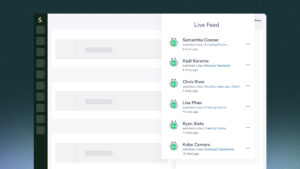
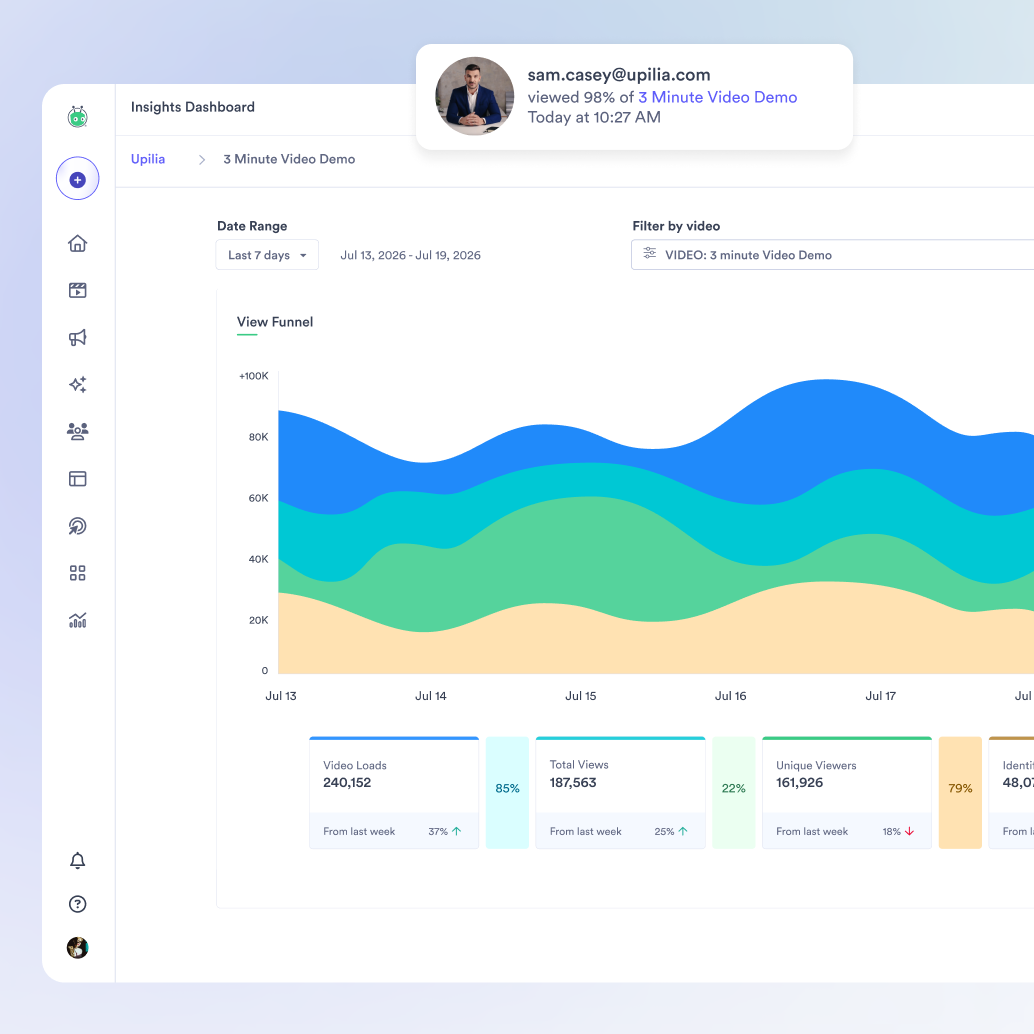
Then there’s the part most sellers overlook. Video tells you what’s happening after you hit send. If a buyer skips straight to the pricing chapter or replays the integration section twice, that’s a signal. You know where their head is before your next call even starts. If a champion reshares the video internally, or a new stakeholder opens it for the first time, you find out the deal is moving again. A follow-up video becomes a live read on deal momentum every time it gets reopened or reshared. Video analytics and view notifications mean you send the video once, and it keeps working for you long after.
Scaling this across your team without losing the human touch
A single rep can pick this up fast. Scaling it across an entire team, without everyone reinventing the format from scratch, is the real challenge.
Consistency matters here. Buyers who talk to multiple reps, or get handed off between teams, notice when the follow-up experience changes shape every time. And some follow-ups call for a different voice entirely. When the right messenger is a VP of Sales or a technical SME, that follow-up shouldn’t wait on their calendar.
Vidyard’s Shared AI Avatars come in when the right voice for a moment belongs to someone who can’t record it personally. Avatars let teams scale that voice without bottlenecking on one person’s schedule. And with Video Agent integrations for Gong and Salesloft, the follow-up video becomes part of the existing workflow instead of one more manual task added to a rep’s day. That same automation extends across the rest of your stack too. Explore Vidyard integrations to see where else this can save your team time.
Video in the follow-up should be built into the cadence your team already runs.
The buyer who can forward your video is the champion you need
A well-structured video is the closest thing to being in the room, even for the stakeholders who weren’t there. It’s also the format most likely to survive the forwarding chain intact. Context, tone, and next step all travel with it, and so do the CTA and the analytics behind it. Every new viewer sees the call to action and their engagement gets tracked, turning a forwarded video into another chance to convert instead of just another chance to be seen.
Compare that to a forwarded email thread, which loses structure the moment it changes hands. A forwarded video link keeps everything the original sender meant to say.
This goes beyond a follow-up. You’re equipping your champion to make the case for you, in a format that actually holds up once it leaves your inbox.
Vidyard makes it easy to record, structure, and send follow-up videos that move deals forward. See it in action.
FAQs
What should sales reps send after a sales call?
Skip the recap email and the raw recording. A short, structured video with a clear next step is easier for buyers to watch and easier for them to forward.
How can sellers make it easier for buyers to share a follow-up video with their team?
Keep the video short, add chapters so it’s easy to navigate, and make sure the next step is clear inside the video itself, not just in the email around it.
What’s the best follow-up format for reps to send after a demo?
A two to three minute video recap with a face, a clear next step, and links to any supporting resources embedded directly in the player.
How do sales reps know if a buyer watched their follow-up video?
Video analytics show who watched, how much, and which sections they replayed, along with notifications when the video gets reshared or reopened.
Do sales reps have to be on camera for a follow-up video to work?
No, profile photo recording lets reps show up as a real person without recording their face on video.
How do reps add chapters or navigation to a sales video?
The easiest way is to let the tool do it automatically. Titles, descriptions, and chapters can be generated the moment a video finishes recording, so buyers can jump straight to the part that matters without any manual editing. Vidyard builds this in by default.