
 Video Messages
Record personal videos to reach more customers.
 Video Agent
Automatically send personalized videos with agentic AI.
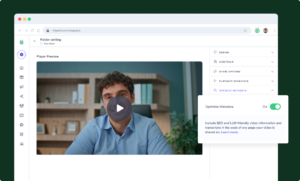
 Vidyard Hosting
Manage all your business videos in one central spot.
 Vidyard AI Avatars
Generate personalized AI videos at scale.
 Vidyard HubsSee All Features →
Curate and share your best videos in one branded page
 Prospecting and Intros
Stand out and improve response rates.
 Sales
Generate more pipeline and close more deals.
 Post-Sales
Keep customers engaged after the deal closes.
MarketingHost video content and convert viewers into leads.
 Converting and Closing
Connect with buyers and close more deals.
 Corporate Comms
Create and deliver an internal communications strategy.
See Vidyard in Action →
“Personalized Vidyard video messages drove an 8x improvement in click-through rates and a 4x improvement in reply rates.” Read More
 Blog
The secrets to virtual selling and video best practices.
Video Agent HubCase studies and how-to videos for every revenue use case.
 Help Center
How-to and help articles for all things Vidyard.
 Fast Forward
Expert advice on all things virtual selling.
 Use Cases
Explore real ways to use video across your business.
AI Resource HubGuides and ideas for using AI in your workflow.
 Case Studies
Learn how our customers win more with Vidyard.
 Live Workshop Series
Showing you exactly how to put video to work.



What is Vidyard?
Oct 21, 2026
·
5 mins

Zoe Janssens
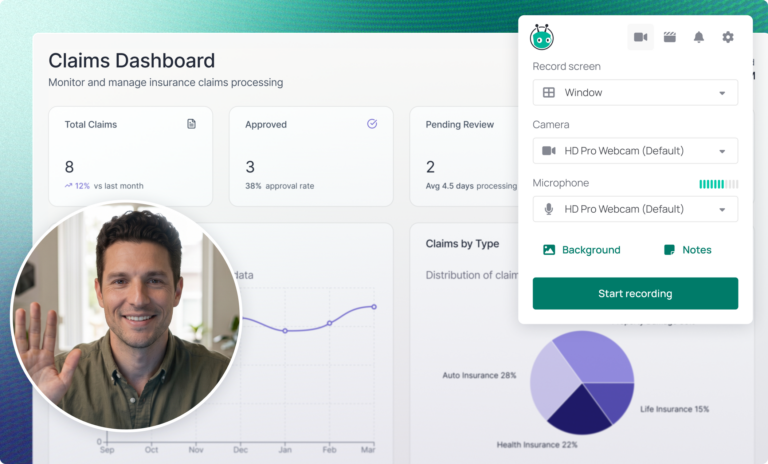
Vidyard is a video platform for revenue teams. Marketing, Sales, and Customer Success teams use it to host and share video, send personal messages, and understand how viewers engage.
Marketing teams use Vidyard to manage videos for their websites and campaigns, add branding and calls to action, and see how people engage. Sales and Customer Success teams send video messages for outreach, follow-up, demos, and onboarding. AI Avatars and Video Agent help teams create and send personalized videos when they need to reach more people.
Vidyard began in 2010, when Michael Litt and Devon Galloway founded the company that later became Vidyard. It started as a University of Waterloo design project solving a real problem: businesses needed a better way to host and share video than YouTube or Vimeo. Today, Vidyard serves over 250,000 teams including HubSpot, Microsoft, LinkedIn, and S&P Global.
Where does Vidyard sit in your stack?
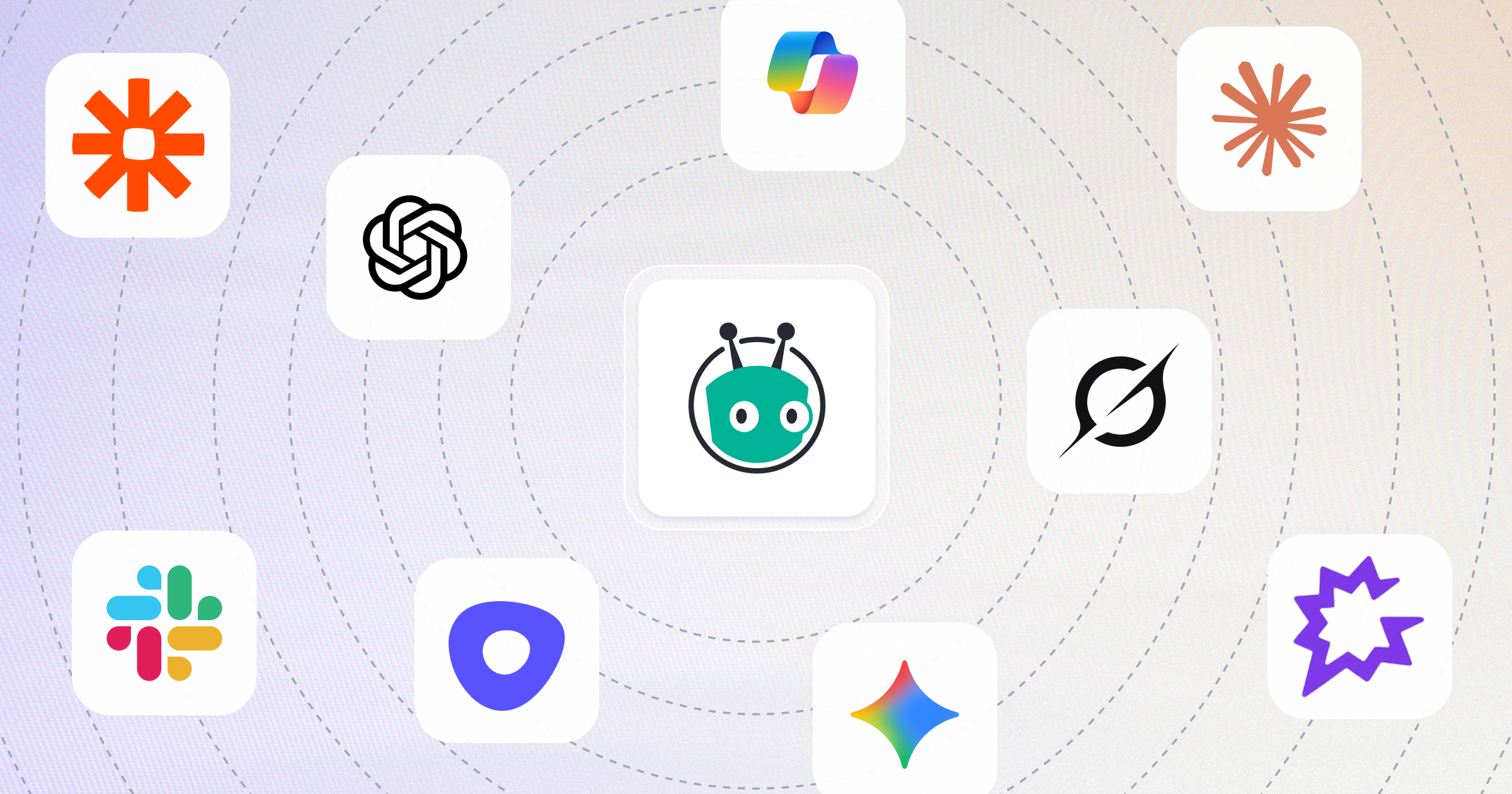
Vidyard sits at the center of your revenue tech stack, connecting to the tools your sales, marketing, and customer success teams already use. The platform turns video into a scalable revenue channel that works across your go-to-market motion.
The platform includes four core products:
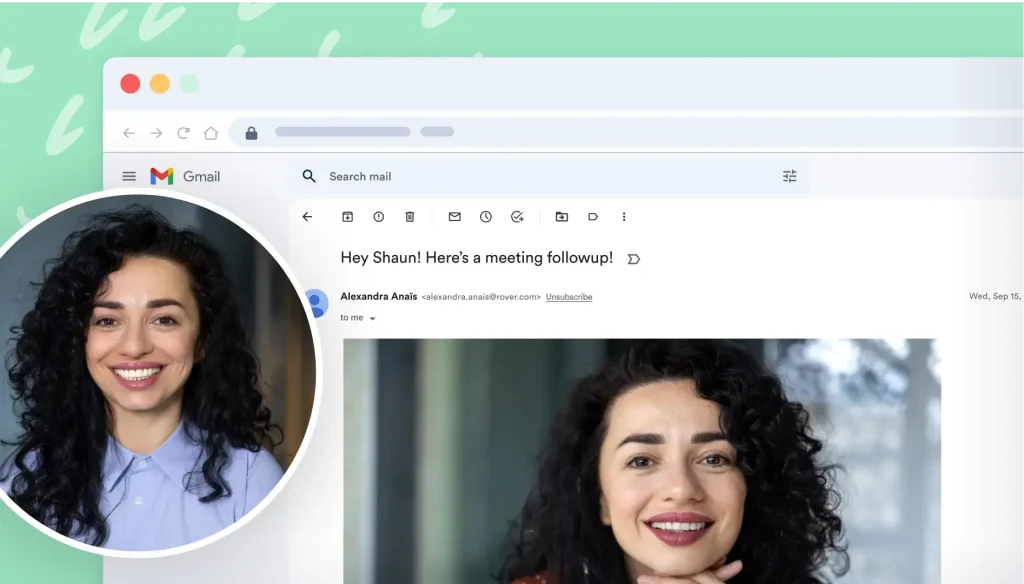
- Video Messages: Record personalized 1:1 videos using screen, webcam, or both. Send directly from your inbox or CRM and get instant notifications on who’s watching.
- Video Hosting: Host and organize videos for your website, email, and campaigns. Use branded playback and calls to action, and see how viewers engage. Vidyard Hubs gives collections of content a branded, on-demand home.
- Video Agent: Automate video creation and delivery based on triggers like CRM activity, meeting bookings, or form submissions. Video Agent sends AI Avatar videos or pre-approved recorded videos based on prospect and customer behavior, automatically, while native HubSpot integration connects video engagement directly to pipeline and revenue.
- AI Avatars: Create realistic AI Avatar versions of yourself so you can turn text into video without recording. Tailor videos with voice optimization tools (speaking speed, expression, polish), custom backgrounds and translation to multiple languages.
Vidyard MCP connects Vidyard to Claude, Slack, Zapier, and other AI tools. Create personalized videos, find the right content, and act on engagement using the context already in your GTM stack, without jumping between tools.
Vidyard features and functionality
Vidyard enables teams to record personalized videos using screen and webcam recording, then edit, brand, and share them with built-in CTAs and customizable sharing pages.
You create custom AI Avatars by recording a 90-second training video. Video Agent then uses your Avatar or pre-approved recordings to monitor revenue workflows and automatically send personalized videos when specific actions occur. For example, when a prospect books a meeting, Video Agent can send a confirmation video. When a lead downloads a resource, Video Agent can trigger a follow-up sequence. When a demo ends, Video Agent delivers a recap with next steps.
On plans with CRM or marketing automation data integrations, Vidyard can sync engagement from identified viewers to customer records.
Detailed analytics track who watched, how long they engaged, which sections they rewatched, and which CTAs they clicked. This engagement data flows into Salesforce and HubSpot, enabling video-based lead scoring, segmentation, and pipeline reporting that connects video activity to revenue outcomes.
Revenue teams send videos manually when personalization matters most, and let Video Agent handle the repetitive touchpoints that used to consume hours of recording time.
Vidyard offers a free plan and paid plans for growing teams. See current pricing for what each plan includes.
Video across your entire revenue stack
Vidyard integrates with HubSpot, Salesforce, Marketo, Salesloft, Zapier, and Gong. See all Vidyard integrations.
HubSpot workflows
Vidyard’s native HubSpot integration lets you trigger videos directly from workflows. When a contact enters a sequence, books a meeting, or completes a form, HubSpot can automatically trigger Video Agent to send a video.
Video engagement appears on contact timelines. Watch time, engagement stats, and CTA clicks sync to HubSpot properties, enabling video-based lead scoring and segmentation.
Revenue teams build video into nurture sequences, ABM plays, and customer lifecycle automation without writing code or managing third-party connectors.
Track video engagement on Salesforce records
Vidyard’s Salesforce integration brings video engagement into the Lead and Contact records your reps already use. Reps can record and send videos from Salesforce Sales Engagement, then see who watched. Teams can build reports and dashboards to analyze video’s impact on pipeline and revenue.
Turn video views into Marketo lead scores
Vidyard’s Marketo integration captures viewer engagement in your Marketo lead records. When Vidyard matches a viewer to an existing lead, the view appears in the lead’s activity log with how much of the video they watched.
Vidyard also logs a lead conversion when someone submits a form in the video or is identified through an email link. Marketers use that data to score and segment leads, build Smart Lists, and enroll leads in automated campaigns.
Time your follow-up with video in Salesloft
Vidyard’s Salesloft integration lets reps add personal video to emails and cadences without leaving Salesloft. Reps can record a video, choose one from their library, or generate an AI Avatar video.
Teams can build cadences with Vidyard video placeholders, so every rep adds a personal touch to outbound. Salesloft shows view data in activity and live feeds, so reps can spot high-intent buyers.
Extend video across thousands of apps with Zapier
Vidyard’s Zapier integration connects Video Agent and video analytics to your entire revenue stack, enabling video automation wherever your workflows live.
Teams use Zapier to trigger personalized videos from form tools, scheduling apps, and marketing platforms, then deliver video links through email, chat, and productivity tools without manual copying.
Pre-built templates help teams get started quickly with common workflows for video analytics, team notifications, and social promotion.
Grab attention with video messages created or auto-generated in Gong
Vidyard’s integration with Gong allows reps to cut through the noise with personalized, timely video messages. Reps can record, send, and automate AI-generated videos without ever leaving their outreach workflow.
By connecting Vidyard’s video engagement data with Gong’s conversation intelligence, revenue teams can understand how video impacts deal outcomes alongside call and meeting insights.
How revenue teams use Vidyard
Sales development
SDRs use AI Avatars to personalize prospecting at scale. Vidyard’s own SDR created 30 videos in under three minutes, enabling personalized outreach that would have taken hours to record manually. BDRs who use video for first touches see up to 5x more replies.
Account executives
AEs use Video Messages for custom demos and Video Agent for automated follow-ups. Video engagement data flows into Salesforce, helping AEs prioritize accounts showing high intent.
Marketing
Marketing teams use Vidyard to create, host, and share video across their channels, including website demos, customer stories, and email campaigns. They can organize the library, keep videos on brand, add calls to action, and use engagement data to see how viewers respond.
AI Avatars can create personalized video messages, while Video Agent can generate and send AI Avatar videos or pre-approved recorded videos from workflow triggers. On plans with data integrations, teams can pass video engagement data into marketing tools for nurture and reporting.
Customer success
CS teams use Video Messages for onboarding walkthroughs and Video Agent for proactive check-ins. When a customer’s usage drops, Video Agent can automatically send a personalized video offering help. When a new feature launches, account managers can deliver custom demos to relevant customer segments.
Results your revenue team can expect from Vidyard
Adia Toll’s BDR team reports a 78% reply rate on outbound. Adia asks prospects to opt in first, then sends a short personalized video. About one in five sequences that include video ends in a booked meeting.
OctoClean, a commercial cleaning franchisor with 70 franchise owners, uses video across sales, onboarding, and training. A private, branded Vidyard Hub keeps training content out of search results. HubSpot view data shows the team when to follow up.
Treering, a custom yearbook company, uses video across sales, marketing, customer success, and operations. One personalized video campaign for a company event earned a 94% open rate and a 53% click-through rate.
Vidyard’s own sales team reported more than $100K in additional monthly revenue after using Video Agent, and reps saved 40+ hours a month on prospecting.
Enterprise security
Vidyard is SOC 2 Type II certified and GDPR compliant. The platform includes SSO, domain restrictions for video playback, IP access controls, custom permissions, and password-protected videos.
Revenue teams in financial services, healthcare, and manufacturing use Vidyard without compromising security or compliance requirements.
Industries that get the most value out of Vidyard
Vidyard serves B2B revenue teams across industries:
- Financial services: Relationship managers send personalized video updates to clients. Sales teams demonstrate complex products through screen-recorded demos while maintaining compliance.
- SaaS: Product marketers create personalized demo videos for target accounts. Sales teams use video throughout the buying cycle, from prospecting to post-sale onboarding.
- Manufacturing: Sales teams send custom video demos of complex machinery to global prospects. Support teams provide visual troubleshooting instructions, reducing support costs.
- Healthcare: Medical device sales reps demonstrate products to busy physicians using video. Providers share pre-op instructions with patients securely.
FAQs
What’s the difference between Vidyard and a video recording tool?
Vidyard goes beyond recording, covering the full video workflow. Marketing teams can host and organize video, add branding and calls to action, and measure engagement. Sales teams can send personal video messages and see how prospects engage. AI Avatars and Video Agent help teams create and deliver personalized videos at scale.
Do I need to be on camera?
Not for every video. You can use a stock avatar without filming yourself. To create a custom AI Avatar of your own likeness, you record a short training video. After that, a written script creates each personalized video.
How does Video Agent work?
Video Agent monitors your CRM and marketing automation platform for specific triggers (meeting booked, form submitted, opportunity stage changed). When a trigger fires, Video Agent automatically sends a custom AI Avatar video or a pre-approved recorded video to the right contact. Learn more about Video Agent.
Does Vidyard integrate with my CRM?
Yes. Vidyard natively integrates with HubSpot and supports connections with Salesforce, Marketo, and Salesloft, plus connections to Gmail, Outlook, LinkedIn, and Slack. The native HubSpot integration is particularly deep. You can trigger videos from workflows and sync engagement data automatically.
How much does Vidyard cost?
Vidyard offers Free, Starter, Teams, and Enterprise plans, with Video Agent available as an add-on on paid plans. See current pricing for prices and plan details.
Is Vidyard secure for enterprise use?
Yes. Vidyard is SOC 2 Type II certified and GDPR compliant, with SSO, domain restrictions, IP access controls, and custom permissions.
What is Vidyard MCP?
Vidyard MCP connects your Vidyard account to AI tools such as Claude, Slack, Zapier, and Gong through Model Context Protocol, a standard that lets AI tools work with other apps. You can create videos, find content, and check engagement without leaving your connected tool.
Can I try Vidyard first?
Yes. The free plan includes 15 AI videos, access to stock avatars, and three custom AI Avatars. You can also request a demo to talk through your use case.
See Vidyard in action
Whether you are publishing video across your website and campaigns or sending personal messages to buyers, Vidyard gives your team tools to share video and understand engagement. AI Avatars and Video Agent can help with personalized video at scale. Request a demo to see Video Hosting, Video Messages, and the AI tools in action.