

















Free Screen Recorder

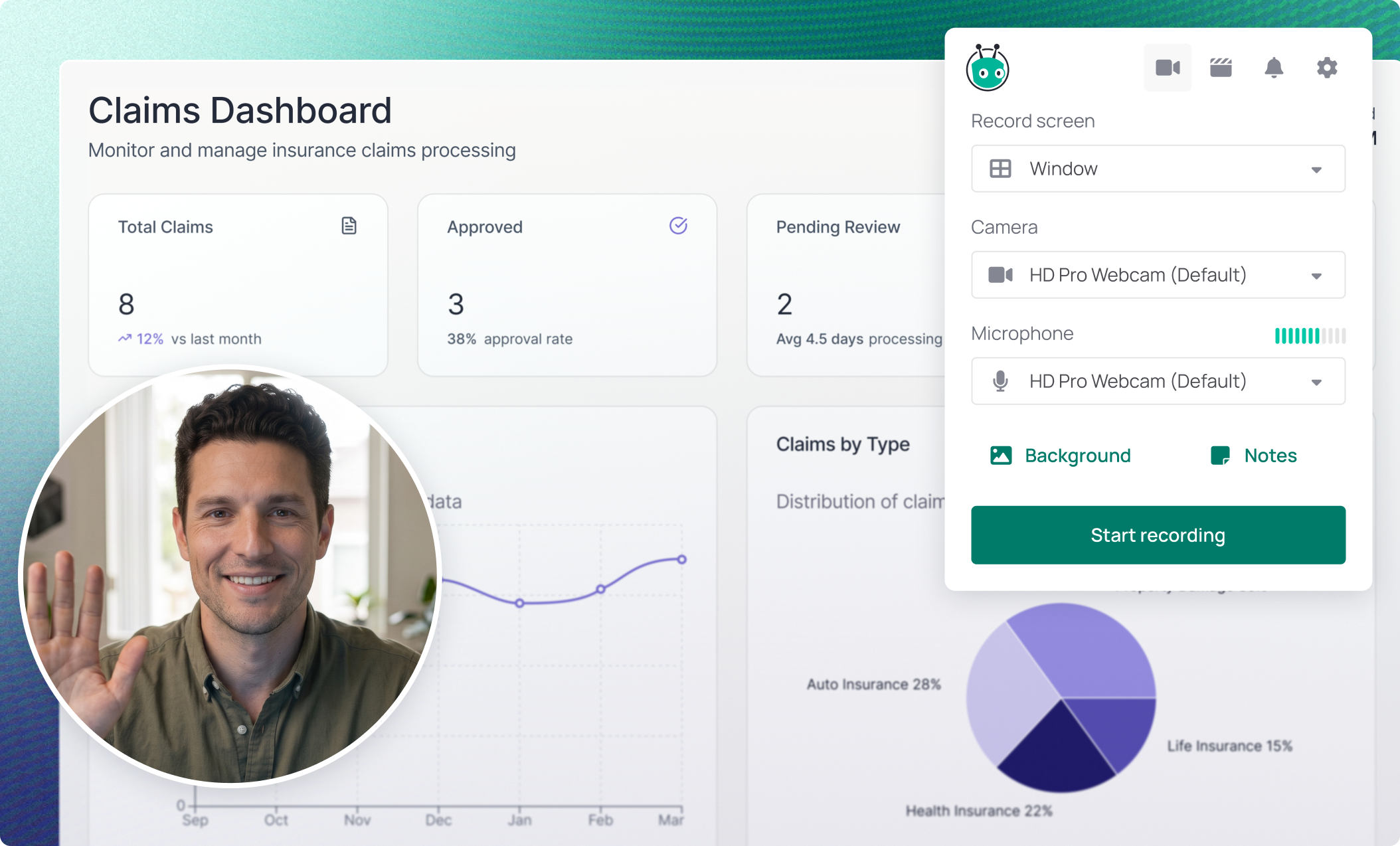
Record your screen and webcam for free. Use Vidyard to create videos from inside your browser or on your desktop, then share them with your colleagues and customers. It’s the best screen recorder for getting real results with video.

Video thumbnail

Record Professional-Quality Videos

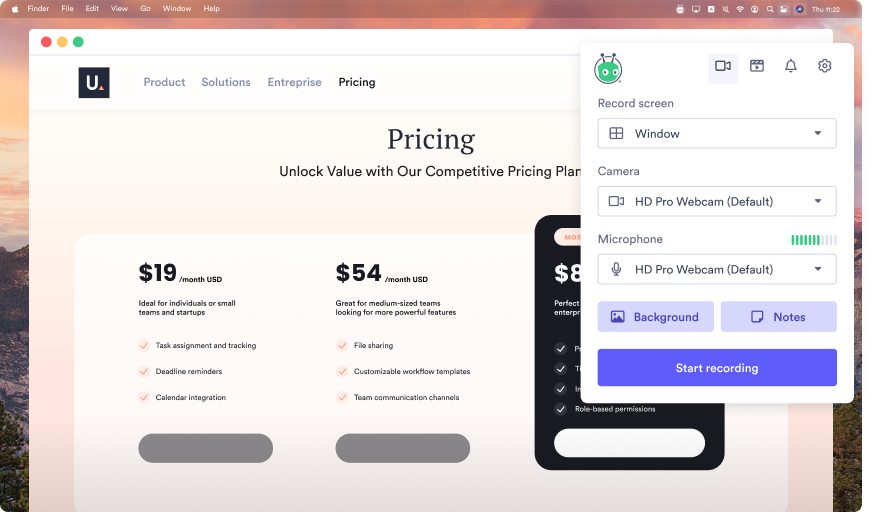
Record your screen, webcam, or both in up to 4K resolution with audio. Choose your browser window or your desktop for your video screen capture.

free-screen-record-1

Edit Your Videos

Use easy, powerful tools to edit your recording and polish your video, then choose the perfect animated thumbnail from your footage.

free-screen-record-2

Share Your Videos

Sharing a video is as easy as copy-pasting a link. And unlike the other guys, Vidyard videos have ad-free playback with no bandwidth limits.

free-screen-record-3

Thousands of companies choose Vidyard

Available on all plans

Free Screen Recorder Features

Record Anything

Vidyard’s computer screen recorder captures footage from anywhere on your screen.

Speaker Notes & Editing

Stay on track with on-screen speaker notes, then trim unwanted video segments.

Track Video Performance

Track view counts and get notifications when people watch your video.

Video Stitching

Needed multiple takes to get it right? Stitch them together into a single video.

Ad-Free Playback

Nobody likes weird ads. We never show ads during video playback.

No Bandwidth Limits

We don’t put limits on how many people can view your video.

easiest-setup-enterprise
grid-leader-enterprise
easiest-to-do-business-with-enterprise
grid-leader-mid-market
regional-leader-emea
grid-leader-small-business

G2 Loves Vidyard’s Free Screen Recorder

Thousands of people are already using Vidyard’s video recording software for free. See what they have to say on G2.

How to Use Vidyard’s Free Screen Recorder

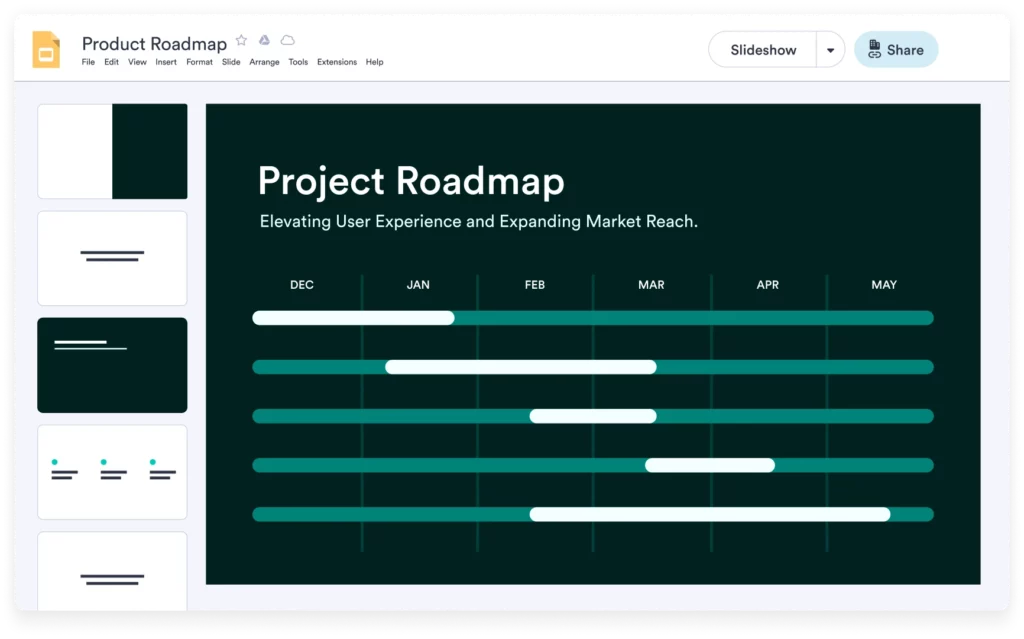
free-screen-record-product-roadmap

  • Create a video to introduce yourself in a memorable way.

  • Turn those “should have been an email” meetings into video updates instead.

  • Record a video to quickly and clearly explain how something works.

  • Record a presentation instead of stressing about delivering it live.

  • Jazz up a job application with a video cover letter.

  • Record project summaries to keep your team on top of recent developments.

Hear from Our Users

“…the plug in allows easy web browser or screen recording so I don’t have to go out of my way with multiple complicated steps or workarounds that I need to do with other similar software.”

Lindsay B.
Lindsay B.

G2 review

“I like that I can quickly send a video to a coworker or client and communicate in 2 minutes what I’d otherwise have to type out that would take me five times as long.”

Brian C.
Brian C.

G2 Review

“Lots to love here! Vidyard helps me send product demos. I also save a ton of time with Vidyard. I can answer questions that normally may require another call or an extremely detailed email.”

Michael B.
Michael B.

G2 Review

Make Better Videos with AI

Make video creation a breeze with AI

Vidyard offers more than just free screen recording. Our AI Script Generator helps you create scripts for each video in a flash.

An illustration of an AI pitch generator being told to write a 30-second sales pitch for Upilia, a product that helps boost workflow management. Below the prompt, the AI-created pitch is shown.

Related Posts


Frequently Asked Questions
Background Pattern Image Top Background Pattern Image Bottom

See why the best sellers use video

Avatar Image
See why the best sellers use video