Prospecting and Intros
Stand out and improve response rates.
 Sales
SalesGenerate more pipeline and close more deals.
 Sales Support
Set your sales team up for success.
 Marketing
Host video content and convert viewers into leads.
 Converting and Closing
Connect with buyers and close more deals.
 Corporate Comms
Create and deliver an internal communications strategy.
See Vidyard in Action →
“Personalized Vidyard video messages drove an 8x improvement in click-through rates and a 4x improvement in reply rates.” Read More
 Blog
BlogThe secrets to virtual selling and video best practices.
 Video Agent Hub
Case studies and how-to videos for every revenue use case.
 Knowledge Base
How-to and help articles for all things Vidyard.
 Fast Forward
Expert advice on all things virtual selling.
 Templates
Free sales templates for every stage of the deal cycle.
 FAQ
FAQGet the answers to your top Vidyard questions.
 AI Resource Hub
Guides and ideas for using AI in your workflow.
 Case Studies
Learn how our customers win more with Vidyard.








How to Make Demo Videos that Win New Business
Mar 4, 2020
·
6 min read

Chris Gillespie

You can use demo videos to explain and sell your product. They speed up buying cycles and save your time. Learn the secret to recording captivating demos.
Think about the last infomercial you saw, maybe showing the amazing qualities of some revolutionary cleaning product (Shamwow, anyone?). Imagine the most recent time you went to a big box store and there was someone there showing off the features of a fancy new blender.
These displays can be borderline mesmerizing. But why? There’s just something about seeing a product in action that piques peoples’ interest and captures their attention.
That’s why your business needs demo videos.
Table of Contents
What is a Demo Video?
A demo video (short for product demonstration video) is a practical exhibition of how something works to educate your viewer. For example, showing how to use software, setting up a new device, or explaining a complex topic. Keep your product videos simple. If you focus on solving the viewer’s immediate problem, they can be a powerful, repeatable sales and marketing tool.
Blake Smith, Vidyard’s Creative Director, takes a look at demo videos, explaining what they are and how to make a good one. Along with Mat King, Vidyard’s Video Production Manager, he breaks down an example product video to highlight what goes into creating an effective one.
Benefits of Demo Videos
The biggest benefit to recorded demo videos is that they’re repeatable. An unlimited number of viewers can watch the same information in video format, which is a lot more approachable than a long block of text.
Demos also provide entertainment value: People love videos, which take very little mental effort to consume, and many buyers expect them.
Demo videos are:
- Repeatable
- Entertaining
- Great at explaining things simply
- Inexpensive
- Personal
Demo videos about your product, also known as product videos, help get true information about your product in front of buyers early in their buying cycle, which can generate more qualified and faster-moving leads. Buyers who watch product demo videos early on are more resistant to misinformation from competitors, making this an incredibly valuable type of video.
“Product-level demo videos are a fantastic way to free up time and empower sales reps. It can also help qualify prospects early on in the deal cycle before they commit to a full demonstration.”

Stephanie Yi
Vidyard Senior Solutions ConsultantTypes of Demo Videos
There are several ways to record a demo video, and it’ll largely depend on your product or service. If you sell something physical, you can set up a smartphone, laptop, webcam, or digital camera to record you. If you sell something intangible like a service or software, you can use a screen recording tool to capture your computer or smartphone screen.
Of course, don’t rule out good old fashioned presentations. Record yourself speaking in front of a whiteboard, projector screen, or audience—or use a screen recorder to share your slides with narration.
3 Main Types of Demo Videos
There are three main types of demo videos that businesses can leverage to educate people about their product.
- Recorded Demo: A pre-recorded step-by-step walkthrough.
- Live Demo: A live step-by-step walkthrough via video conference.
- Overview Demo: A brief explanation of what your product does without much detail.
Common Demo Video Styles
While there are lots of different ways to record a demo, there are few demo video styles that tend to be more popular than other options.
- Desktop screen capture
- Desktop screen capture plus selfie webcam capture
- Smartphone screen capture
- Live demo, via teleconference
- Animated product demo video
- Live action video of you talking

Ready to make a demo video? This list covers all the things you need to know to get it right.
Demo Videos Checklist
Your go-to list of all the things you need to remember when making demo videos.
Demo Video Channels
Demo videos can be an incredibly versatile format, meaning they can be used in a variety of ways across lots of different video distribution channels.
Try using demo videos:
- On your website (on your homepage, solutions pages, landing pages, or even your blog)
- In emails to either prospects or customers
- As sales enablement materials to share with prospective buyers
- For customer support and experience teams highlighting new features or product tiers
- In digital ad campaigns
Demo Video Strategy
Don’t go recording demo videos before you know what problem you’re solving for the viewer. If you’re creating a high-level product demo, what questions do viewers typically have? What about the product is most unclear?
Also, find out where they watch it. Smartphone and desktop video formats vary, and if you don’t prepare for one, the other, or both, you may end up with subtitles that are difficult to read or audio that’s difficult to hear.
Salespeople and marketers should use demo videos to unstick prospects from a particular stage of the funnel. For instance, are site visitors not converting? Place a brief demo video on the homepage to make the benefits clear. Are prospects hesitant to take a call with a salesperson before they know what they’re getting into? Give them a taste with a 90-second product demo video that ends in a cliffhanger.
Demo videos are great in lots of scenarios:
- Top of Funnel: Use a short brief demo video to highlight benefits.
- Middle of Funnel: Use an overview demo to explain capabilities. (Post it on YouTube, for discoverability.)
- Bottom of Funnel: Use a demo video to explain features.
You can also think of demos as a time-saving device. Wherever your team repeatedly answers questions with live demonstrations, consider recording them. You can build shareable libraries of demo videos, one for prospects, one for customers, and one for employees.
If you wait for prospects to come to you, it’s often too late. They already have preconceptions and biases that are difficult to overcome.

Alon Waks
Bizzabo VP of MarketingTips for Recording Demo Videos
Wondering how to record a demo video? Keep these key things in mind.
- Minimize the amount of motion. Too much movement can be disorienting.
- Avoid jargon and acronyms. Don’t assume your buyers know what you know. Spell things out whenever possible.
- Make it accessible. Add captions (or subtitles) and text-to-speech options.
- Make it consistent. If you’re creating a series of demos, use a consistent introduction, outro, and flow.
Demo Video Best Practices
The best demo videos solve a problem or pain point for the viewer. Search YouTube for how-to videos and you’ll see for yourself that the most interesting ones get right to the point, explain why things work the way they do, and end abruptly when the question is answered.
- Keep it short. Two minutes is ideal, with a maximum of five minutes. This is long enough to explain clearly but not so long that it exceeds the average viewer’s attention span. Plus, you can always end with a link to a longer demo for those who are interested. Or, even better, end with a link to book a live demo with your sales team.
- Keep it simple. Resist the temptation to pack the video with information. It’ll make your product or service seem more complicated than it is, and sometimes it’s good to leave some questions unanswered so viewers feel compelled to contact sales.
- Conduct research. Make a list of questions buyers ask and use the demo to answer them.
- Have an intriguing thumbnail so viewers click. The most interesting demo on earth won’t have any impact on sales pipeline if people don’t click the thumbnail watch.
- Have a hook, so audiences watch past the first few seconds. You have, on average, just a few seconds to capture someone’s attention.
- Use a script. It’ll ensure that you cover everything you intend to, and saves the narrator time.
- Practice before shooting to keep it concise. Two minutes isn’t a lot of time. The more you practice, the more wisely you can use it.
- Avoid filler words like “umm” or softeners like “sort of.” They dilute your message and make you sound uncertain.
More than anything, personalize the demo for the intended viewer.
“The more you can tailor your demos to your audience, the better,” says Stephanie. “What matters to a senior leader is different from the end user.”
If there are lots of stakeholders, “don’t be afraid to split the video into several sections that speak to each individually,” says Stephanie. “End each one at a natural breakpoint in your demo flow, and compile a playlist. That way, when prospects look at the content, they can easily navigate to the parts that are most specific to their needs.”
It also never hurts to fall back on classic storytelling principles.
“As storytellers, our job is to use demo visuals to tell a narrative,” says Petar Obradovic, Senior Solutions Consultant at Salesforce. “Stories evoke emotional responses and those feelings linger long after the features are forgotten. Great demos should sound more like a Pixar script than a visual user manual.”
Ready to make a demo video? This list covers all the things you need to know to get it right.
Demo Videos Checklist
Your go-to list of all the things you need to remember when making demo videos.
9 of the Best Product Demo Videos
Below are nine of the best product demo videos we’ve seen. Let these demo video examples serve as inspiration for your next product tour.
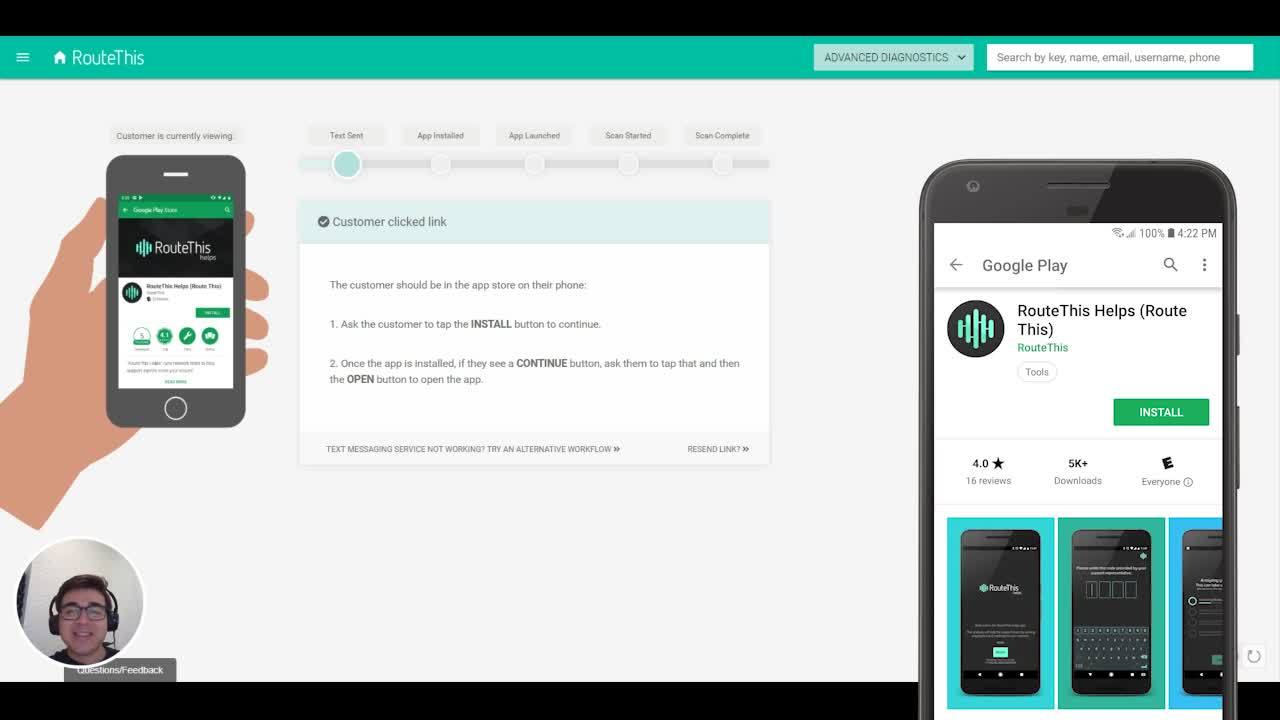
1. RouteThis Product Teaser
Short, pointed, and the promise is in the title: “Lightning demo.”
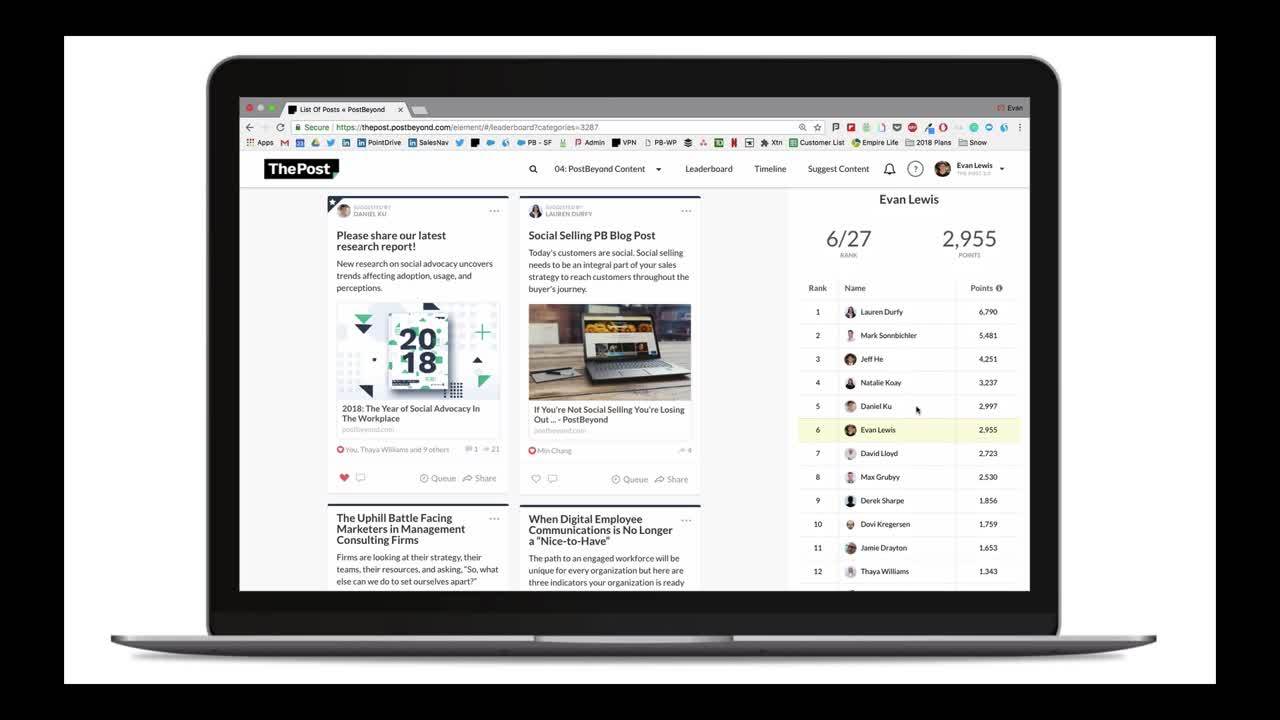
2. PostBeyond Two-Minute Product Tour
It’s got a clean, finished look, and guides the viewer’s eye with a highlight around the cursor.
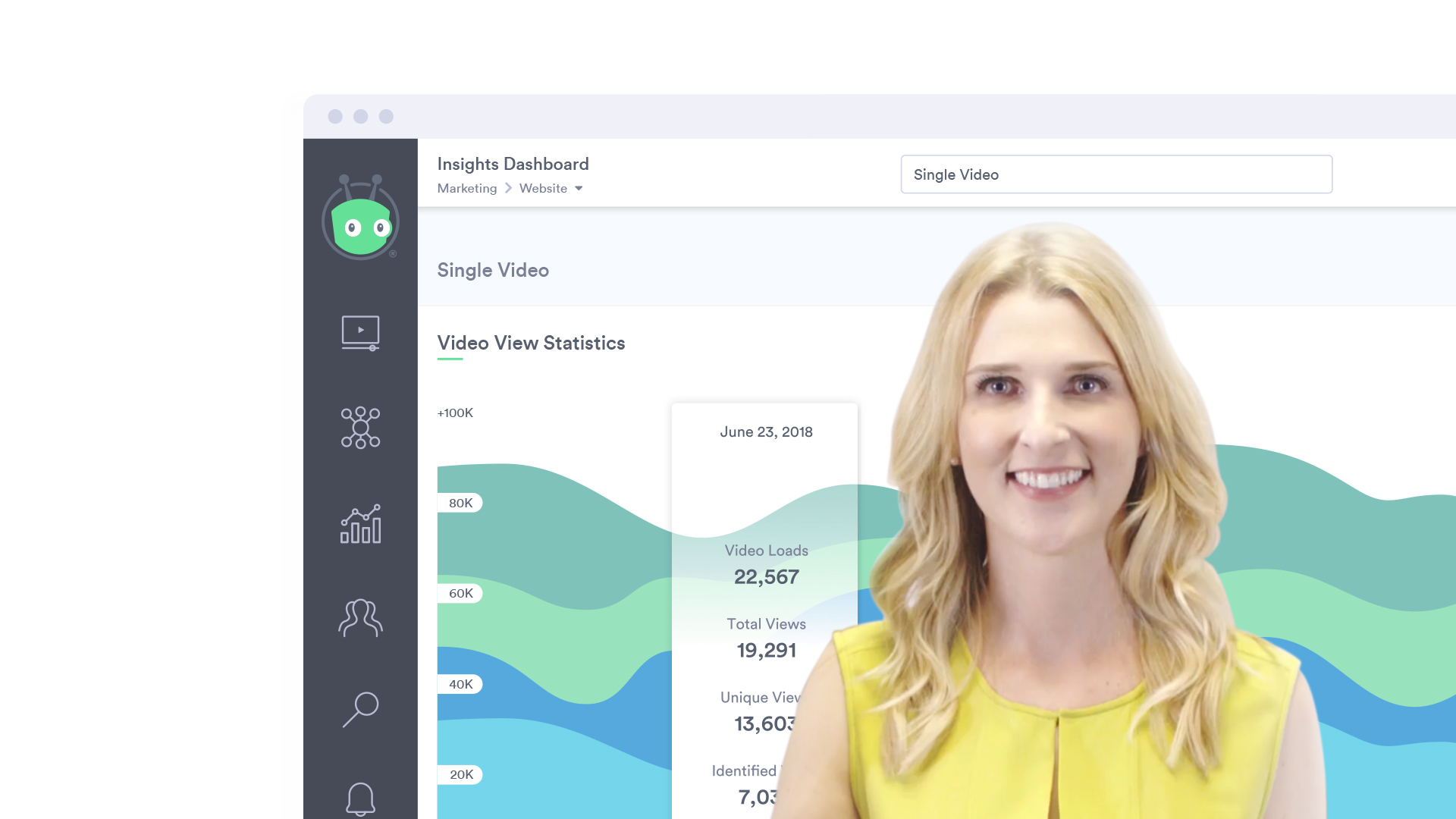
3. Vidyard’s 3-Minute Product Tour
This tour mixes live action actors with a product demo and delivers a ton of value in under three minutes.
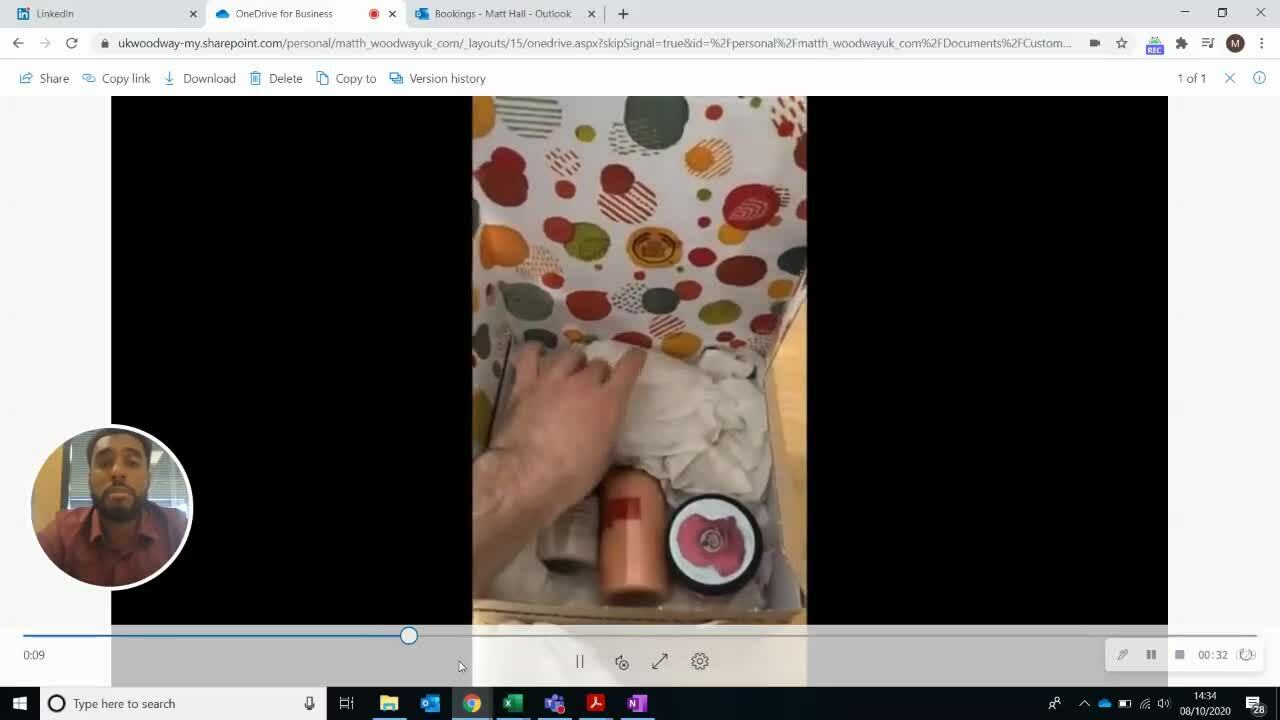
4. Woodway UK’s Hands-On Demo
Working for a packaging company, Matt Hall made an unboxing video to show prospects where they’re going wrong, and how he can help.
5. Theta Lake’s Integration Demo
This video has a simple, satisfying click flow with narration.
6. SalesLoft’s Product Overview
Succinct, clear, and targeted: It mentions other software systems its viewers likely use.
7. Engagio’s Product Overview
The demo combines live actors with animation, clear narration, and an overall elevated feel.
8. Hootsuite’s Feature Overview
Uses clear diagrams and an abstract, simplified version of the interface to make things clear.
9. Lyft’s App Update Demo
Uses slick animations and a fun soundtrack.
Ready to make a demo video? This list covers all the things you need to know to get it right.
Demo Videos Checklist
Your go-to list of all the things you need to remember when making demo videos.